





Lamtto CarPlay Smart Screen Troubleshooting Guide (2026)
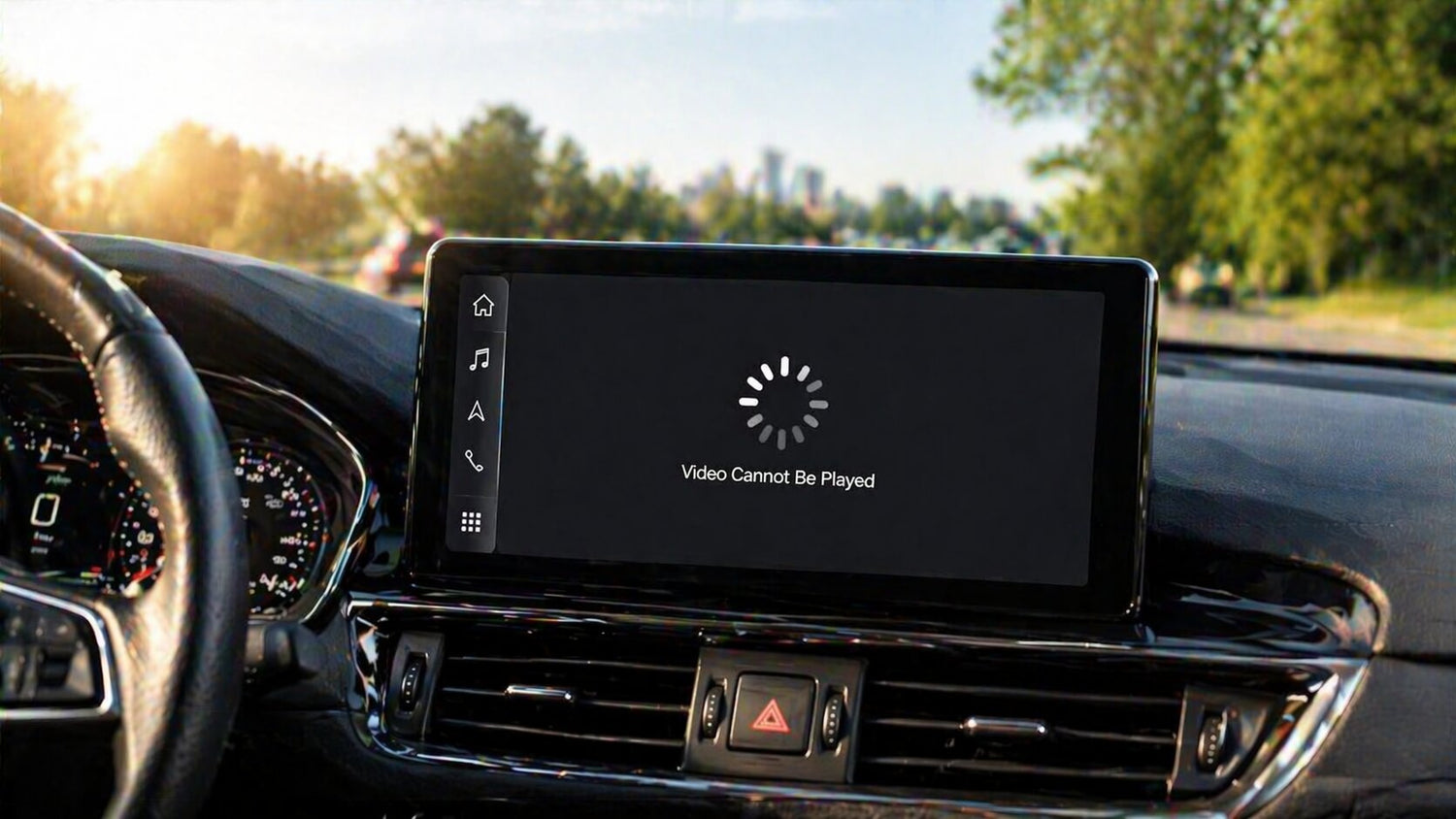
If you’re using a Lamtto smart CarPlay screen and have run into issues like not being able to download videos, view recordings on your phone, or missing online video features — don’t worry.
These are common questions many users have, and in most cases, they are related to device design, system updates, or usage methods, not product defects.
In this guide, we’ll walk you through clear and practical solutions to help you get the best experience from your device.
1. Why Can’t I Download Recorded Videos to My Phone?
If your Lamtto device comes with a DVR (dash cam) function — meaning it includes front and/or rear cameras — you may expect to download videos directly to your phone.
👉 However, here’s the key point: The dashcam system does NOT support connection to any mobile app. So:
❌ You cannot transfer or download videos to your phone
❌ There is no WiFi/App playback function
✅ Recommended Solution
To access your recorded videos:
- Remove the TF (microSD) card from the device
- Insert it into a card reader
- Connect it to your PC or laptop
- Open and view the video files directly
👉 This is the fastest and most stable way to review footage.
📱 2. Can I View Dashcam Videos on My Phone?
We understand that many users prefer viewing videos directly on their phones for convenience.
However:
👉 It is currently not supported to view recordings on your phone.
✅ What You Can Do Instead
You have two reliable options:
✔️ Playback directly on the CarPlay screen (if supported)
✔️ Use a computer (PC/Mac) for full video access
💡 Why?
This design ensures:
- More stable recording performance
- Better storage efficiency
- Reduced system complexity

🚀 Want to View Your Camera Anytime on Your Phone?
If you prefer real-time remote access from your phone, you may consider a different type of solution like the
👉 Lamtto DC22 4G Car Security Camera
Unlike traditional dashcams, DC22 is designed for smart remote monitoring:
✔️ View your car anytime, anywhere via mobile app
✔️ Check both inside and outside your vehicle in real time
✔️ Perfect for parking security, theft prevention, and peace of mind
📶 Important Note
To enable remote viewing, the DC22 requires a 4G data connection (SIM card).
👉 This means:
- A data plan is needed for full remote access
- You can monitor your vehicle even when you're far away
🔄 Flexible Usage
Not ready to use mobile data?
No problem — the DC22 can also function as a standard dashcam, recording your drives just like a regular device.
Summary
- Standard CarPlay dashcams → stable recording, no phone playback
- DC22 4G camera → real-time mobile viewing + remote security
Choose based on how you want to use your device.

🎬 3. Why Did Online Video Apps Disappear?
Some users have reported that online video features (like streaming apps) are no longer available.
👉 This is due to:
A system update where online video functions were removed.
📌 What You Should Know
- The change is intentional from the system side
- It helps improve:
System stability
Performance
Compatibility
🔄 What to Do
If you encounter this issue:
👉 Reconnect your device and system again
Steps:
- Restart your device
- Reconnect your phone
- Ensure stable WiFi (if needed)
⚠️ Common Misunderstandings
Here are a few important clarifications:
❌ Not all CarPlay screens support app downloads
❌ DVR ≠ mobile app control
❌ Some features may change after updates
✅ Final Thoughts
If you’re experiencing issues with your Lamtto smart screen, remember:
👉 Most problems are not hardware failures, but simply:
- Usage misunderstandings
- System updates
- Connection methods
By following the solutions above, you can quickly get your device back to normal.
💬 Need Help?
If you still have questions or need support:
👉 Feel free to contact Lamtto support — we’re always here to help you get the best experience from your device.

Commenta
Nota che i commenti devono essere approvati prima di essere pubblicati.
Questo sito è protetto da hCaptcha e applica le Norme sulla privacy e i Termini di servizio di hCaptcha.