





Wireless CarPlay Screen
with Video Apps
Choose your model for app setup, Wi-Fi hotspot guidance, connection troubleshooting and FAQs.
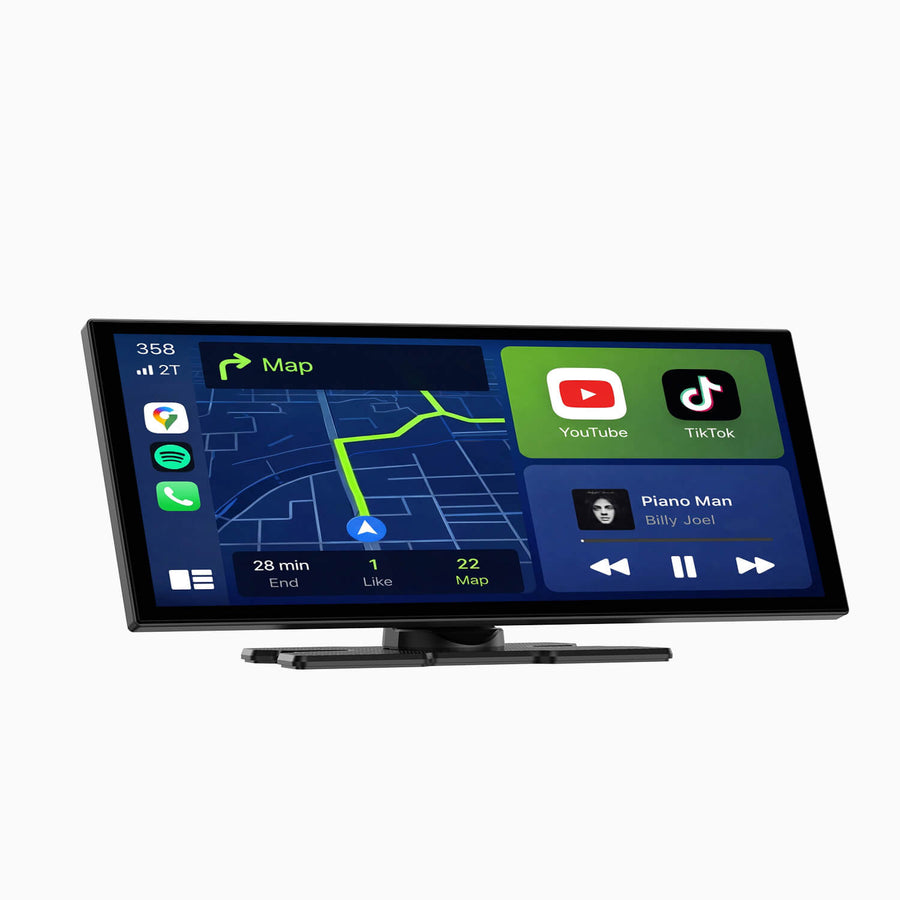
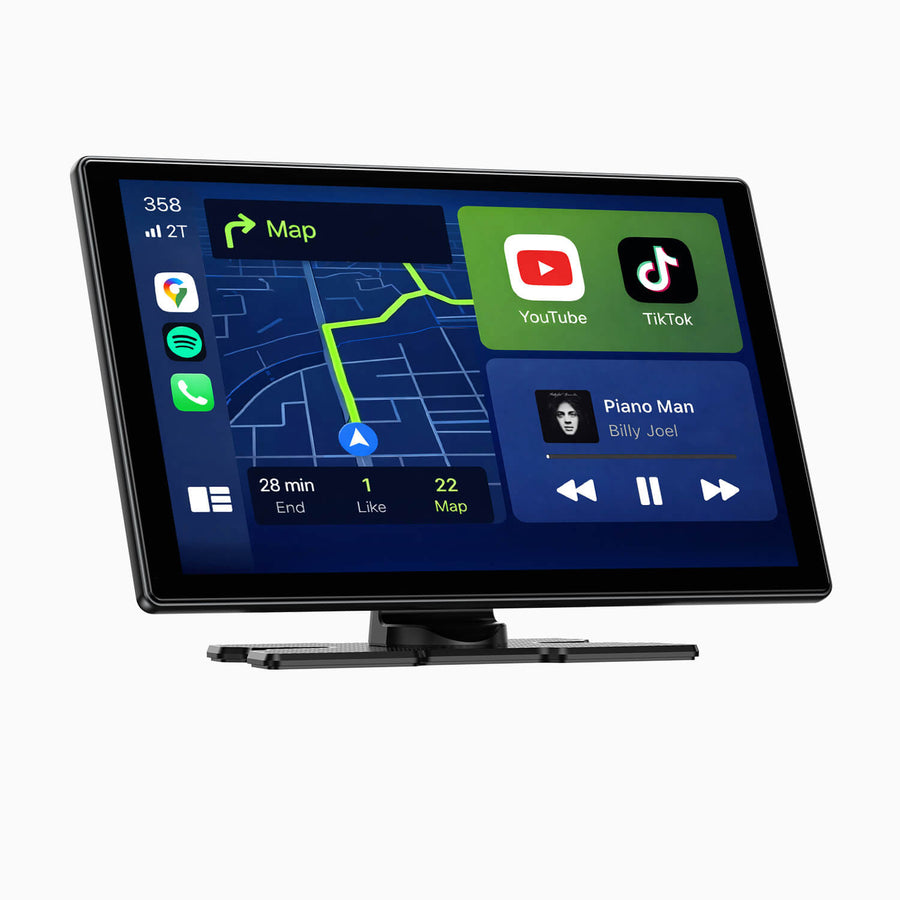
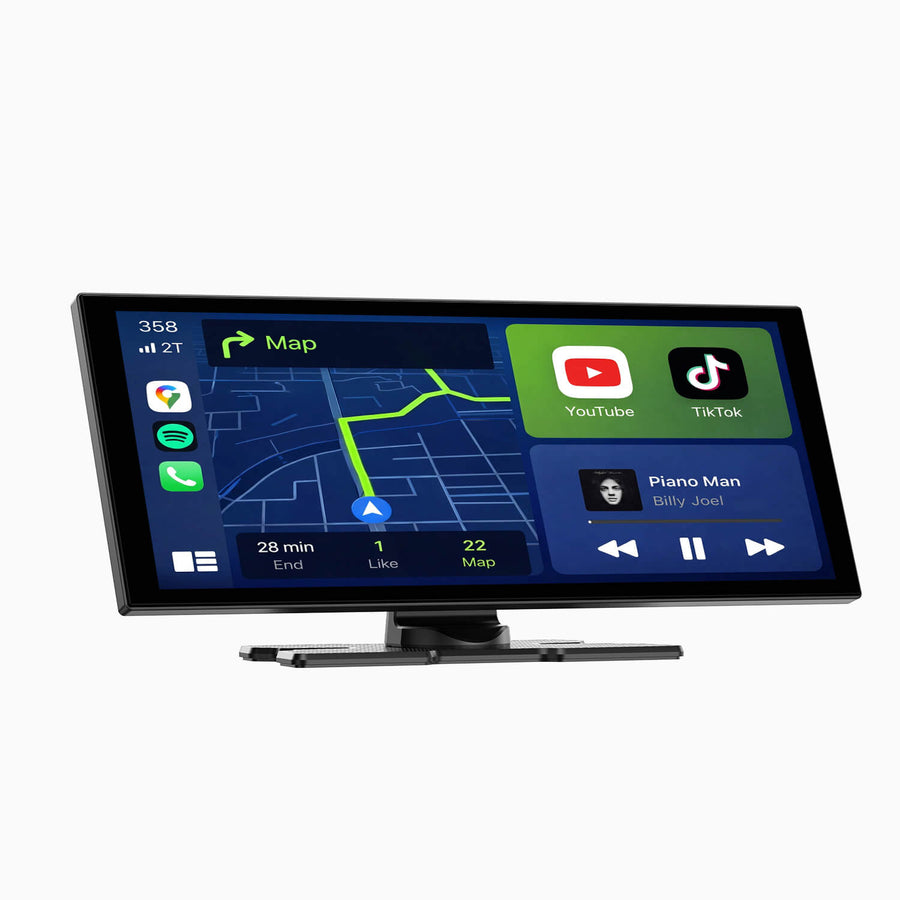
Wireless CarPlay AI Box
Choose your model for installation, mode switching, internet setup, manuals and troubleshooting.
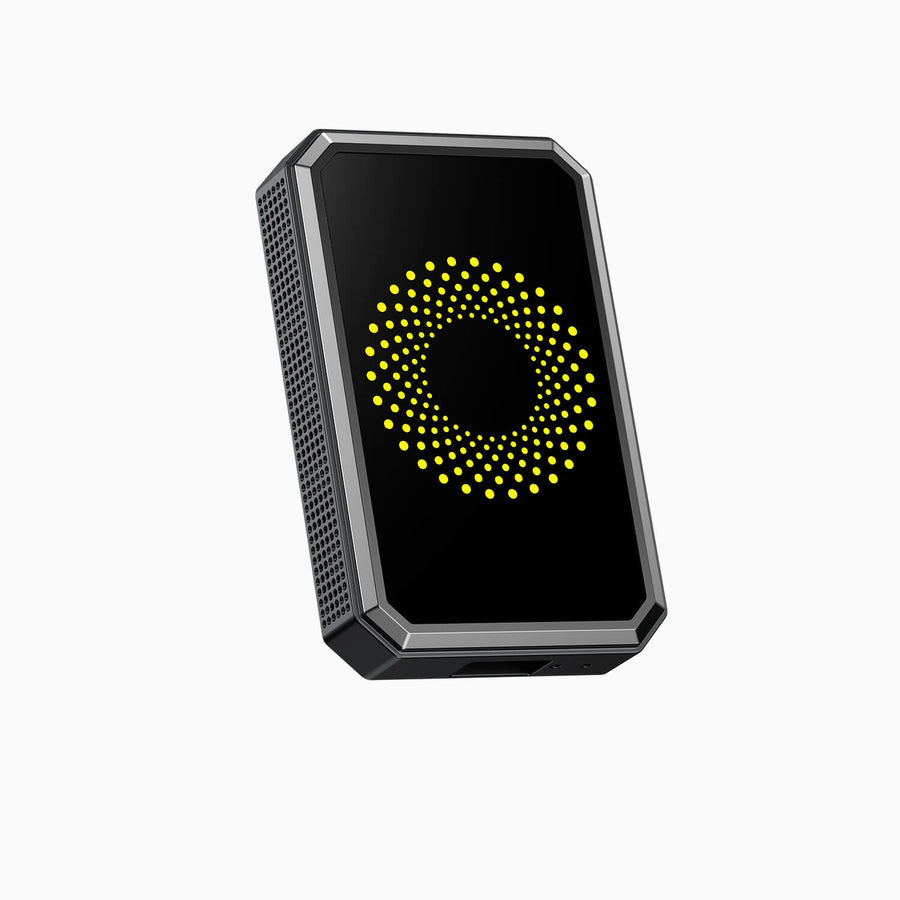
Wireless CarPlay Screen
Choose your model for quick-start instructions, installation videos, troubleshooting and FAQs.
 WIRELESS CARPLAY SCREENRC14Quick Start · Videos · FAQsGet support →
 WIRELESS CARPLAY SCREENRC18Installation · Videos · FAQsGet support →
 WIRELESS CARPLAY SCREENRC17Setup · Videos · TroubleshootingGet support →
 WIRELESS CARPLAY SCREENRC07Setup · Rear Camera · FAQsGet support →
 WIRELESS CARPLAY SCREENRC08Quick Start · Connection · FAQsGet support →
 WIRELESS CARPLAY SCREENRC11Navigation · Videos · FAQsGet support →
 WIRELESS CARPLAY SCREENRC13Setup · Videos · FAQsGet support →
 WIRELESS CARPLAY SCREENRC16User Guide · Videos · FAQsGet support →
Wireless CarPlay Adapter
Choose your model for pairing help, connection fixes, firmware updates and compatibility guidance.
 WIRELESS ADAPTERRC20Connect · Firmware · CompatibilityGet support →
 WIRELESS ADAPTERRC21Pairing · Stability · FirmwareGet support →
 WIRELESS ADAPTERRC22Setup · 5GHz Wi-Fi · Connection FixesGet support →
 WIRELESS ADAPTERRC24Quick Setup · Firmware · TroubleshootingGet support →
 WIRELESS ADAPTERRC34Manual · AirPlay · Miracast · FirmwareGet support →
 CAR TV MATE PRORC25HDMI Setup · Wireless CarPlay · VideoOpen guide →
Dash Cam
Choose your model for installation, app setup, SD card guidance and troubleshooting.


Try these first.
Quick answers to the issues customers ask about most.
Still need help? Contact usHow do I check whether an adapter fits my car?
A wireless adapter requires a factory-installed wired CarPlay or wired Android Auto connection. Connect your phone to the car with a data cable first. If wired CarPlay or Android Auto opens, an adapter is generally suitable. Check your vehicle with the compatibility tool or contact us before ordering if you are unsure.
CarPlay or Android Auto will not connect.
Use the vehicle's USB data port rather than a charging-only port. Make sure Bluetooth and Wi-Fi are enabled, remove the old pairing record, restart the phone and device, then pair again. Android users should also confirm that the vehicle and product are set to Android Auto mode.
The device connects but there is no sound.
Check the audio output selected on the LAMTTO device and use the matching source on the car stereo: Bluetooth, FM or AUX. Raise the volume on the phone, device and car. For AUX buzzing or interference, Bluetooth audio usually provides the cleanest result; an AUX ground-loop isolator may also help.
Why will Netflix or YouTube not play?
Streaming apps require a model with built-in video apps or a compatible AI box, plus an internet connection from Wi-Fi or a phone hotspot. Standard CarPlay screens and wireless adapters do not run standalone video apps. For safety, use entertainment features only while parked.
Why does my dash cam stop recording or fill the SD card?
Use a supported high-speed SD card, format it in the dash cam and enable Loop Recording. G-Sensor and Parking Monitor events create locked files that are not overwritten, so delete or format locked recordings when storage becomes full. Check your model guide for the supported card type and maximum capacity.
Why is Parking Monitor not working?
Parking monitoring normally requires a compatible hardwire kit and correct BAT+, ACC and ground connections. Confirm that Parking Monitor is enabled in the device settings. Because wiring and operating modes vary by model, follow the model-specific guide and use professional installation when working with the fuse box.
Where can I get the correct firmware?
Only install firmware supplied for your exact product model and hardware version. Never use a file from another LAMTTO model. Open your model's support page or contact technical support with your order number, model name and a photo of the Configuration or Firmware Version screen.
What should I send when contacting support?
Include your order number, exact product model, a clear description of the issue, and photos or a short video if available. Tell us which troubleshooting steps you have already tried. Complete information helps the support team provide the correct solution faster.