





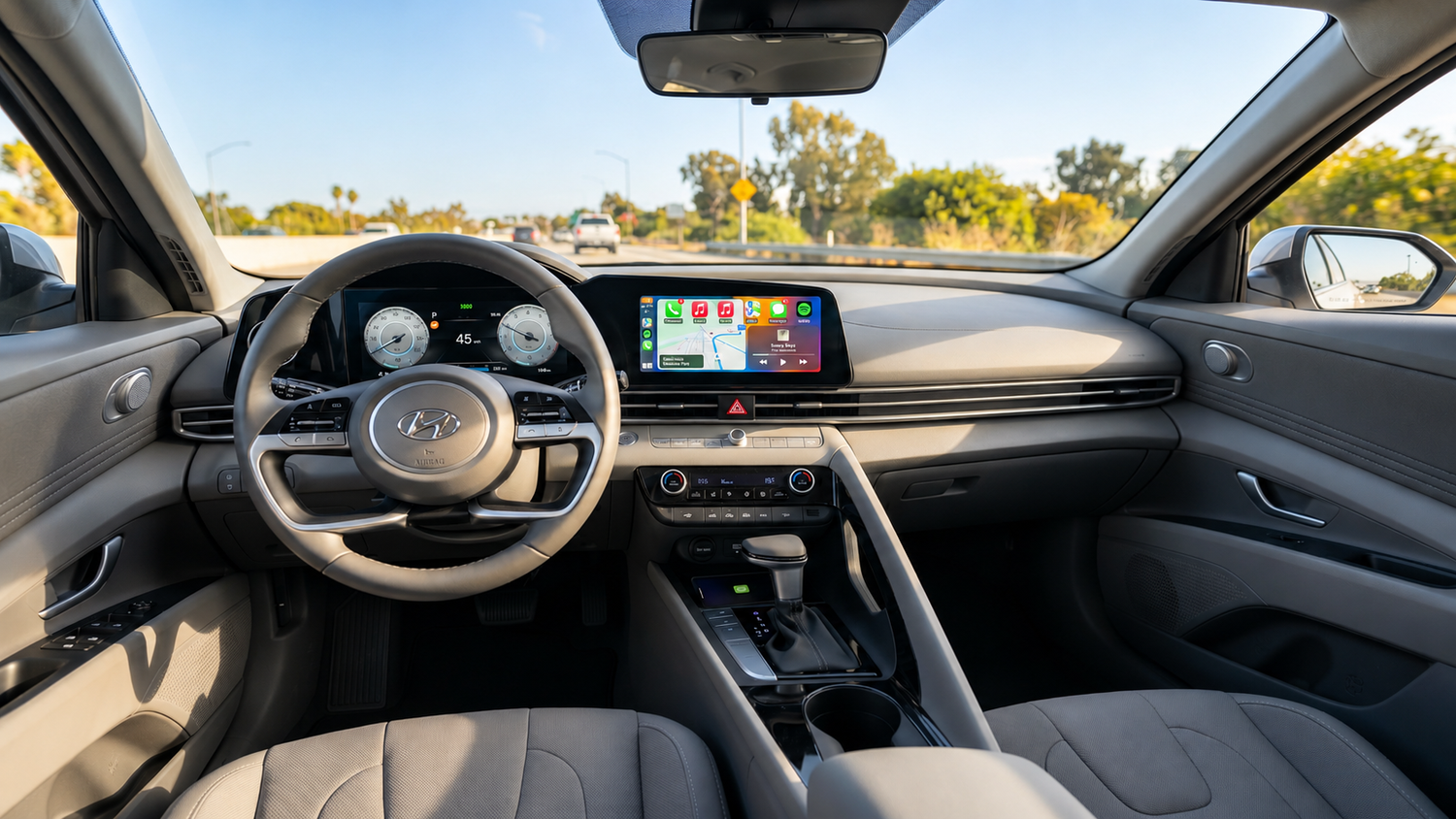
One of the most common questions from CarPlay users is: "Can I install any app I want on Apple CarPlay?"
The short answer is: Not really.
Apple CarPlay only supports apps that have been approved by Apple. While this helps maintain a consistent and safe driving experience, it also limits what users can do compared with a smartphone or tablet. This is why many drivers eventually start looking for alternatives that offer more flexibility.
How Apple CarPlay Handles Apps
Unlike an iPhone, CarPlay does not allow users to freely install and run any application on the car screen. Apple only permits specific categories of apps to ensure a safe drive.
Approved App Categories:
- Navigation apps (e.g., Apple Maps, Google Maps, Waze)
- Music and audio apps (e.g., Spotify, Audible)
- Messaging & Calling apps (e.g., WhatsApp)
- EV charging & Parking apps
⚠️ Note: If an app is not officially approved for CarPlay by Apple, it simply will not appear on your vehicle's CarPlay interface.
Why Can't You Install Any App on CarPlay?
The main reason is safety. Apple designed CarPlay to minimize distractions while driving.
Allowing unrestricted app installation could create dangerous situations where drivers interact with video platforms, games, or social media while on the road. As a result, you cannot normally install these apps directly on standard Apple CarPlay:
- ❌ Netflix
- ❌ YouTube
- ❌ TikTok
- ❌ Chrome Browser
- ❌ Most Android apps & Video players
Can You Watch Netflix or YouTube on Apple CarPlay?
In most cases, no. Standard Apple CarPlay does not support video streaming apps. Even if Netflix or YouTube is installed on your iPhone, those apps will not show up on the car screen.
While some users attempt screen mirroring, jailbreaking, or unofficial software modifications, these methods often affect system stability, compatibility, and future software updates. For most drivers, they are not practical long-term solutions.
Why Some Drivers Want More Flexibility
For many people, standard Apple CarPlay provides everything they need: navigation, music, and hands-free calls. However, some users want additional functionality while parked or during long road trips, such as:
- Video streaming for passengers
- Web browsing and weather applications
- Downloadable media players and apps
This is where CarPlay AI boxes have started gaining attention.
What Is a CarPlay AI Box?
A CarPlay AI box is different from a traditional wireless CarPlay adapter. Instead of only converting wired CarPlay into wireless CarPlay, these devices run a lightweight Android operating system on your factory screen.
Because of this, the car screen becomes capable of doing much more than the standard CarPlay interface alone. Depending on the device, features may include:
- Google Play Store access to download apps
- Built-in video streaming apps (Netflix, YouTube, etc.)
- Wireless CarPlay & Wireless Android Auto integration
- Browser apps & HDMI output
Product Spotlight: LAMTTO RC26
One prime example of this type of device is the LAMTTO RC26.
The RC26 still fully supports Wireless CarPlay and Wireless Android Auto, but it also includes:
- Google Play support
- Pre-installed Netflix, YouTube, and TikTok
- AirPlay & HDMI output
- OTA updates
The key difference is that these features operate through the device's Android-based environment rather than through Apple's standard CarPlay system. This means users are not limited only to the applications approved by Apple.

Does That Mean Everyone Needs an AI Box?
Not necessarily.
- Stick with Standard CarPlay if: You mainly use Apple Maps, Spotify, phone calls, and messaging. The built-in CarPlay experience is often more than enough.
- Upgrade to an AI Box if: You want video streaming capabilities, Android flexibility, access to more apps, or a highly customizable in-car setup for road trips and downtime.
Final Thoughts
Apple CarPlay is intentionally designed with limitations to keep you safe on the road. While you can install approved CarPlay-compatible apps on your iPhone, you cannot freely run any app you want.
For drivers who want to break past Apple's restrictions and unlock video streaming or the Google Play Store, a CarPlay AI Box offers the perfect workaround by bringing an Android-based environment straight to your dashboard.



コメントを書く
全てのコメントは、掲載前にモデレートされます
このサイトはhCaptchaによって保護されており、hCaptchaプライバシーポリシーおよび利用規約が適用されます。