





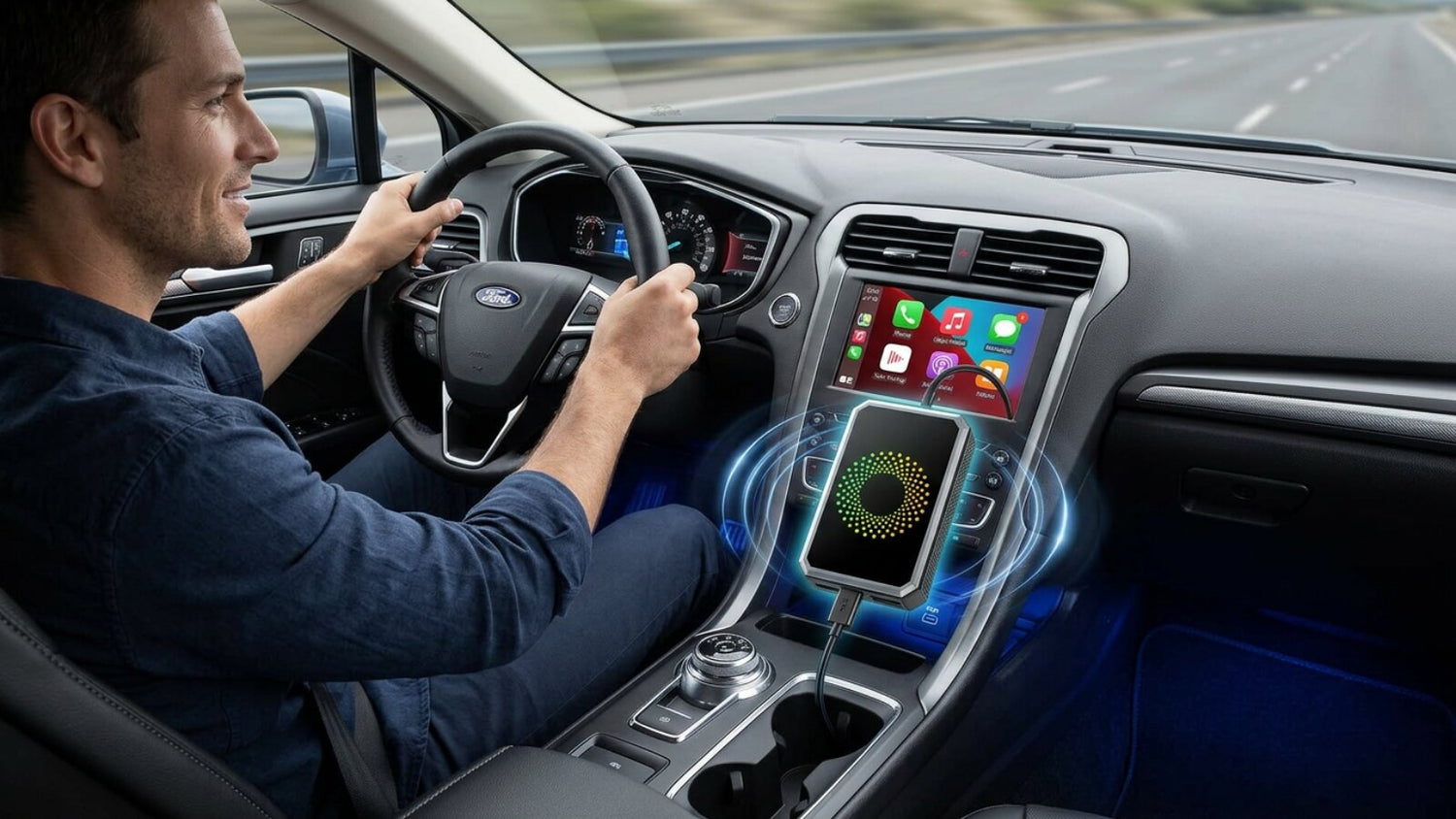
Are you tired of fumbling to find and connect a USB cable every time you get in your car? Do you wish you could enjoy the seamless experience of an automatic Apple CarPlay or Android Auto connection, just like in a brand-new vehicle?
The good news is, a wireless CarPlay/Android Auto adapter like the Lamtto RC23 can make this dream a reality. It's a compact, cutting-edge gadget that easily converts your car's original wired CarPlay/Android Auto functionality into a wireless connection.
But before you excitedly click that "Buy" button, there's one crucial question: Is my car compatible with the RC23 CarPlay adapter?
Don't worry. This guide will provide you with clear, simple, and reliable methods to help you find out quickly.
The Golden Rule of Compatibility: The Core Prerequisite
Before you begin testing, you must remember one core principle:
A wireless adapter (like the RC23) is a "converter," not a "creator." Its purpose is to convert the existing wired CarPlay or Android Auto functionality in your car into a wireless mode. If your car did not support wired CarPlay/Android Auto from the factory, then no wireless adapter will work.
Therefore, the ultimate goal of all the checks below is to confirm whether your car's head unit has built-in wired CarPlay or Android Auto functionality.
A Three-Step Method: Easily Confirm Your Vehicle's Compatibility
We've summarized three steps, from easy to difficult and from quick to definitive, to help you determine compatibility.
✅ Method 1: The Visual Inspection (The Quickest Preliminary Check)
This is the most intuitive method. Take a look at your car's center console screen and the surrounding buttons.
Signs It's Likely Supported:
- Large Color Touchscreen: Is your center console equipped with a color touchscreen that looks like a tablet (usually 7 inches or larger)?
- Modern Menu Interface: Is the on-screen menu composed of a grid of icons, similar to a smartphone's app interface?
- Physical Shortcut Buttons: Are there physical buttons around the screen like "Home," "Menu," or "Back" to assist with touch operations?
👉 If your car's system matches these descriptions, it is likely a modern infotainment system (e.g., Honda's Display Audio, Ford's SYNC 3, Chevrolet's Infotainment 3, etc.). These systems usually have built-in wired CarPlay/Android Auto functionality.

Signs It's Likely Not Supported:
- Small-sized / Monochrome Screen: The screen is small, can only display simple text information (like radio frequency or song title), and is monochrome (e.g., orange or blue).
- Non-Touchscreen: All operations rely on a dense array of physical buttons and knobs around the screen.
- Basic Interface: There is no graphical menu, just a basic radio or CD player interface.
👉 If this is the case, your car likely has a base model or low-trim system that does not feature CarPlay/Android Auto, and therefore, the RC23 CarPlay adapter will not work. For example: 2018 Honda CR-V LX

✅ Method 2: The Software Check (The Most Accurate System Confirmation)
If the visual inspection leaves you uncertain, the most accurate method is to look for the relevant icons directly within the car's system.
1. Start your vehicle and wait for the center screen to fully boot up.
2. Press the "Home" or "Menu" button on the screen or on the console to enter the main application list.
3. Carefully look on the screen for any of the following icons or menu items:
- Apple CarPlay icon
- Android Auto icon
- Projection (or Phone Projection) option
✔️ If you can find any of the above, congratulations! This clearly indicates that your car supports wired phone projection and is perfectly compatible with the RC23 wireless CarPlay adapter. Even if the icon is currently grayed out (indicating it's not connected), its presence proves the system has the feature.

❌ If you've searched through all the menus and cannot find these icons or options, your vehicle most likely does not support CarPlay/Android Auto.
✅ Method 3: The Wired Test (The Ultimate Gold Standard)
This is the final, 100% accurate confirmation method. The proof is in the pudding!
1. Get a high-quality USB cable that supports data transfer (Note: some cheap cables are for charging only and will not work for this test). Your phone's original cable is the best choice.
2. Start your car.
3. Connect your phone to the vehicle's USB data port using the cable.
Important Tip: Many cars have multiple USB ports, but often only one is designated for data transfer (to connect CarPlay/Android Auto). It may be marked with a smartphone or data symbol. The other ports may be for charging only. Be sure to try the correct port.
4.Observe the reaction on your center screen and phone:
Sign of Success: After connecting, does a prompt like "Enable Apple CarPlay?" or a similar Android Auto startup message automatically appear on the center screen? After you confirm on your phone, does the center screen automatically switch to the familiar CarPlay or Android Auto interface?
✔️ If it successfully switches, then without a doubt, your car supports wired mode, and you can now confidently order the RC23 to enjoy wireless convenience!
❌ If your phone only shows that it's charging and there is no reaction on the car's screen—and you have confirmed the cable and USB port are correct—then it's almost certain your vehicle does not support this feature.

Real-World Examples: A Look at a Few Popular Models
Let's apply the three-step method to see how it works on a few specific models.
Model: 2018 Honda CR-V
Verdict: Higher trims (like EX, EX-L, Touring) are equipped with a 7-inch Display Audio touchscreen, featuring physical Home/Back buttons on the left and a volume knob at the bottom. This system natively supports wired CarPlay/Android Auto. If you can find the icon in the main menu or successfully connect with a cable, it is compatible with the RC23. The base LX trim is not compatible.
Model: 2019 Ford F-150
Verdict: Most 2019 F-150 models are equipped with Ford's powerful SYNC 3 system, which features an 8-inch touchscreen. SYNC 3 natively supports wired CarPlay and Android Auto. You can confirm this by looking for the "Projection" option in the main menu or by testing it directly with a cable.

Model: 2019 Ford Fusion SE
Verdict: The 2019 Fusion SE model typically comes standard with an 8-inch touchscreen featuring the SYNC system. Official documentation confirms it supports CarPlay/Android Auto. Therefore, as long as your car has this configuration, you can use the RC23 with confidence.
Model: 2018 GMC Sierra 1500
Verdict: Sierra models equipped with a 7-inch or 8-inch color touchscreen infotainment system usually have a distinct "Projection" icon on the main menu. Tapping it will reveal options for Apple CarPlay and Android Auto. As long as this icon is present, it's supported.
Model: 2023 Chevy Equinox
Verdict: The 2023 Equinox comes standard with the Chevrolet Infotainment 3 system (a 7-inch or 8-inch touchscreen), which natively supports CarPlay/Android Auto. Interestingly, some higher trims may already support wireless CarPlay, in which case you wouldn't need the RC23 adapter. However, for versions that only support a wired connection, the RC23 remains an excellent choice for a wireless upgrade.

Conclusion
In summary, determining if your car is compatible with the RC23 wireless CarPlay adapter hinges on one key question: does it come with factory-installed wired Apple CarPlay or Android Auto? By following these three simple steps—inspect the screen, find the icon, and test with a cable—you can get a definitive answer.
Once compatibility is confirmed, you can confidently purchase the RC23 adapter, say goodbye to cumbersome cables, and enjoy the freedom and convenience of a wireless connection.
About LAMTTO
LAMTTO is a brand dedicated to in-car smart technology, committed to providing car owners worldwide with high-quality, easy-to-use CarPlay and Android Auto solutions. From wireless adapters to smart displays, our products make it simple for any vehicle to enjoy a convenient and safe smart driving experience. Whether you have questions about RC23 adapter compatibility or need assistance during use, we're always here to help: support@lamtto.com


Leave a comment
All comments are moderated before being published.
Este site está protegido pela Política de privacidade da hCaptcha e da hCaptcha e aplicam-se os Termos de serviço das mesmas.