






A long road trip used to mean packing snacks, choosing a playlist, and making sure you had a paper map somewhere in the car.
Today, staying connected has become almost as important as filling up the gas tank.
Navigation helps you avoid traffic and find the next stop. Music and podcasts make long stretches of highway easier. Passengers may want entertainment along the way. And when plans change, you may need to search for a restaurant, hotel, charging station, gas station, or attraction without much notice.
The problem is that many of these conveniences depend on one device: your phone.
Once your phone is simultaneously handling navigation, Bluetooth, music, calls, and a mobile hotspot, the experience can become less convenient than it sounds.
So how can you stay connected on a long road trip without making your smartphone responsible for everything?
Why Relying on Your Phone Can Become a Problem
For everyday commuting, using your phone for connectivity is usually simple enough.
Long road trips are different.
You may spend six, eight, or even ten hours in the car. During that time, your phone might be running navigation while connected to your vehicle, streaming music, receiving calls, and providing a hotspot for another device.
That creates several common problems.
1. Your Phone Becomes the Center of Everything
Think about how many jobs your smartphone may be doing during a road trip:
Navigation → Music → Calls → CarPlay → Hotspot → Internet
If the phone disconnects, runs low on battery, overheats, or simply leaves the vehicle with its owner, several connected functions can disappear at once.
That's a lot of responsibility for one device.

2. Hotspots Aren't Always Convenient
Turning on your phone's hotspot sounds like an easy solution when passengers or other devices need internet access.
For occasional use, it can be.
But on a long trip, repeatedly managing a hotspot can become annoying. The phone needs to stay nearby, its mobile connection becomes the internet source for other devices, and you have one more connection to manage throughout the journey.
For families or frequent travelers, a more independent connection can be easier.
3. Battery and Heat Matter on Long Drives
Navigation, wireless connections, streaming, and hotspot use can all increase the workload on your smartphone.
Then there is another common road-trip problem: sunlight.
A phone sitting near the dashboard can already become warm on a sunny day. Asking it to perform several connectivity tasks at once doesn't make things easier.
Keeping it plugged in solves the battery problem to some extent—but it doesn't necessarily reduce your dependence on the phone itself.
Think Beyond the Smartphone
The goal isn't to stop using your phone.
Your phone is still one of the most useful things you can bring on a road trip.
A better approach is to avoid making it responsible for every connected function in the car.
There are several ways to do that.
Option 1: Use Your Vehicle's Built-In Connectivity
Some newer vehicles offer their own cellular connectivity and connected services.
Depending on the vehicle and subscription, this may support features such as traffic information, navigation services, Wi-Fi, entertainment, or other connected functions.
The advantage is obvious: the car isn't completely dependent on your smartphone for internet access.
The downside is that capabilities vary significantly between manufacturers, models, and subscription plans.
Option 2: Carry a Dedicated Mobile Hotspot
A portable mobile hotspot separates internet connectivity from your phone.
This can be useful when several passengers need internet access for tablets, laptops, or other devices.
It also means someone can take their phone out of the car without necessarily taking the vehicle's internet connection with them.
For families, remote workers, and frequent travelers, that separation can be useful.
Option 3: Use a Connected In-Car Device
Another option is emerging between traditional CarPlay and fully connected factory infotainment systems: independently connected in-car devices.
Instead of using the smartphone as the internet source for everything, some aftermarket systems can have their own mobile connectivity.
This changes the relationship between your phone and your dashboard.
Your phone can remain your phone, while the car has a more independent way to access online services.

What Independent Connectivity Changes on a Road Trip
The difference becomes easier to understand when you look at real situations rather than specifications.
Imagine you're several hours into a road trip.
You want to check the route ahead and search for a place to eat near your next stop. Your passenger wants to use an entertainment app. Later, you pull over for a break and want to explore nearby attractions.
With a phone-dependent setup, many of these tasks ultimately lead back to the same device.
With an independently connected system, more of them can happen directly through the car's connected environment.
Navigation Without Constant Phone Dependence
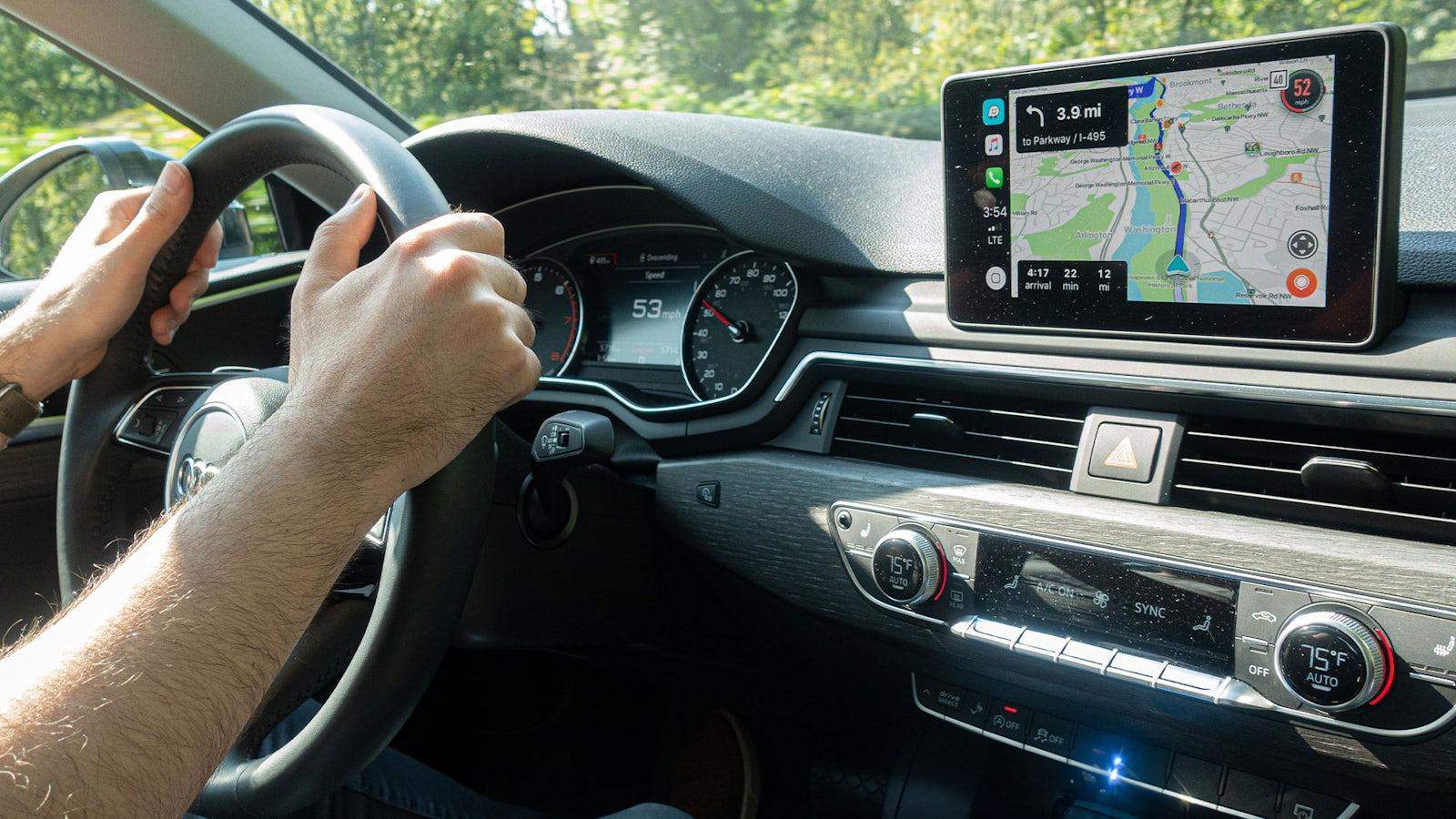
Navigation is probably the most important connected feature on a road trip.
A dedicated in-car system with its own connectivity and GPS capability can reduce how much the dashboard depends on your smartphone for navigation-related tasks.
Your phone is still there when you need it—but it doesn't have to be the only gateway to the road ahead.
Music and Entertainment During the Journey
Road trips involve more than driving.
There are fuel stops, charging stops, meal breaks, parking lots, campground evenings, hotel check-ins, and plenty of waiting.
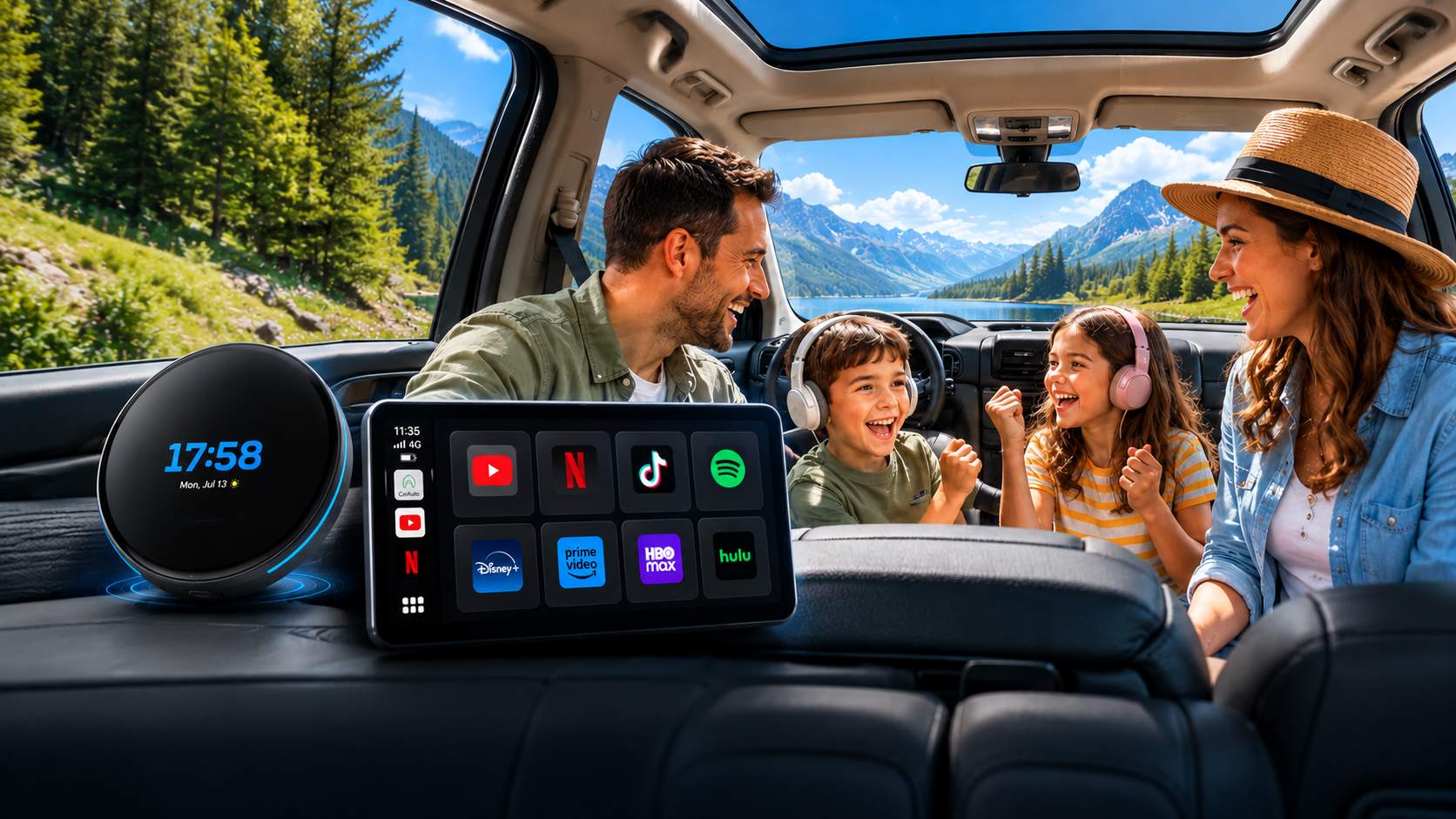
Having access to entertainment through the car can make those moments more enjoyable, particularly for passengers.
Streaming services, music apps, podcasts, and other compatible apps can become part of the vehicle's entertainment environment rather than something that always starts with a phone.
Important: Video entertainment should only be used when safely parked or by passengers where permitted. Drivers should always keep their attention on the road.
Search for What You Need Along the Way
Road trips rarely go exactly according to plan.
You may suddenly need to find:
- A nearby gas or charging station
- A restaurant that's still open
- A hotel for the night
- A grocery store
- Parking
- A scenic stop
- A campground
- An alternative route
That's where having an internet-connected dashboard becomes particularly useful.
Instead of treating the car screen as simply a place where your phone is projected, it can become a more independent travel tool.

AI Is Starting to Change the In-Car Experience Too
There's another interesting development happening inside cars: AI assistants.
Instead of manually searching through several apps, drivers and passengers can increasingly use AI-powered tools for everyday travel questions.
For example:
"What are some family-friendly restaurants near our destination?" or: "What are some interesting stops along this route?" or: "Help me plan a two-hour stop before we reach the hotel."
AI doesn't replace navigation or good trip planning. But it can add another layer of assistance when plans change on the road.
And as AI becomes more useful, having a reliable internet connection inside the vehicle becomes more important as well.
Build a More Independent Road-Trip Setup
You don't necessarily need a brand-new vehicle to create a better connected experience.
A practical road-trip setup might combine:
Independent Connectivity
So the car isn't always borrowing internet access from your phone.
Reliable Navigation
For routes, traffic, destinations, and unexpected detours.
Music & Audio
For playlists, podcasts, and audiobooks during long stretches of driving.
Passenger Entertainment
For appropriate use while parked or by passengers.
AI Assistance
For discovering places, answering travel questions, and helping with changing plans.
Your Smartphone
Still available for calls, messages, photos, and everything else—but no longer responsible for doing every job.
That's the bigger idea.
The goal isn't to remove your smartphone from the road trip.
It's to stop making your entire in-car experience depend on it.

A Different Approach: Bringing Independent Connectivity to Your Existing Car
For vehicles that don't already offer this kind of connected experience, aftermarket solutions are beginning to fill the gap.
One example is the LAMTTO RC31 5G LTE CarPlay AI Box.
Rather than functioning only as a bridge between your smartphone and the factory display, RC31 adds its own connected Android environment to compatible vehicles. Its built-in 5G LTE connectivity allows supported online services to access the internet without relying on your phone's hotspot, while built-in GPS provides another layer of independence for navigation.
The idea isn't to replace your smartphone.
It's to give the car more ability to operate without it.
For someone who mostly takes short daily drives, that distinction may not matter much.
But on a long road trip—when navigation, connectivity, entertainment, and travel information may be needed for hours at a time—it can make the entire setup feel much less phone-dependent.
The Bottom Line
Staying connected on a road trip doesn't have to mean turning your smartphone into the control center for everything in the car.
Your vehicle's built-in services, a dedicated hotspot, or an independently connected in-car device can all reduce that dependence.
Which option makes sense depends on how you travel.
For an occasional weekend drive, a smartphone hotspot may be perfectly adequate. For frequent road trips, family travel, or anyone who regularly uses connected services in the car, giving the vehicle its own connection can make more sense.
Because sometimes the smartest upgrade isn't adding another feature to your phone. It's giving your car fewer reasons to depend on it.

Napsat komentář
Všechny komentáře jsou před zveřejněním moderovány.
Tento web je chráněn službou hCaptcha a vztahují se na něj Zásady ochrany osobních údajů a Podmínky služby společnosti hCaptcha.