


Phone Navigation?
Small screens. Constant distractions.

2 in 1 AI box Adapter

Wireless Adapter


Cellular Dash Cam

4 Channel Dash Cam

Košík

Trending this month





One Tiny Adapter. A Smarter CarPlay Experience.
Make Sure RC36 Works with Your Car!
Wait less, Protect more:Enjoy fast, free shipping worldwide on all Lamtto Product.
Instock item delivery Time :3-7 business days
All of Lamtto's in-stock Carplay are prioritized for shipment from the local warehouse closest to you in the US, UK, CA, JP,EU, and AU.

Try it risk-free with our 30-day return and refund policy.
All LAMTTO Products Come with a 12-Month Guarantee & Lifetime Technical Support
Small screens. Constant distractions.

Long rides feel even longer.

Too many cables. Too much hassle.

Too many steps while driving.
Everyday driving should feel simpler, smarter, and more enjoyable.

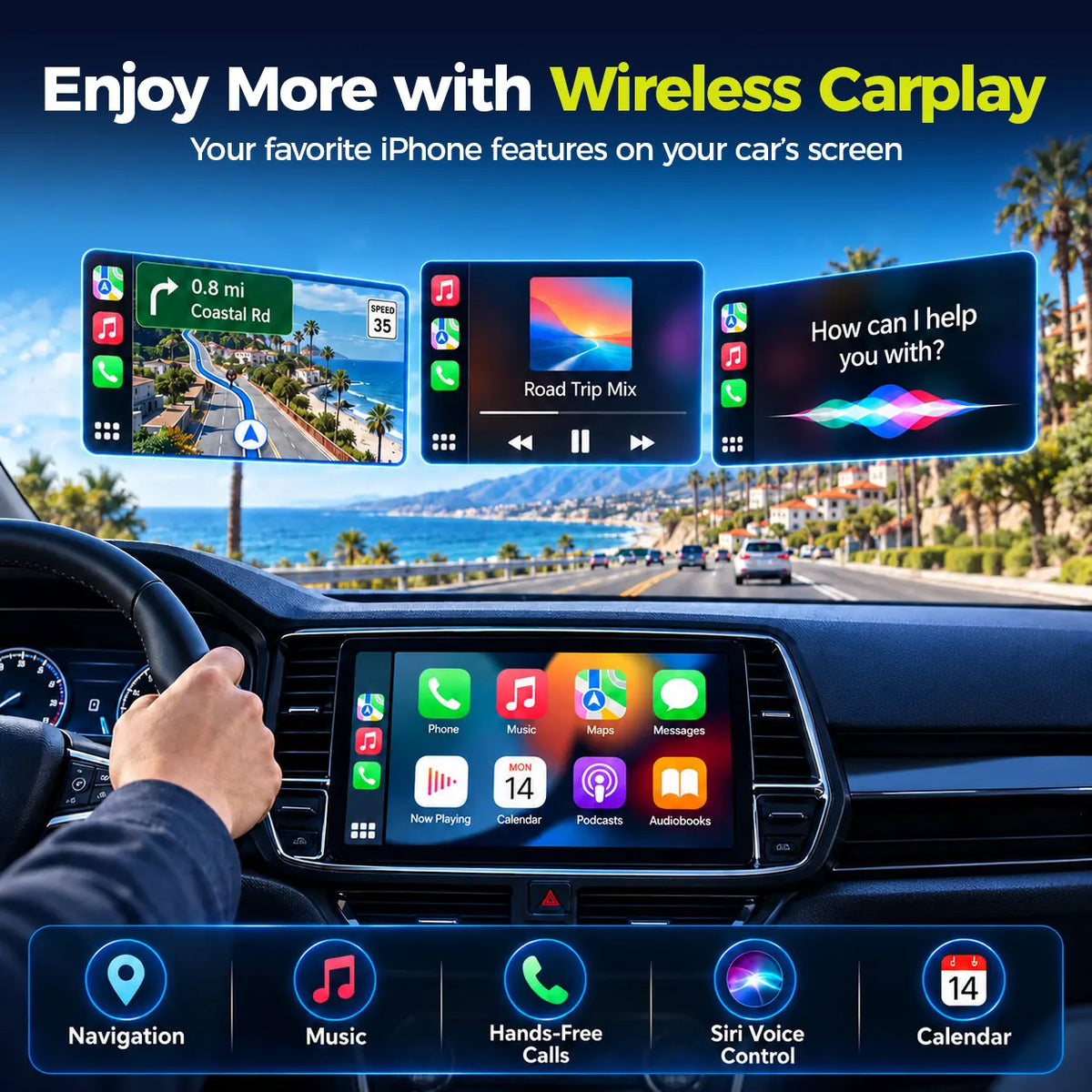
Upgrade compatible factory wired CarPlay to wireless connectivity. Enjoy navigation, music and hands-free calls.


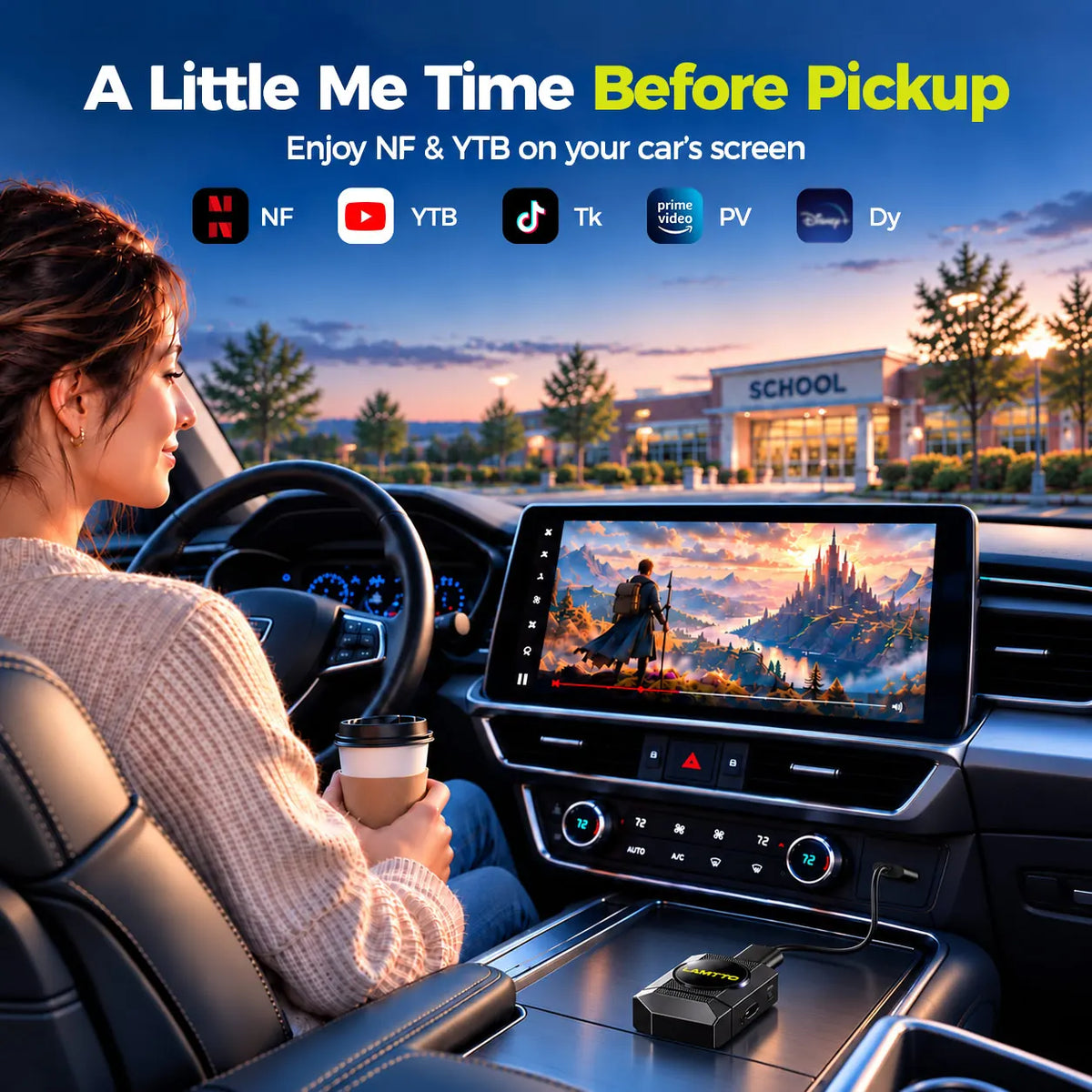
Enjoy entertainment right from your compatible factory touchscreen. RC36 comes with pre-installed apps like YouTube, Netflix, and TikTok.
Your supported entertainment apps are ready to use right out of the box.
Important: RC36 uses a closed Android-based system. Google Play and third-party APK installation are not supported. App availability may vary by software version and region. Video apps are for parked use only.
Keep your hands on the wheel and your eyes on the road. Use compatible voice assistants to control everyday tasks without reaching for your phone.
Voice commands use your smartphone's voice assistant, not a built-in RC36 assistant. iPhone: Say "Hey Siri" to activate Siri on your iPhone.


RC36 features two separate Wi-Fi connections designed for different functions.
Connects the built-in RC36 system to Wi-Fi or a smartphone hotspot for online video streaming and apps.
Enables a wireless connection between your smartphone and RC36 for compatible CarPlay or Android Auto functions.
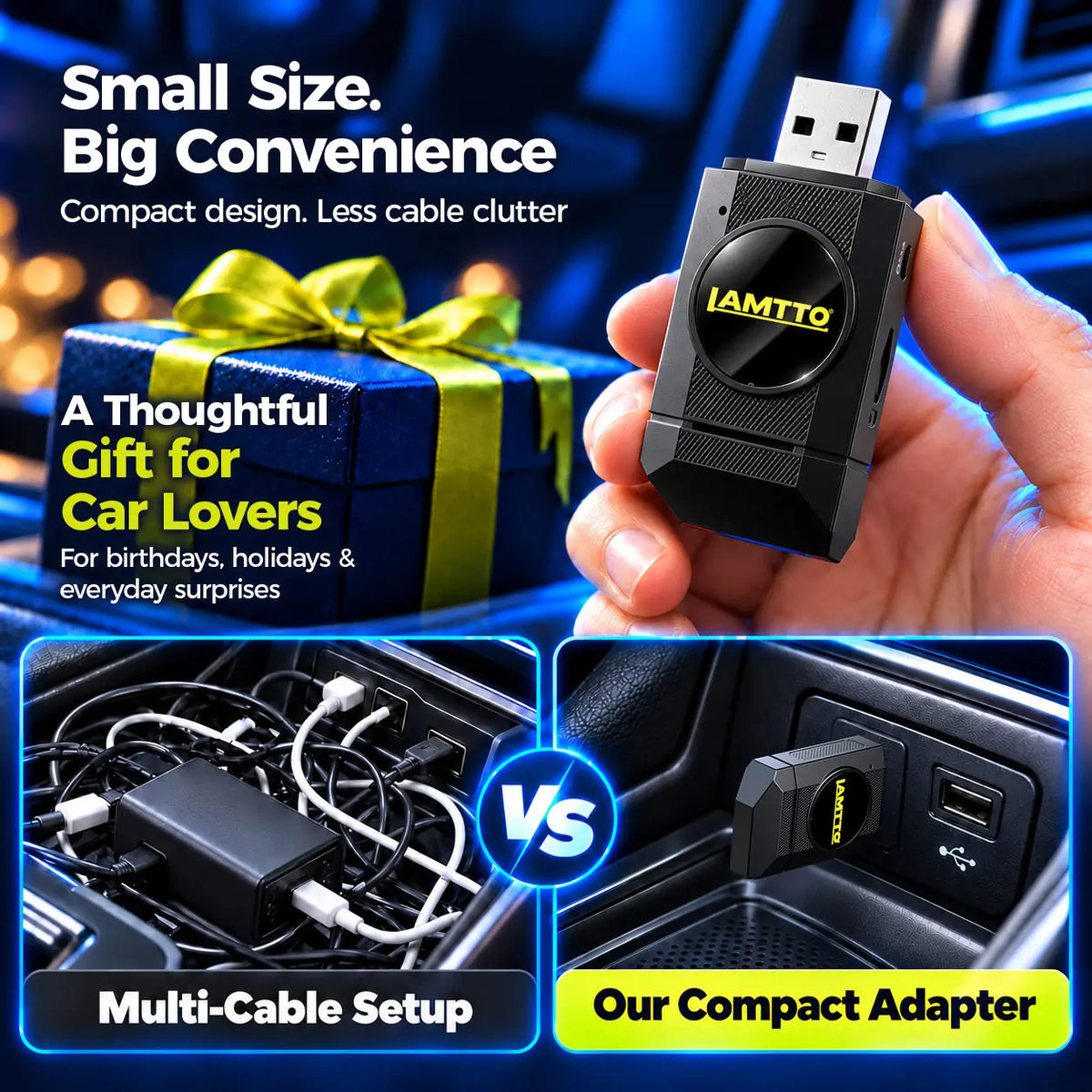
Compact design. Simple plug-and-play setup. Less cable clutter.
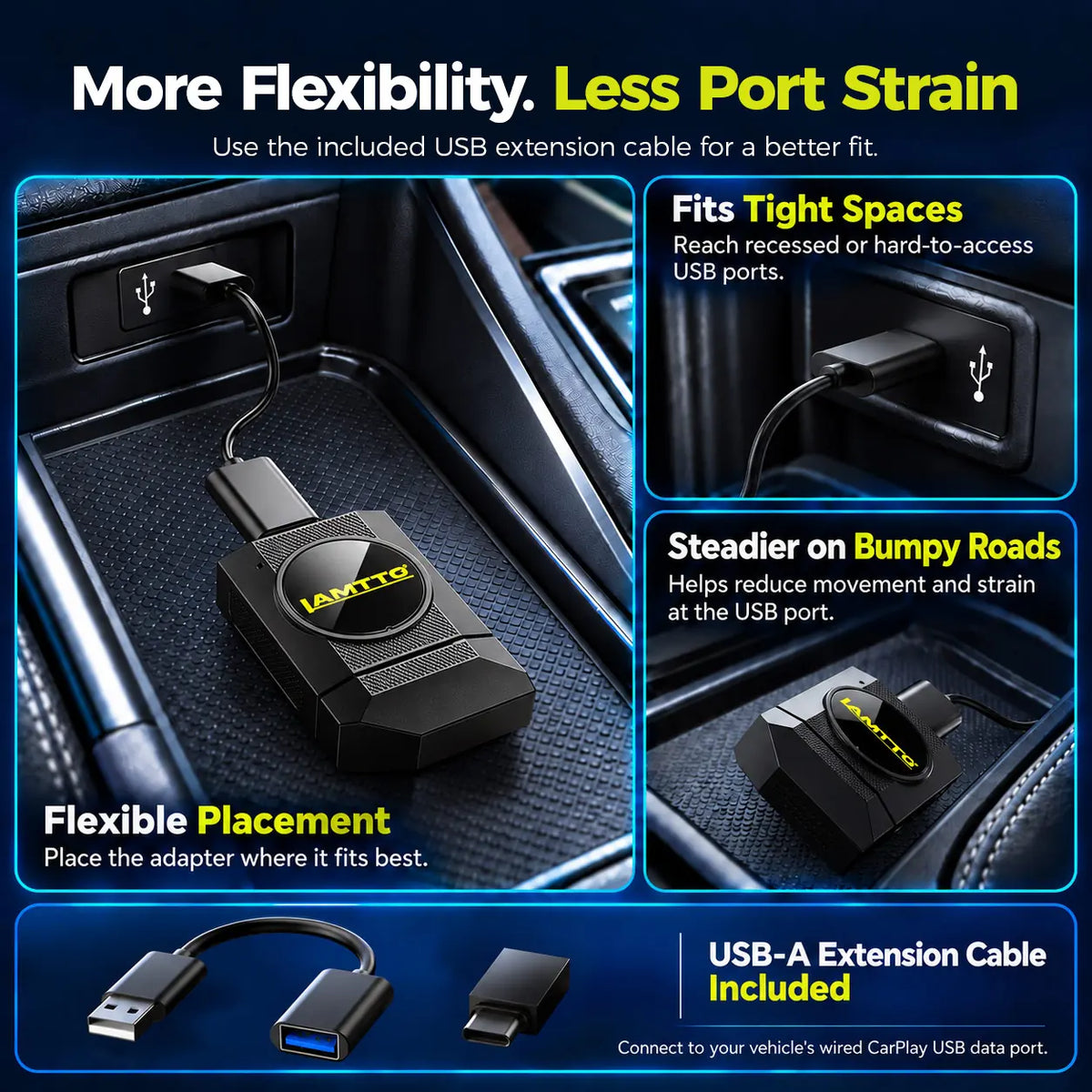
Includes a USB extension cable for flexible placement in your vehicle.

LAMTTO RC36 | MORE FEATURES
2.4GHz / 5GHz
TF Card Media
Supported Updates
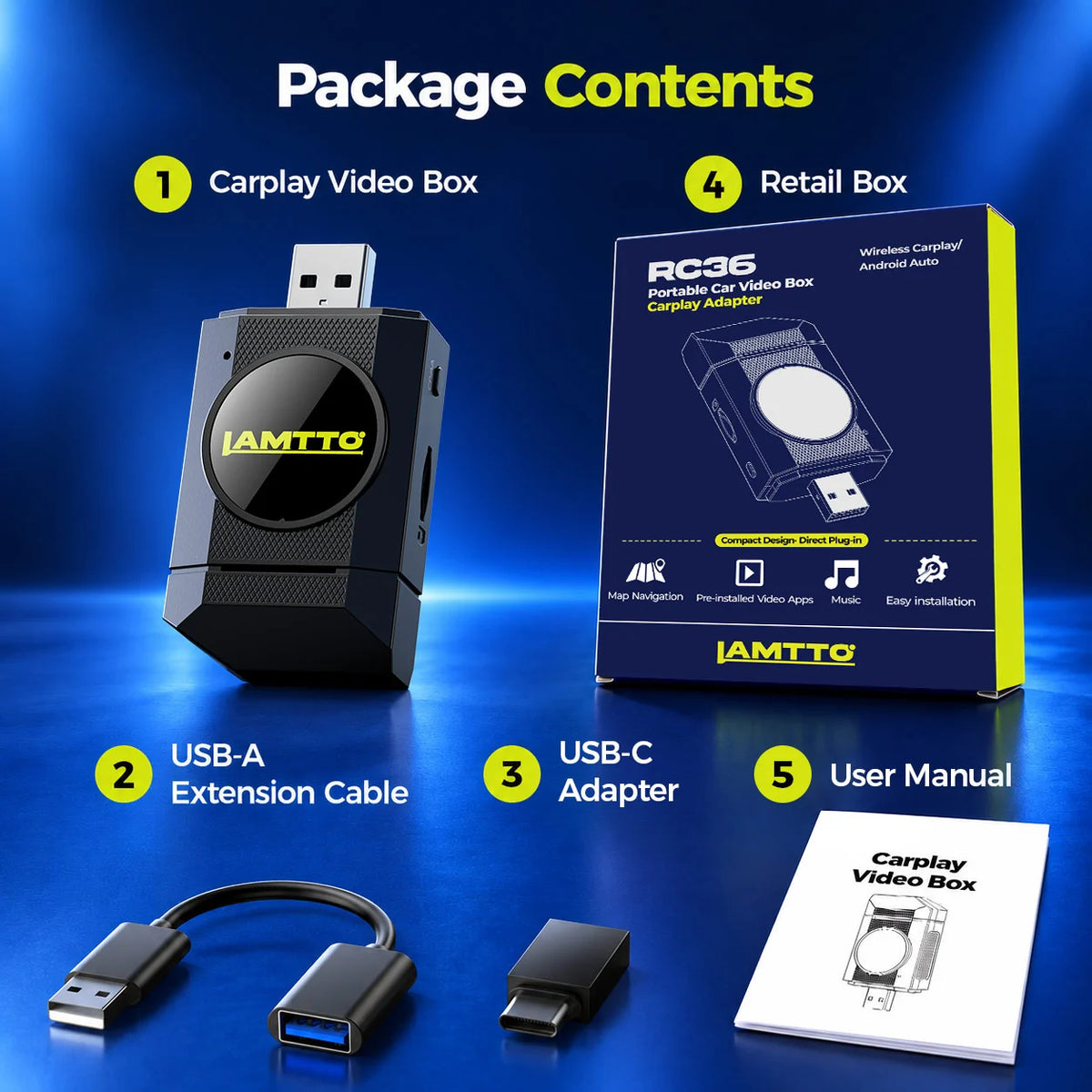
What's in the box ?
Dual-Band Wi-Fi, Bluetooth 5.0, USB
USB-A (USB-C Adapter Included)
YouTube, TikTok & Pre-installed Apps
Supported
2GB RAM + 16GB Storage
OTA / TF Card
RK3326 Quad-Core, 1.5GHz
Your vehicle must support factory-wired Apple CarPlay or Android Auto and have a touchscreen.
2.4GHz / 5GHz
Watch the LAMTTO RC36 video tutorial to learn how to connect your adapter, pair your phone, and explore its everyday features.
QUICK START GUIDE
Follow these simple steps to get started with your LAMTTO RC36 and enjoy supported wireless connectivity and entertainment features on your factory CarPlay screen.
Your vehicle must support factory-wired Apple CarPlay or Android Auto and have a touchscreen.
Plug the RC36 into your vehicle's compatible wired CarPlay USB data port. Use the included adapter or extension cable when needed.
Follow the on-screen instructions to connect your phone through supported wireless CarPlay or Android Auto.
Discover wireless navigation, hands-free calls, voice control, supported video apps, and screen mirroring features.
Everything you need to know about your LAMTTO RC36, from vehicle compatibility and wireless connections to entertainment features and troubleshooting.
No. RC36 requires factory-wired Apple CarPlay or Android Auto, a compatible touchscreen. It does not support wireless-only systems or vehicles without a compatible factory connection.
Please check your vehicle's original infotainment system before purchasing.
Yes! LAMTTO RC36 allows compatible factory wired CarPlay vehicles to connect wirelessly, so you can enjoy supported navigation, music, and hands-free calling without plugging in your iPhone every time.
Yes. RC36 supports both wired Apple CarPlay and wired Android Auto vehicles, converting the factory connection to wireless. Your vehicle must have a compatible touchscreen.
Contact LAMTTO support if you are unsure about your vehicle's original system.
LAMTTO RC36 supports selected built-in entertainment apps, including Netflix, YouTube, TikTok, Disney+, and Prime Video.
An internet connection is required for online streaming. For safety, video entertainment should only be used while your vehicle is parked.
No. LAMTTO RC36 uses a closed Android-based system and does not support user-installed third-party applications.
You can use the supported built-in apps and features included with RC36.
The RC36 uses one Wi-Fi connection for wireless Apple CarPlay and a second to access the internet through your phone’s hotspot or an available Wi-Fi network. With a single Wi-Fi connection, you’d typically switch between CarPlay and online video. With the RC36, you can open an online video while parked, then return to CarPlay without reconnecting your iPhone. Your phone stays connected, so you can still take calls through CarPlay.
Internet access for online apps still requires a suitable Wi-Fi network or phone hotspot.
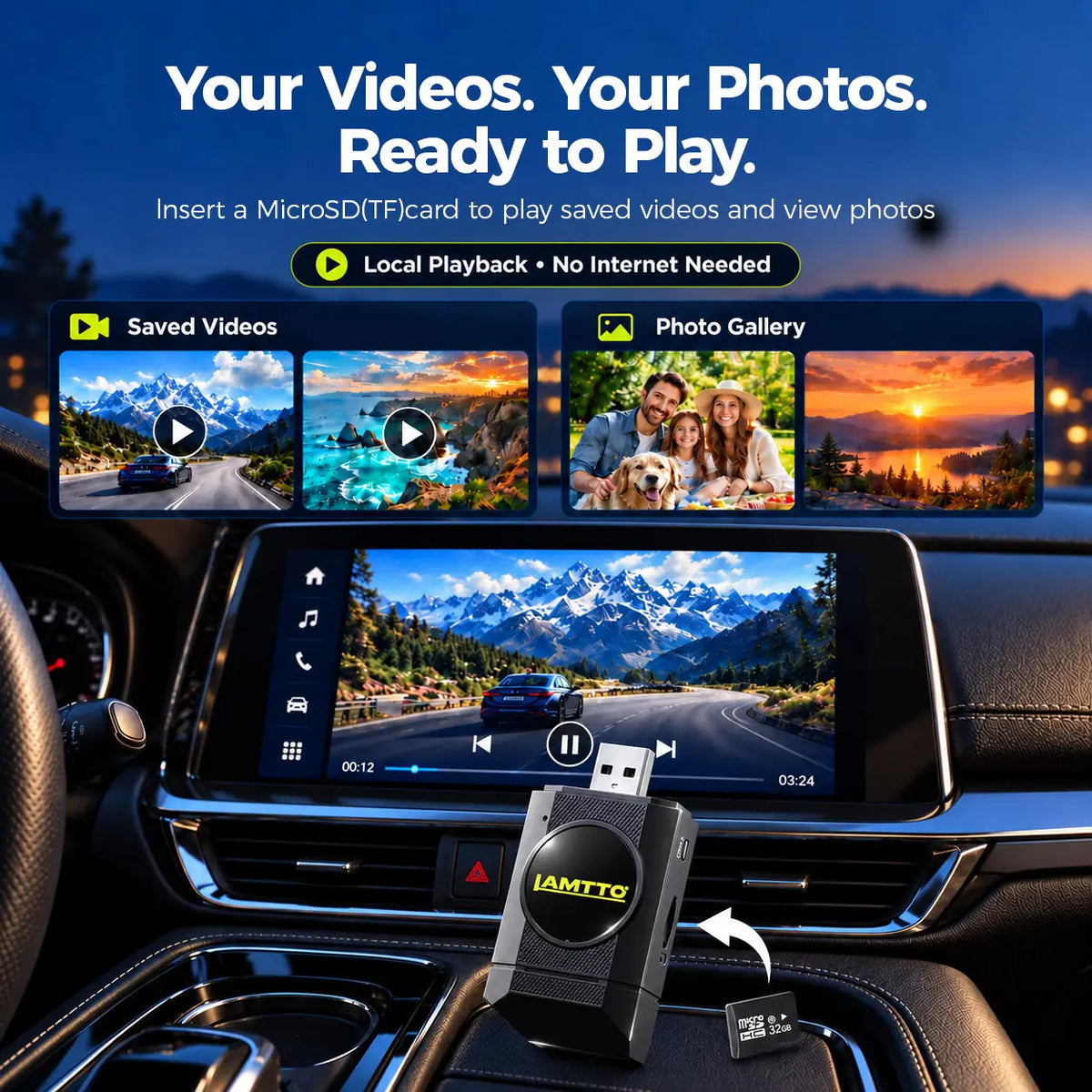
Yes. LAMTTO RC36 supports local playback of compatible video and photo files from a supported microSD (TF) card.
Online streaming apps, however, require an internet connection.
No. HDMI video output is not supported on the LAMTTO RC36.
Yes. LAMTTO RC36 supports OTA online updates when compatible updates are available.
Connect RC36 to a suitable Wi-Fi network and check for available system updates. Keep the device powered during the update process.
First, connect LAMTTO RC36 to your vehicle's compatible wired CarPlay USB data port.
Wait for the device to start, then follow the on-screen instructions to pair your smartphone and configure supported wireless features.
Refer to the RC36 video tutorial above for a step-by-step demonstration.