





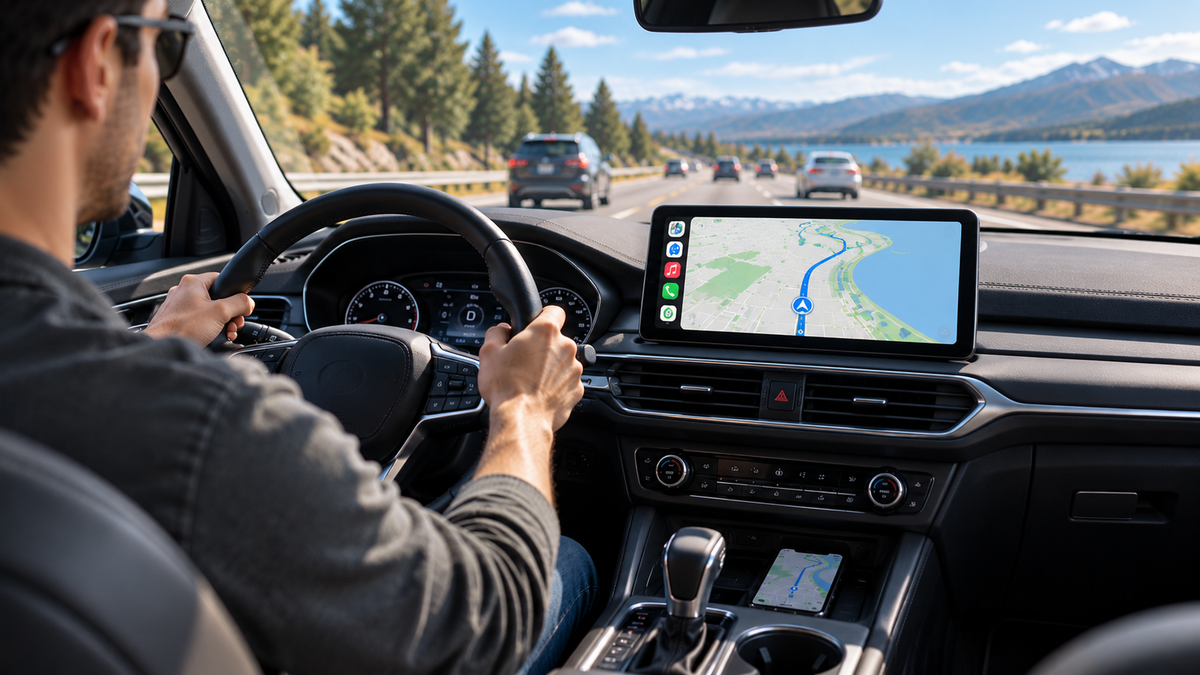
How to Stop Reaching for Your Phone While Driving
For many drivers, reaching for a phone has become an almost automatic part of driving.
You start navigation before leaving home. A few minutes later, you want to change the song. Then a notification appears. You check the route again, adjust the volume, or switch from a podcast back to your navigation app.
None of these actions seems like a big deal on its own. But when they happen repeatedly during a drive, your phone can become one of the biggest sources of distraction in the car.
The good news is that you don't necessarily need to stop using your phone altogether. The better solution is to move the functions you use most often onto a screen that's designed for your car.
Why Do Drivers Keep Reaching for Their Phones?

Modern smartphones can do almost everything. Navigation, music, phone calls, messages, weather, podcasts, and entertainment are all available within seconds.
The problem is that a phone isn't designed to be the center of your driving experience.
A phone mounted low on the dashboard can be difficult to see. A phone placed in a cup holder is even less convenient. And every time you need to change something, you may have to look down, unlock the screen, find the right app, and tap a small icon.
This can become especially frustrating during longer drives.
You may find yourself constantly switching between navigation and music, checking the next turn, or adjusting something on your phone instead of keeping your attention on the road.
The issue isn't necessarily the phone itself. It's where and how you're using it.
1. Put Navigation Where You Can See It More Easily
Navigation is probably one of the biggest reasons drivers interact with their phones while driving.
A phone screen works well when you're walking around a city or checking a route before leaving. But inside a car, a larger display positioned closer to your natural line of sight can make navigation much easier to follow.
Instead of looking down at a small phone screen, you can use a dedicated car display for directions.
A larger screen can make it easier to see:
-
Your current location
-
Upcoming turns
-
Lane information
-
The remaining route
-
Traffic information
-
Alternative routes
This doesn't mean you need to give up the navigation apps you already use. With wireless CarPlay or Android Auto, compatible apps from your phone can be displayed on a larger car screen.
That means you can keep using the navigation system you're already familiar with—without constantly holding or checking your phone.
2. Change Music Without Picking Up Your Phone

Music is another common reason drivers reach for their phones.
You start with one playlist, but ten minutes later you want something different.
Without a convenient car interface, the process can be surprisingly distracting: pick up the phone, unlock it, open your music app, find a playlist, skip a track, and put the phone away again.
A CarPlay or Android Auto display puts compatible music apps directly on the car's screen.
You can see what's playing, change tracks, choose playlists, and control playback without having to handle your phone.
Even better, many functions can be controlled using your vehicle's steering-wheel controls or voice commands, depending on your vehicle and setup.
The goal isn't to give you more things to do while driving.
It's to make the things you already need to do simpler and easier to access.
3. Keep Your Phone in Your Pocket More Often

One of the biggest benefits of wireless connectivity is simple: your phone doesn't have to be in your hand.
Once your compatible phone connects to the car system, you can leave it in your pocket, bag, or charging area.
Your phone can continue handling the connection in the background while the car display becomes the main interface for navigation, music, calls, and other supported functions.
This can also help make the cabin feel less cluttered.
Instead of having a phone mounted on the dashboard with a charging cable running across the center console, you can use a dedicated display for the information you need most often.
It's a small change, but it can make everyday driving feel much more organized.
4. Use Voice Control Instead of Touching the Screen
A large display can make things easier, but voice control can make them even easier.
If you need to make a phone call, get directions, or change something while driving, voice commands can reduce the need to interact physically with a screen.
For example, instead of manually searching for a destination, you may be able to use your phone's voice assistant to start navigation.
Instead of scrolling through your music library, you can ask for a particular song, artist, or playlist.
The exact voice features available depend on your phone, vehicle, and connected system, but the basic idea is the same:
The less you need to physically interact with your phone while driving, the better.
5. A Bigger Screen Can Make More Than Navigation Easier

The benefit of a dedicated car display isn't limited to maps.
A larger screen can also make it easier to see information such as:
-
Music controls
-
Phone calls
-
Podcasts
-
Voice assistant functions
-
Backup camera views
-
Supported apps
-
Driving information
This becomes particularly useful on longer road trips.
When you're driving for several hours, constantly switching between your phone, dashboard, and vehicle controls can become tiring. Having the most important information in one place can make the overall experience feel much more comfortable.
For drivers who want more than basic navigation and music, some LAMTTO screens also support additional entertainment and smart features, depending on the model.
Explore LAMTTO Wireless CarPlay Screens
6. What If Your Car Doesn't Have a Modern Infotainment System?
This is where many drivers assume they have limited options.
Maybe your car still has a small factory display. Maybe it doesn't support wireless CarPlay. Maybe it only has Bluetooth for music and calls.
That doesn't necessarily mean you need to replace the entire factory stereo.
A portable CarPlay screen can provide another option.
Instead of removing the existing system, a dedicated display can be added to the dashboard and used for functions such as wireless CarPlay, Android Auto, navigation, music, and other supported features.
This approach can be particularly useful for drivers who like their current vehicle but feel that its technology has fallen behind newer cars.
You don't have to replace a perfectly functional car just because its infotainment system is outdated.
7. Don't Try to Eliminate Your Phone—Use It More Efficiently
The goal isn't to stop using your phone in the car.
Your phone is still doing much of the work behind the scenes. It's providing your navigation apps, music services, contacts, and other familiar functions.
The difference is that you don't need to interact with the phone directly for every little task.
Think of it this way:
Your phone provides the services.
Your car display provides the interface.
That simple change can make a noticeable difference in how you use technology while driving.
Instead of constantly looking down at a small screen, you can keep your phone where it belongs and use a larger interface designed for the driving environment.
8. A Better Setup for Everyday Driving
You don't need to completely redesign your car to make driving more convenient.
For many drivers, a few simple changes can make a big difference:
Before driving:
Set your destination and connect your phone.
Once you're on the road:
Leave your phone alone and use the car display for navigation, music, and calls.
When you need something:
Use the screen, steering-wheel controls, or voice commands when available.
For longer trips:
Keep your phone charging while using the larger display for the information and entertainment you need.
The result is a cleaner, simpler setup that reduces the temptation to constantly pick up your phone.
A Smarter Way to Keep Your Phone Out of Reach
The goal isn't to stop using your phone in the car.
Your phone is still one of the most useful tools you have for navigation, music, calls, and everyday information. The difference is how much you need to interact with it while driving.
Instead of constantly picking up your phone, you can move more of those everyday functions to a larger screen that's easier to see and designed to stay in your car.
For drivers who want to go beyond basic phone projection, an AI-powered car display can take this idea a step further.

Meet the LAMTTO RC32
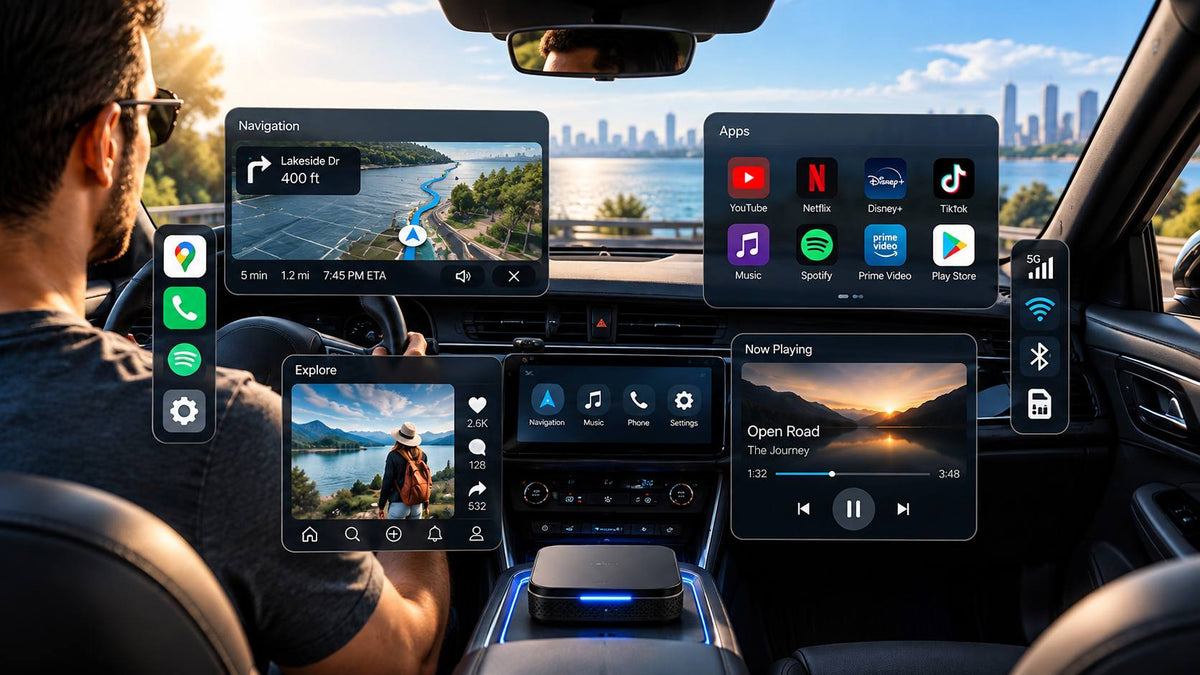
The LAMTTO RC32 is designed for drivers who want more than a simple CarPlay screen. It combines an 11-inch 60FPS display with wireless CarPlay and Android Auto, Google Play access, built-in GPS, Gemini AI support, and a 1080P rear camera.
That means your phone doesn't have to be the only place where navigation, music, apps, and other useful functions live.
You can use wireless CarPlay or Android Auto when you want the familiar experience from your phone. When you want more flexibility, the RC32 can also run compatible Android apps directly through Google Play. Its built-in GPS can also support navigation without using your phone's screen.
The large 11-inch display is particularly useful when you're trying to keep navigation visible while doing something else. With supported split-screen layouts, you can keep your route on screen while accessing music, calls, or other compatible functions.
And because the RC32 is designed as a portable add-on display, you don't have to replace your factory stereo or remove the dashboard to add these features.
Explore the LAMTTO RC32 11" AI Wireless CarPlay Display
You May Not Need to Touch Your Phone as Much as You Think
Most drivers don't reach for their phones because they want to be distracted.
They do it because their phone is currently the easiest way to access the information they need.
Navigation. Music. Calls. Entertainment. Travel information.
The solution isn't necessarily to remove those features. It's to make them easier to access without repeatedly handling your phone.
A connected car display can turn your phone from something you constantly interact with into something that quietly powers the connected experience in the background.
And for drivers who want to go beyond basic CarPlay, a system like the RC32 can bring navigation, apps, AI assistance, entertainment, and a larger display into one place.
The result is simple:
Keep your phone nearby—but keep your hands on the wheel and your attention on the road.

コメントを書く
全てのコメントは、掲載前にモデレートされます
このサイトはhCaptchaによって保護されており、hCaptchaプライバシーポリシーおよび利用規約が適用されます。