






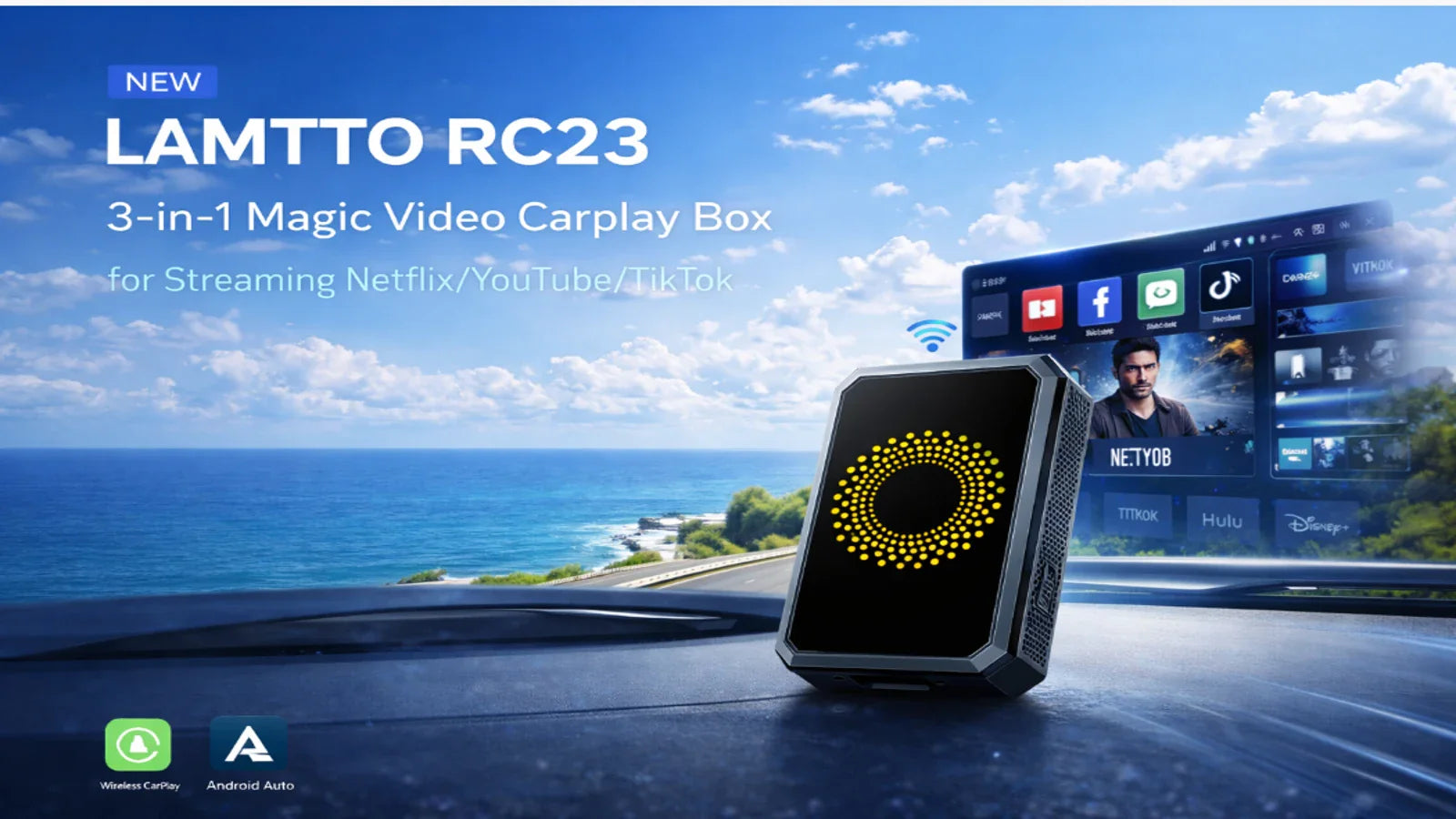
LAMTTO RC series wireless CarPlay devices support three audio output methods:
- FM Transmitter
- AUX Cable
- Bluetooth (Best Sound Quality)
Audio stability is critical for navigation prompts, calls, and music playback.
However, some users may experience issues such as:
- Static noise
- No sound during calls
- Bluetooth audio not working
- Audio delay
👉 The good news: Most audio issues can be fixed in minutes.
This guide covers all common audio problems and step-by-step solutions for LAMTTO RC devices.
🎧 1. Audio Output Methods Explained
FM Transmitter
- Set a frequency on the device (e.g., FM 106.0 MHz)
- Tune your car radio to the same frequency
- Audio plays through your car speakers
⚠️ Important:
The FM antenna is built into the original car charger. Always use the original charger.
AUX Cable
- Connect the device AUX port to your car AUX input
- Direct wired audio transmission
Bluetooth (Recommended)
- Select BT output mode on the device
- Connect your phone to the car’s Bluetooth
👉 This provides the best sound quality
📻 2. FM Static Noise / Interference
Problem
Buzzing or static noise when using FM mode.
Fixes
- Use the original car charger (critical)
- Keep cables away from the car radio
- Change FM frequency (e.g., 87.5 → 106.0)
- Switch to AUX or Bluetooth
- If unresolved, contact support (compensation may apply)
🔌 3. AUX Noise / Humming Sound
Problem
Buzzing or humming sound via AUX.
Fixes
- Reinsert AUX cable securely
- Check correct AUX port
- Try another AUX cable
- Use a ground loop isolator
- Switch to Bluetooth or FM
👉 If still unresolved, AUX port may be defective
Why This Happens
- Ground loop interference
- Electrical noise from car electronics
📞 4. Cannot Hear Caller (iPhone)
Problem
You receive calls but cannot hear the other person.
Fixes
- Check audio output → select CarPlay
- Tap Speaker (Audio output switch) during call
📞 5. Cannot Hear Caller (Android)
Fixes
- Check mute settings
- Test voice assistant
- Switch to Bluetooth audio mode
🎤 6. Caller Cannot Hear You
Problem
Your voice is not heard or too quiet.
Fixes
- Use Bluetooth output (recommended)
- Close windows to reduce noise
- Ensure voice input is enabled
- Check phone audio output settings
👉 If still not working → possible hardware issue
🔁 7. Echo During Calls
Problem
Echo during phone calls.
Fixes
- Lower call volume
- Restart device and phone
- Update phone system
- Switch to Bluetooth mode
- Test call without CarPlay
🔊 8. Bluetooth Audio Not Working
Problem
No sound in BT mode.
Fixes
- Restart phone
- Ensure correct connection order:
- Select BT mode on device
- Then connect phone to car Bluetooth
- Test car Bluetooth independently
- Check if car supports audio (not just calls)
- Check volume settings
🎙️ 9. Siri Not Working via Bluetooth
Fixes
- Reset Bluetooth connections
- Reconnect devices
- Restart phone and device
- Test Siri directly via car Bluetooth
- Update system
🔉 10. Device Still Produces Sound (AUX Mode)
Problem
Sound comes from both device and car.
Fixes
- Ensure output set to AUX
- Reinsert AUX cable
- Try another cable
⏱️ 11. Audio Delay / Call Lag
Problem
Navigation or calls are delayed.
Fixes
- Restart phone and device
- Close background apps
- Reset Bluetooth
- Try another phone
🔄 12. Why Bluetooth Disconnects After Connecting
👉 This is normal behavior
How It Works:
- Bluetooth is used for pairing
- Wi-Fi handles data transmission
- Bluetooth disconnects afterward
Bluetooth Output Mode Explanation
When using BT mode:
👉 Audio path becomes:
Phone → Car Bluetooth → Speakers
📺 13. AirPlay Disables Bluetooth Audio
Problem
Bluetooth audio stops during AirPlay.
Explanation
AirPlay and Bluetooth are mutually exclusive.
👉 Use AUX or FM during screen mirroring
🚗 14. Music Works but Calls Don’t
Problem
Music plays, but calls don’t go through car speakers.
Why It Happens
Some cars only support one active call audio (HFP) connection.
Fixes
- Delete phone Bluetooth pairing
- Reconnect cleanly
- Ensure no other devices are connected
🚀 Final Thoughts
Most LAMTTO RC audio issues are caused by:
- Incorrect output settings
- Interference (FM / AUX)
- Bluetooth conflicts
- Vehicle compatibility
👉 With the solutions above, you can fix almost all audio problems quickly.
💡 Pro Tips
- Always use the original charger (for FM stability)
- Use Bluetooth mode for best audio quality
- Keep your phone system updated
Need Help?
If the issue persists:
👉 Contact our support team: support@lamtto.com for technical assistance or replacement

Laat een reactie achter
Alle reacties worden gemodereerd voordat ze worden gepubliceerd.
Deze site wordt beschermd door hCaptcha en het privacybeleid en de servicevoorwaarden van hCaptcha zijn van toepassing.