





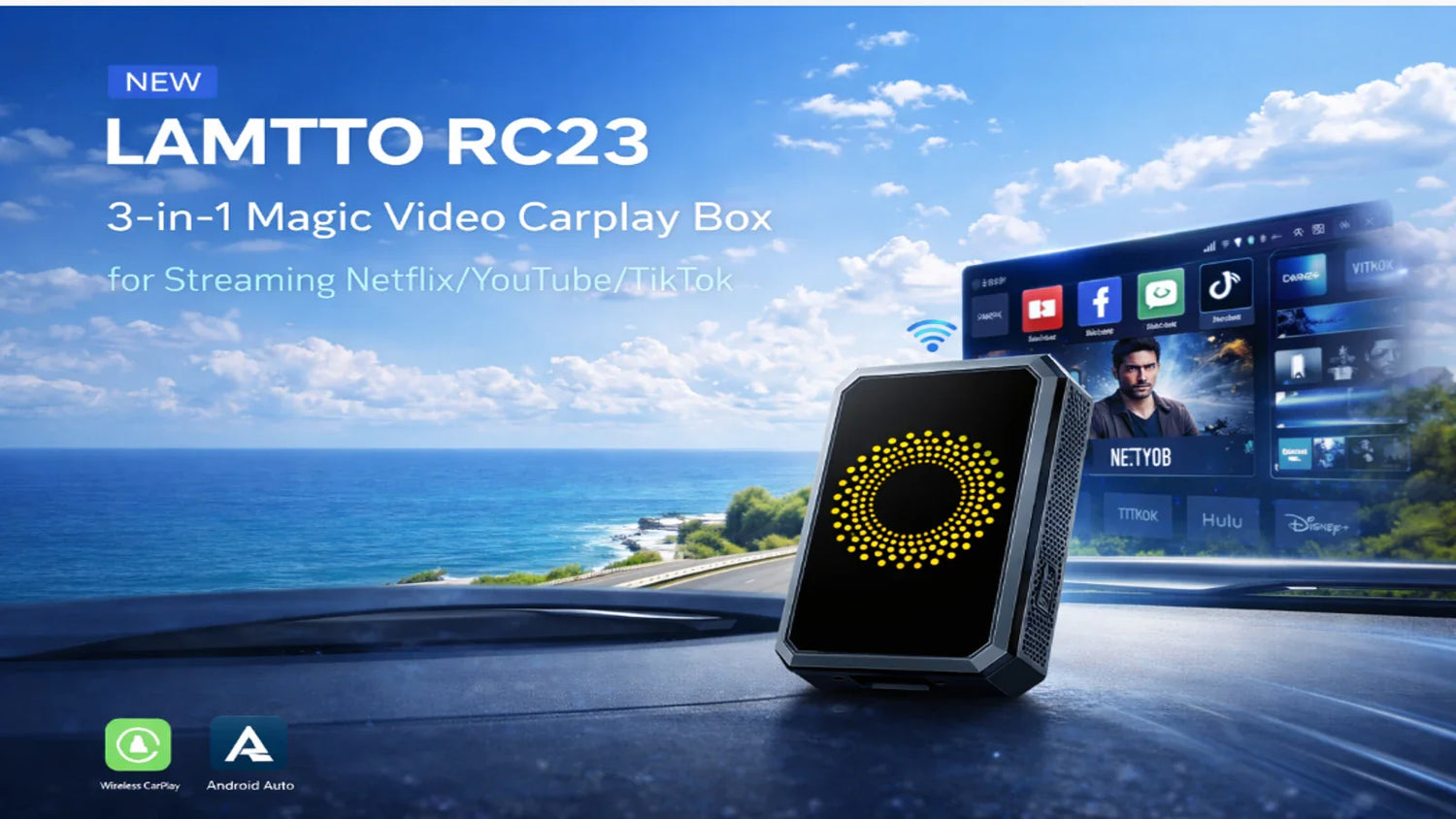
When using the Lamtto RC23 CarPlay AI Box, you may occasionally encounter hardware, audio, or connection-related issues.
Most of these problems are not caused by the device itself, but are related to power supply, vehicle compatibility, or system behavior.
This guide summarizes common issues and provides practical solutions to help you resolve them quickly.
⚙️ Hardware Issues
1. Indicator Light Flashing or Device Keeps Restarting
If your RC23 is constantly restarting or the indicator light keeps flashing, it is usually related to power supply issues.
Possible Causes:
- Faulty or unstable USB port in the vehicle
- Insufficient or inconsistent power output
How to Fix:
- Check if your car’s USB port is working properly
- Connect your phone to the same USB port to test power stability
- Try using a different USB port in your vehicle
👉 In most cases, switching to a more stable power source resolves the issue.
2. Sparks When Plugging into the Car
If you notice a spark when plugging the device into your car:
Important Note:
The RC23 is designed to work with 5V power supply only.
What to Check:
- Confirm that your car’s USB port outputs 5V
- Avoid using ports with higher or unstable voltage
⚠️ Using incorrect voltage may affect device performance or safety.
🔊 Audio Issues
Phone Call Echo or Microphone Not Working
If you experience echo during calls or the microphone does not work:
Explanation:
The RC23 itself does not include an independent audio system.
All call audio is handled by your car’s original infotainment system.
What to Check:
- Make sure your car’s audio system is not muted
- Check the vehicle’s microphone and call settings
- Adjust volume levels on your car system
👉 This issue is usually related to the car’s audio setup rather than the RC23.
🌐 Other Common Issues
1. WiFi Hotspot Does Not Connect Automatically
Some users notice that they need to manually reconnect to the hotspot each time the car starts.
How It Works:
Once your phone hotspot is enabled:
- The RC23 will automatically connect within 5–10 seconds
What to Do:
- Make sure your phone hotspot is turned on before driving
- Wait a few seconds after startup for automatic connection
👉 In most cases, no manual action is required once the hotspot is active.
🧠 Final Thoughts
Most RC23 issues are related to:
- Power supply stability
- Vehicle USB port compatibility
- Car audio system settings
- Network connection behavior
By checking these areas, many problems can be resolved quickly without additional troubleshooting.
📩 Need Help?
If you’re still experiencing issues, feel free to contact us:


Αφήστε ένα σχόλιο
Όλα τα σχόλια ελέγχονται πριν δημοσιευθούν.
Αυτή η τοποθεσία προστατεύεται από το hCAPTCHA και ισχύουν η Πολιτική απορρήτου και οι Όροι Παροχής Υπηρεσιών του hCaptcha.