





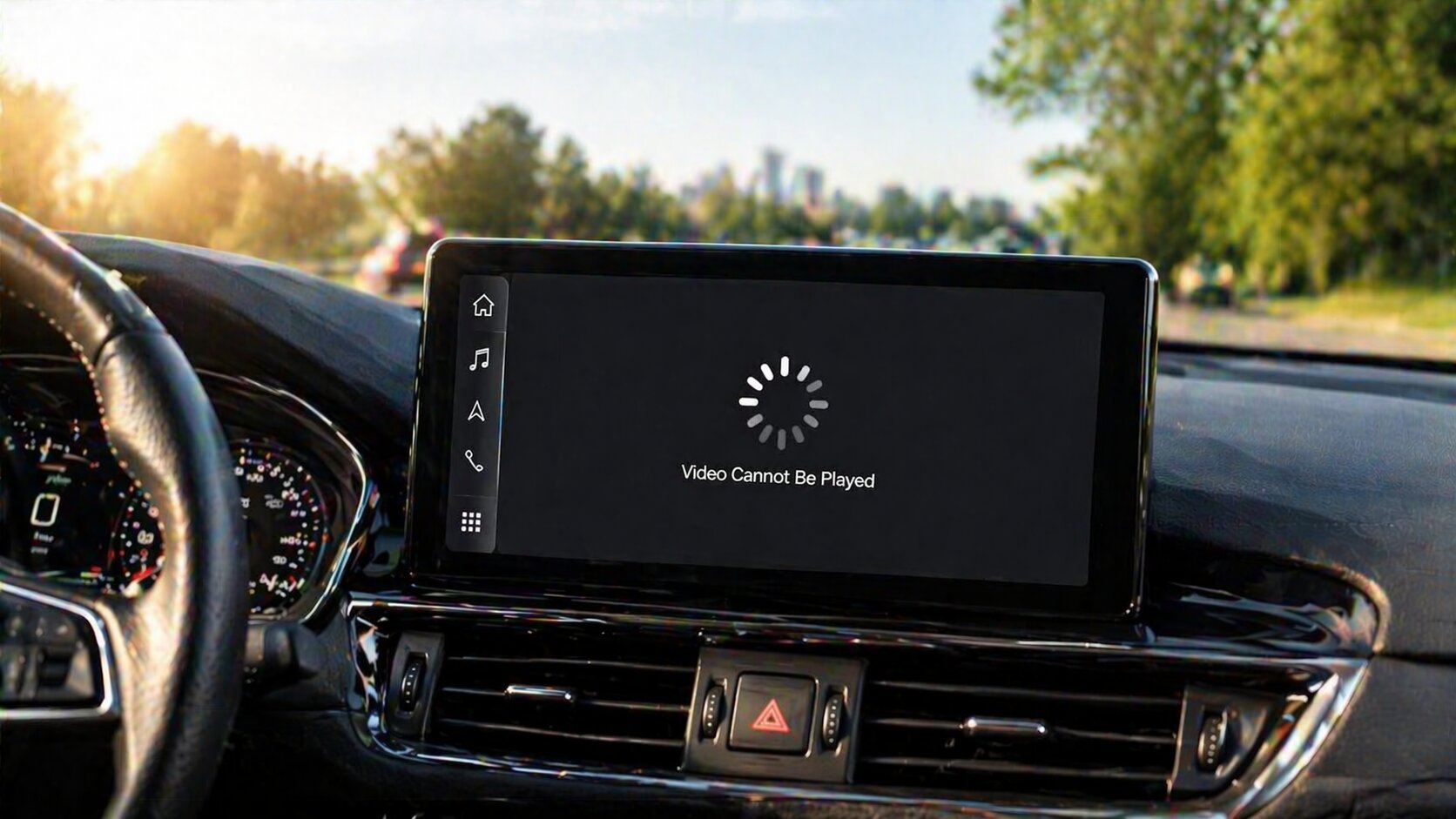
Lorsque vous utilisez le boîtier IA Lamtto RC23 CarPlay, vous pouvez occasionnellement rencontrer des problèmes d'affichage ou de système. La plupart d'entre eux ne sont pas des défauts matériels, mais plutôt liés à l'adaptation du système, aux paramètres ou à la connectivité.
Ce guide résume les problèmes les plus courants et propose des solutions simples et pratiques.
📺 Problèmes d'affichage et d'écran
1. Problèmes d'adaptation d'écran
Le RC23 est conçu comme un système adaptatif, ce qui signifie que son affichage dépend de l'écran d'infodivertissement de votre véhicule.
Ce qu'il faut vérifier :
- Assurez-vous que l'interface principale de votre voiture s'affiche correctement
- Ouvrez une vidéo et appuyez sur l'écran pour afficher les commandes de lecture
👉 Si la barre de progression et les éléments de l'interface utilisateur apparaissent en plein écran,
le problème n'est pas causé par l'appareil RC23
2. Lecture vidéo floue
Si la qualité vidéo semble peu claire :
👉 Ceci est également lié à l'adaptation de l'écran et dépend de la résolution d'affichage de votre voiture.
Recommandation :
- Testez le RC23 dans un autre véhicule si possible
- Comparez la clarté d'affichage sur différents systèmes d'infodivertissement
3. Problème d'icône flottante (superposition)
Certains utilisateurs peuvent remarquer une icône flottante sur l'écran.
Comment désactiver :
- Allez dans Paramètres d'usine
- Saisissez le mot de passe : 4545
- Appuyez sur Autre
- Désactivez l'icône flottante
- Enregistrez les paramètres
4. Interface lente ou latence
Si le système semble lent ou ne répond pas :
Essayez ce qui suit :
- Vérifiez la connexion réseau de votre téléphone
- Videz le cache de votre téléphone
- Redémarrez la connexion CarPlay
- Essayez d'utiliser un autre téléphone
⚙️ Paramètres système et problèmes de fonction
1. Comment changer la langue
Si la langue du système est incorrecte :
Étapes :
- Faites défiler la liste des langues
- Trouvez Français
- Appuyez longuement dessus
- Faites-le glisser vers le haut
👉 Le système changera de langue en conséquence
2. Comment réinitialiser l'appareil
Si vous rencontrez des erreurs système ou des problèmes d'application :
Étapes :
- Allez dans Paramètres
- Appuyez sur Plus
- Sélectionnez Système
- Appuyez sur Options de réinitialisation
⚠️ Important :
N'ENTREZ PAS dans les Paramètres d'usine, car le mot de passe n'est pas publiquement disponible.
3. Réponse lente ou délai système
Si l'appareil réagit lentement :
Étapes :
- Allez dans Paramètres → Autre → Commentaires
- Saisissez votre problème (ou laissez vide)
- Appuyez sur Confirmer
- Copiez l'ID du cas ou prenez une capture d'écran
- Envoyez-le au support pour une analyse plus approfondie
👉 Le système commencera à compresser les fichiers journaux
4. Impossible de mettre à jour les applications
Si les applications affichent des invites de mise à jour mais ne peuvent pas être mises à jour :
Étapes :
- Ouvrez l'App Store ou le Google Play Store
- Recherchez l'application manuellement
- Appuyez sur Installer ou Mettre à jour
5. TikTok introuvable dans l'App Store
Si TikTok est manquant :
Étapes :
- Allez dans Paramètres → Plus → Système → Options de réinitialisation
- Après la réinitialisation, ouvrez l'App Store
- Recherchez et téléchargez TikTok à nouveau
🧠 Réflexions finales
La plupart des problèmes avec le Lamtto RC23 sont liés à :
- L'adaptation du système avec différents écrans de voiture
- Des conflits d'application ou de cache
- La connexion réseau ou de l'appareil
Ces problèmes peuvent généralement être résolus par de simples ajustements ou réinitialisations.
📩 Besoin d'aide ?
Si vous rencontrez toujours des problèmes, n'hésitez pas à contacter notre équipe d'assistance :


Laisser un commentaire
Tous les commentaires sont modérés avant d'être publiés.
Ce site est protégé par hCaptcha, et la Politique de confidentialité et les Conditions de service de hCaptcha s’appliquent.