





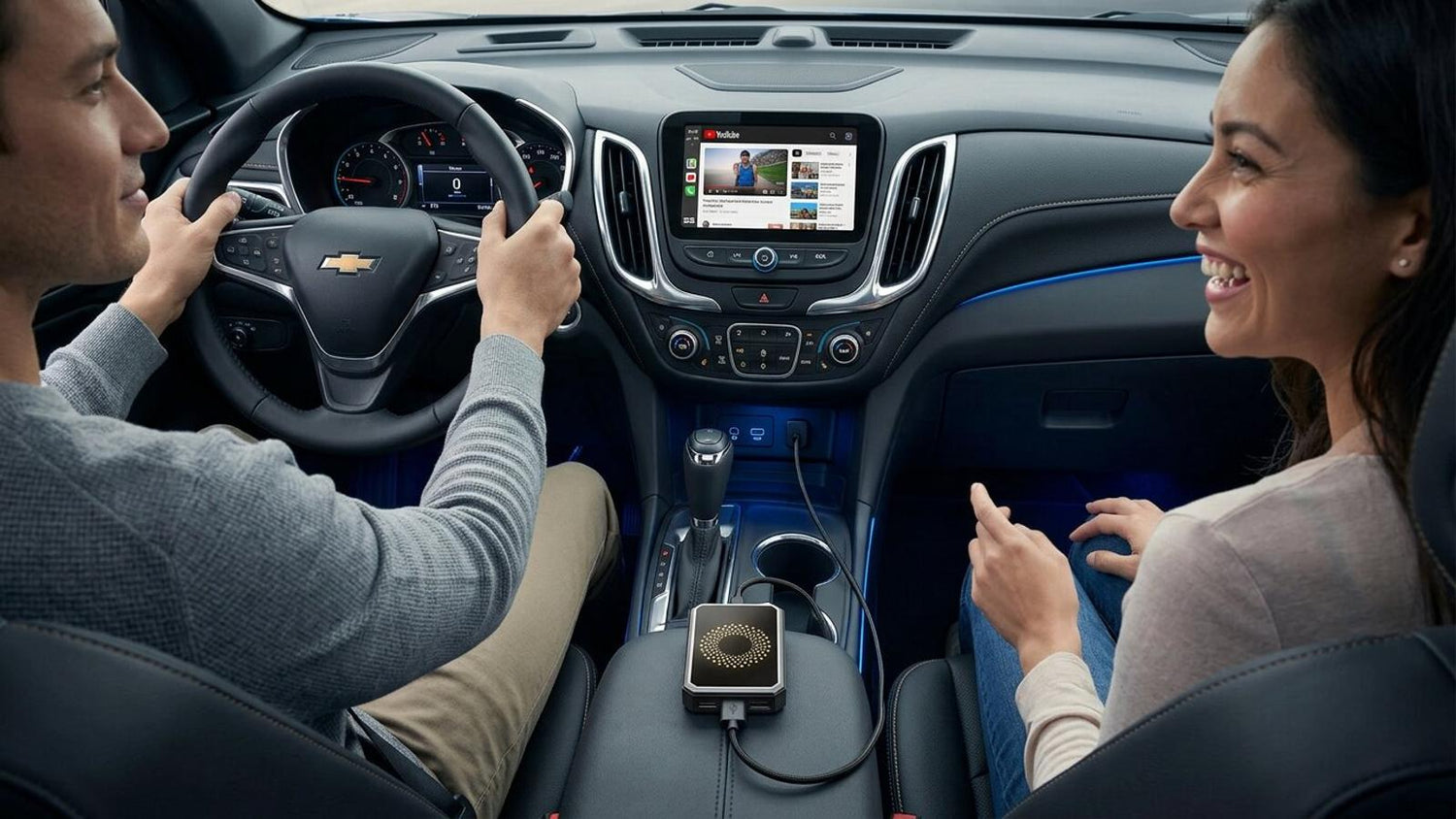
Why Is CarPlay Video Only 720p? (Fix & Optimization Guide)
If you’ve ever noticed that your CarPlay video looks a bit blurry or not as sharp as expected, you’re not alone.
Many users wonder:
👉 “Why is my CarPlay video limited to 720p?”
👉 “Can I make it clearer or reach 1080p?”
In this guide, we’ll break it down in simple terms — and show you how to get the best possible video quality from your setup.
What Video Resolution Does CarPlay Support?
Apple CarPlay is designed primarily for navigation, calls, and music, not video streaming.
Because of that, CarPlay typically limits video output to around:
👉 ~720p resolution
This is not a bug — it’s intentional.
Why Is CarPlay Limited to 720p?
There are 3 main reasons behind this limitation:
1. System Stability
CarPlay needs to run smoothly without lag or delay, especially when driving.
Higher resolutions like 1080p would:
- Increase system load
- Cause lag or overheating
2. Safety Considerations
Apple intentionally restricts video quality to reduce distractions.
👉 Clear enough to watch when parked
👉 Not too immersive while driving
3. Wireless Bandwidth Limits
Wireless CarPlay relies on Wi-Fi transmission between your phone and car.
Higher resolution = more bandwidth required
→ which can cause buffering or instability
Does This Apply to All CarPlay Adapters?
Yes — this limitation comes from CarPlay itself, not just one device.
Even advanced adapters follow the same base limitation when running in CarPlay mode.
However…
Can You Get Better Than 720p?
👉 Yes — but not in standard CarPlay mode
Some devices (like Android-based CarPlay boxes) offer a workaround.
For example:
- Switch to Android system mode
- Use built-in apps like Netflix or YouTube
- Stream directly instead of mirroring CarPlay
This allows:
✔ Higher resolution playback (up to 1080p depending on network)
✔ Smoother streaming experience
✅How to Improve CarPlay Video Quality
Even within the 720p limitation, you can still make your video look much better.
1. Use a 5GHz Wi-Fi Hotspot
- Faster data transmission
- Less compression
- More stable streaming
2. Ensure Strong Signal
Weak signal = blurry video
Best practice:
- Parked or low-movement use
- Strong mobile data connection
3. Adjust App Video Settings
Some apps auto-reduce quality.
Go to:
Netflix / YouTube settings
→ Set to High Quality
4. Avoid Background Apps
Too many apps running can reduce performance.
-Close unused apps on your phone
5. Use a High-Performance Adapter
Devices like the LAMTTO RC23 are optimized for:
- Stable wireless connection
- Built-in streaming apps
- Smooth video playback
Common Mistakes That Cause Poor Video Quality
Here are the most common issues users face:
❌ Using 2.4GHz hotspot
❌ Weak mobile signal
❌ Old firmware
❌ Low-quality streaming settings
Fixing these alone can significantly improve clarity.
Best Settings for LAMTTO RC23
If you’re using RC23, here’s the optimal setup:
- Use Android mode for streaming
- Connect to 5GHz hotspot
- Keep firmware updated
- Use built-in apps instead of mirroring
👉 This gives you the best balance between quality and stability.
FAQs
Q: Why does my CarPlay video look blurry?
Because CarPlay limits resolution to around 720p for stability and safety.
Q: Can CarPlay support 1080p video?
Not in standard CarPlay mode. You need an Android-based system to go higher.
Q: Is this a defect of my device?
No — this is a system-level limitation, not a product issue.
Q: How can I get better video quality?
Use:
- 5GHz hotspot
- Strong signal
- Android mode (if supported)
Final Thoughts
If your CarPlay video looks limited to 720p, don’t worry — it’s completely normal.
The key is understanding: CarPlay is designed for stability, not high-resolution video.
But with the right setup — and the right device — you can still enjoy a much better viewing experience.
Upgrade Your Car Entertainment
Looking for smoother streaming and better performance?
LAMTTO RC23 offers:
- Built-in Netflix & YouTube
- Wireless CarPlay & Android Auto
- Optimized video playback
Explore more:
👉 LAMTTO RC23 3-in-1 Magic Video Carplay Box for Streaming Netflix/YouTube/TikTok


Leave a comment
All comments are moderated before being published.
This site is protected by hCaptcha and the hCaptcha Privacy Policy and Terms of Service apply.