





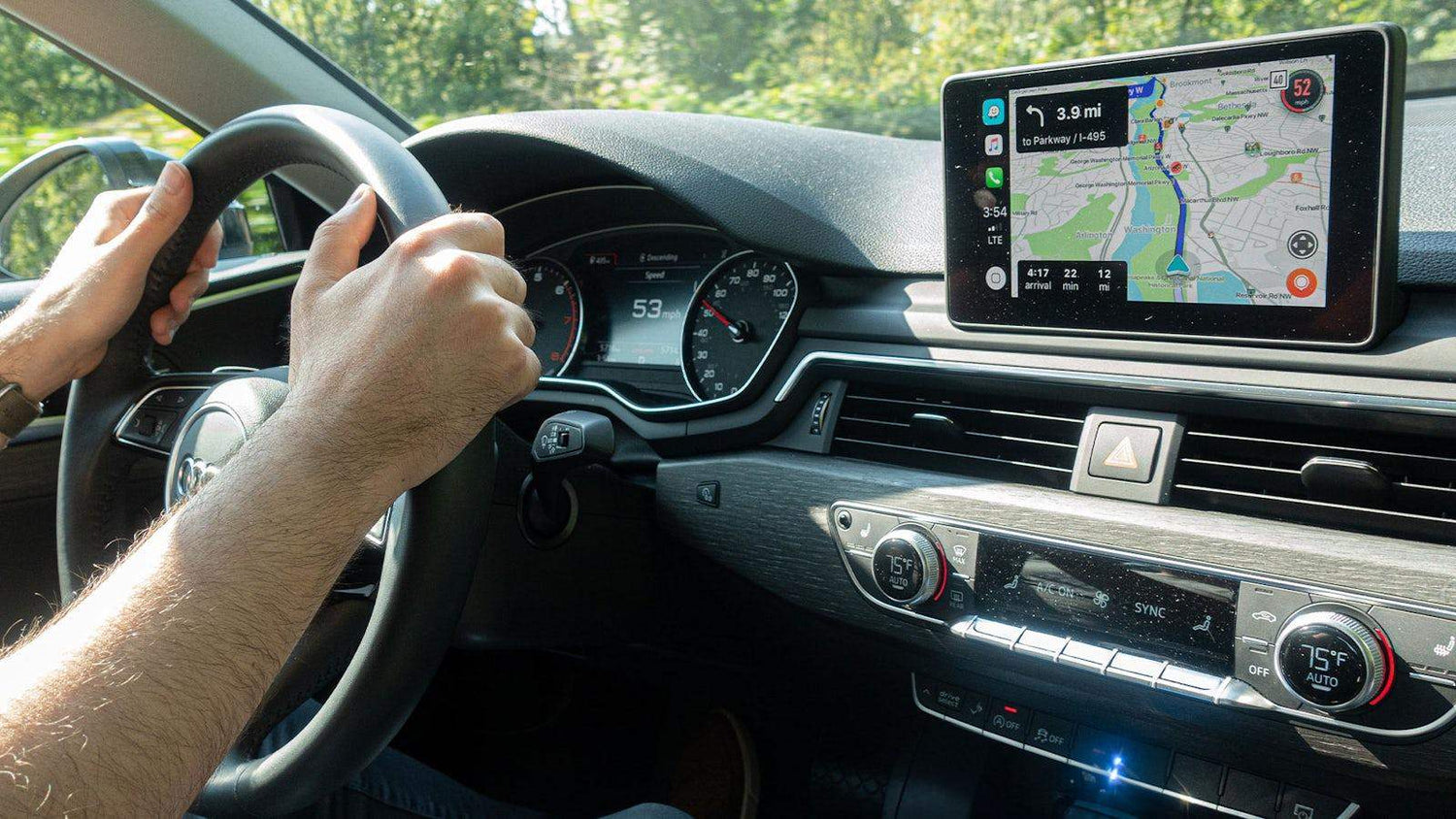
Your car may still drive perfectly, look great, and have years of life left in it—but its infotainment system can make it feel much older than it really is.
Maybe your factory screen already supports CarPlay or Android Auto, but you still rely heavily on your phone for navigation, mobile data, apps, and entertainment. Or perhaps the screen itself is perfectly usable, but its software feels limited compared with the technology you use every day.
The good news is that making an older car feel smarter doesn’t necessarily mean replacing the entire stereo or dashboard.
There are several ways to modernize your in-car experience while keeping the factory screen and original interior largely intact.
Why Does an Older Infotainment System Feel Outdated?
The problem often isn’t the screen itself.
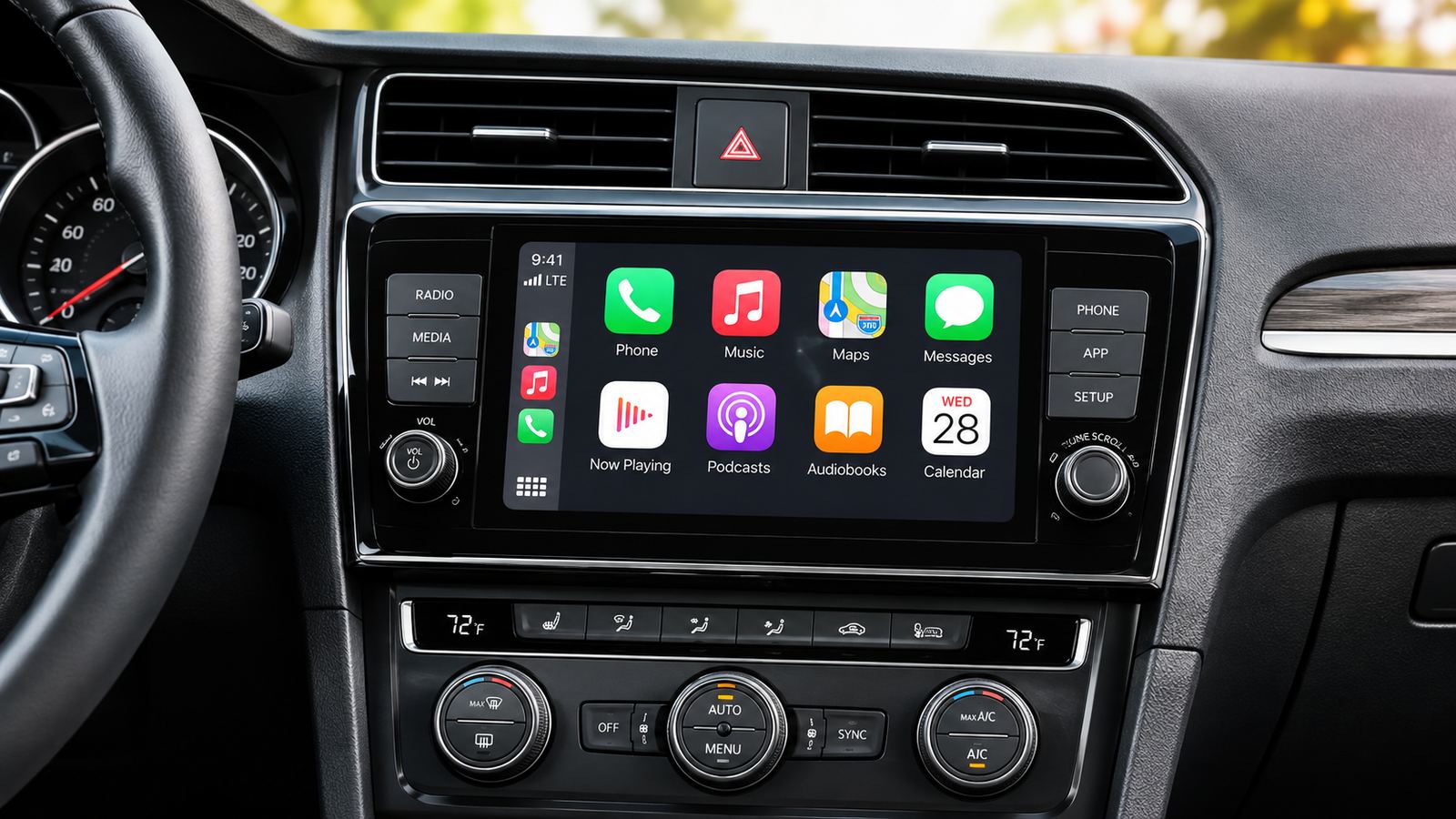
Many vehicles already have a perfectly good factory display, steering-wheel controls, speakers, microphones, and other integrated hardware. What begins to feel outdated over time is what the system can actually do.
Modern drivers have become accustomed to having navigation, streaming services, voice assistants, connected apps, and real-time information available instantly on their phones.
Get into an older vehicle, however, and the experience can be very different.
You may find yourself constantly connecting your phone, turning on a hotspot, switching between devices, or mounting a second screen just to access features that newer vehicles increasingly integrate into the dashboard.
That creates an interesting question:
Do you really need to replace the stereo—or do you simply need to make the existing screen more capable?

1. Start With Wireless CarPlay or Android Auto
For many drivers, the simplest upgrade is eliminating the cable.
If your vehicle already has compatible wired CarPlay or Android Auto, a wireless adapter can make everyday driving noticeably more convenient.
Instead of taking your phone out every time you enter the car, the system can connect automatically after startup.
You still get access to familiar essentials such as:
- Navigation
- Music
- Calls
- Messages
- Voice control
This doesn't completely transform the capabilities of the factory infotainment system, but it can make an older setup feel much more seamless.
For drivers who mainly want easier access to navigation and music, this may be all the upgrade they need.
2. Add More Apps Without Replacing the Factory Screen
Wireless connectivity solves the cable problem, but there is another limitation: traditional CarPlay and Android Auto only support certain types of apps.
That's intentional. These platforms are primarily designed around driving-related tasks.
But there are times when a car is parked when having access to more applications can be useful.
Think about:
Waiting for someone at the airport.
Sitting in the school pickup line.
Stopping during a long road trip.
Waiting at a service center.
Charging an EV.
Taking a break at a rest stop.
During these moments, having access to streaming, browsing, trip-planning, or other Android apps directly from the dashboard can make the existing screen far more useful.
One way to accomplish this without replacing the stereo is through an Android-based CarPlay AI box.
Rather than installing another display, compatible devices use the factory infotainment screen as the interface for a more capable Android environment.
The important distinction is simple:
You aren't necessarily upgrading the screen. You're upgrading what the screen can do.
Safety note: Video and other distracting entertainment features should only be used when the vehicle is safely parked or by passengers where permitted. The driver should always keep attention on the road.
3. Stop Making Your Phone Do Everything
One of the less obvious limitations of many connected-car setups is how much they depend on your smartphone.
Your phone may simultaneously be responsible for:
navigation, music, calls, CarPlay or Android Auto, mobile hotspot, and passenger connectivity.
On a short commute, that may not matter much.
On a six-hour road trip, it can become frustrating.
Running navigation, wireless connectivity, and a hotspot for extended periods can increase battery consumption and make the entire in-car experience dependent on one device.
A smarter approach is to separate some of those responsibilities.
Instead of thinking:
Phone → powers everything in the car
you can move toward:
Phone → personal communication
Car system → navigation, apps, connectivity and entertainment
This is especially useful for frequent road-trippers and families who spend significant amounts of time in the car.
4. Give the Car Its Own Internet Connection
This is where an older vehicle can begin to feel significantly more modern.
Instead of relying exclusively on your smartphone hotspot, some aftermarket infotainment solutions can use their own cellular connection.
With a compatible data plan and hardware, the car system can access online services independently.
That means you may be able to use things such as online navigation, streaming services, connected applications, and real-time information without repeatedly enabling your phone's hotspot.
- For a quick commute, the difference may seem small.
- But imagine a long road trip.
- Your passenger wants to use your phone.
- You stop for lunch and take the phone with you.
- Your phone battery is running low.
- Someone else drives the car.
With a more independent connected system, the vehicle's infotainment experience isn't tied as closely to one person's smartphone.

5. Add Independent GPS for Navigation
Internet connectivity and GPS are related, but they aren't the same thing.
A system with its own GPS hardware can determine the vehicle's position independently rather than relying entirely on positioning information supplied by a connected phone.
For drivers who frequently travel long distances, this can be particularly useful.
Apps such as Google Maps or Waze can then become part of a more self-contained dashboard experience when supported by the device and available connectivity.
The benefit isn't simply “having GPS.”
It's reducing the number of tasks that must be handed back and forth between the dashboard and your phone.
The less device juggling you have to do, the more integrated the car begins to feel.
6. Turn Waiting Time Into Useful Time
Not every minute spent inside a vehicle is spent driving.
This is an important distinction when thinking about infotainment upgrades.
Drivers spend plenty of time parked:
waiting for family members, charging an EV, arriving early for an appointment, taking breaks on road trips, waiting at airports, or simply sitting in the car between errands.
A traditional infotainment system doesn't offer much during these moments.
A smarter system can.
While safely parked, you might:
- Watch a video.
- Listen to a podcast.
- Check tomorrow's route.
- Look for nearby restaurants.
- Plan the next stop on your trip.
- Use an AI assistant to build an itinerary.
- Catch up on news.
- Find a hotel.
The value of a smarter dashboard isn't only about what happens while driving.
Sometimes it's about making the time you already spend sitting in the car more useful or enjoyable.

7. Use AI as a Travel Tool, Not Just a Voice Assistant
AI is also beginning to change what “smart” means inside a car.
Instead of only asking a voice assistant to play music or make a call, modern AI tools can help with more complex travel questions.
For example:
“Find three family-friendly stops between here and our destination.”
“Plan a scenic route that adds less than one hour.”
“What are some good restaurants near our hotel?”
“Create a road-trip game for two kids.”
“Help me plan tomorrow's itinerary.”
These tasks would traditionally require taking out your phone and searching through several apps or websites.
Android-based infotainment systems capable of running supported AI applications can bring some of those tools directly into the vehicle's digital environment.
Again, the goal isn't to encourage drivers to interact with complicated apps while driving.
It's to make the dashboard a more useful tool before the journey, during safe stops, and for passengers.
8. Keep the Factory Look
There's another reason many drivers hesitate to replace their stereo: the factory system is increasingly integrated into the rest of the vehicle.
Depending on the model, it may interact with:
vehicle settings, cameras, steering-wheel controls, audio settings, climate information, and other manufacturer-specific functions.
Replacing the entire head unit can therefore be more complicated than it first appears.
There's also aesthetics.
A well-designed factory display belongs in the dashboard. Adding a completely different head unit or another large screen may change the original appearance of the interior.
For many drivers, the ideal upgrade is therefore:
Keep the factory hardware. Expand the software experience.
That's one reason plug-in CarPlay adapters and Android AI boxes have become an interesting alternative to traditional stereo replacement.

So, Do You Actually Need a New Stereo?
Not necessarily.
Before replacing anything, ask yourself what you're actually unhappy with.
If the display itself is poor, a new head unit or portable display may make sense.
If you simply hate plugging in your phone every time you drive, a wireless CarPlay/Android Auto adapter may be enough.
But if your factory screen is still good and what you really want is more apps, more independent connectivity, navigation, entertainment, and a more modern software experience, an AI box may be the more practical direction.
The right upgrade depends on the problem you're trying to solve.
Where Devices Like the LAMTTO RC31 Fit In
This is where a product such as the LAMTTO RC31 makes sense—not as something every vehicle needs, but as one possible route for drivers who want to keep a compatible factory display while expanding what it can do.
The LAMTTO RC31 5G LTE CarPlay AI Box combines an Android environment with built-in cellular connectivity, GPS, downloadable apps, and CarPlay/Android Auto functionality in a compact device designed to work with compatible vehicle infotainment systems.
The important part isn't the specification list.
It's what those capabilities can potentially change about an older vehicle:
Less dependence on your phone.
More use from the factory screen you already have.
More options when you're parked or traveling with passengers.
A connected-car experience without immediately replacing the dashboard.
Compatibility matters, however, so owners should verify their vehicle's factory infotainment configuration before choosing an AI box or adapter.
A Smarter Car Doesn't Always Mean a Newer Car
Automotive technology moves much faster than the cars themselves.
A vehicle can remain mechanically excellent for many years while its infotainment technology begins to feel dated after only a few.
Fortunately, those two things don't have to age together.
Sometimes making an older car feel modern isn't about installing a huge new screen, replacing the stereo, or buying a newer vehicle.
It can be as simple as identifying what's missing from your current driving experience and upgrading only that part.
Maybe that's wireless connectivity.
Maybe it's independent navigation.
Maybe it's better access to apps.
Maybe it's entertainment for long waits and road trips.
Or maybe it's simply reducing how much your entire car experience depends on your phone.
Keep the car you enjoy. Keep the factory screen that already fits. Make the technology around it work a little smarter.


Leave a comment
All comments are moderated before being published.
This site is protected by hCaptcha and the hCaptcha Privacy Policy and Terms of Service apply.