





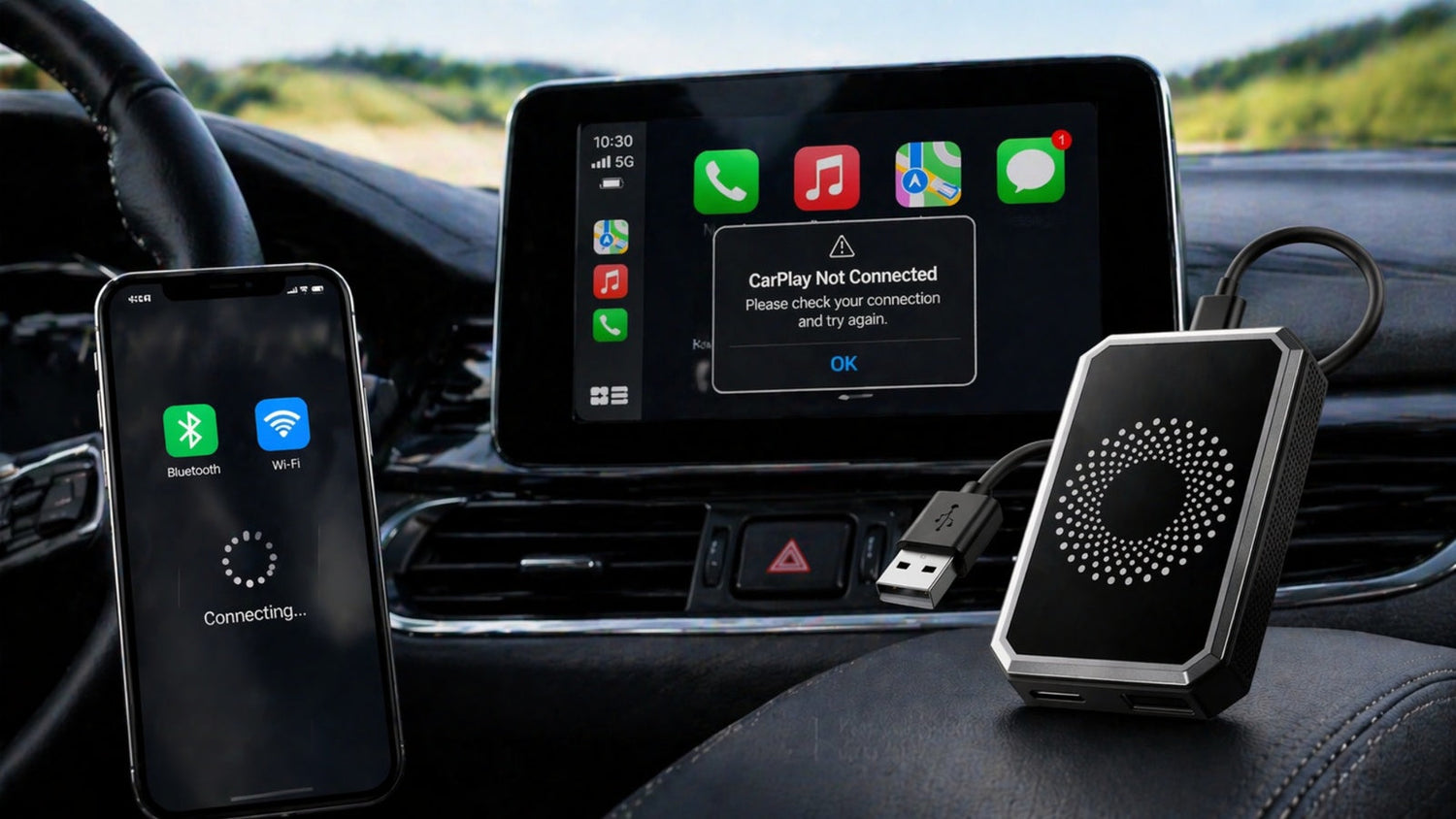
If your wireless CarPlay adapter is not connecting, keeps disconnecting, or simply won’t work, you’re not alone.
This is one of the most common issues drivers face when upgrading from wired to wireless CarPlay or Android Auto.
The good news?
👉 Most problems are not hardware failures — they’re usually caused by compatibility settings, connection conflicts, or simple setup mistakes.
In this guide, we’ll walk you through:
- Why your CarPlay adapter isn’t working
- How to fix connection issues step by step
- Compatibility rules most people miss
- How to properly set up devices like the RC23 Wireless Adapter

🔍 Why Your Wireless CarPlay Adapter Is Not Working
Before jumping into fixes, it’s important to understand the most common causes:
1. Wrong USB Port (Very Common)
Many cars have both data ports and charging-only ports.
👉 If you plug your adapter into a charging port, it will not work.
2. Bluetooth Conflicts
Your phone may already be connected to:
- Car Bluetooth
- Other devices (earbuds, speakers, etc.)
👉 This can interfere with the adapter connection.
3. Compatibility Limitations
Not all cars support adapters — even if they have screens.
👉 This is where most users get confused.
⚠️ Wireless CarPlay Adapter Compatibility (Must Check)
Before troubleshooting, confirm this:
Your car MUST support:
- Wired Apple CarPlay
- OR wired Android Auto
It will NOT work if:
- Your car only supports wireless CarPlay / Android Auto
- Your car has no CarPlay system at all
Unsupported Vehicles
Some vehicles use different systems and are not supported:
- BMW
- Tesla
👉 If your car doesn’t meet these conditions, no adapter will work — not just RC23.
🔧 How to Fix Wireless CarPlay Adapter Connection Issues
Here are the most effective solutions:
✅ Fix 1: Use the Correct USB Port
- Plug the adapter into a data USB port
- Try switching ports if unsure
👉 This alone fixes a large percentage of issues
✅ Fix 2: Reset Bluetooth Connections
- Go to your phone’s Bluetooth settings
- Remove other saved devices
- Tap “Forget This Device” (not just disconnect)
👉 This prevents connection conflicts
✅ Fix 3: Restart Your Phone
Simple but effective:
- Restart your phone
- Turn Bluetooth and WiFi back on
✅ Fix 4: Ensure Stable Power Supply
Some cars don’t provide enough power.
Solution:
- Use a Y-cable (for dual USB ports)
- Or use a USB car charger adapter for extra power
🔌 How to Set Up a Wireless CarPlay Adapter (RC23 Example)
If you're using a device like the RC23, follow these steps:
Step 1:
Turn on Bluetooth and WiFi on your phone
Step 2:
Search and connect to “AI Box”
Step 3:
Wait for CarPlay or Android Auto to launch automatically
👉 No hotspot or internet is required

📺 How to Use Screen Mirroring
Some adapters support screen mirroring.
Steps:
- Disconnect CarPlay / Android Auto
- Connect to the adapter’s WiFi
- Tap “Mirror” on the device
- Use AirPlay / Screen Cast on your phone
💡 Tips for a Stable Wireless CarPlay Experience
To avoid future issues:
- Keep your Bluetooth device list clean
- Avoid connecting multiple devices at once
- Use high-quality cables
- Restart devices if needed
🚀 A Simple Way to Upgrade Your Driving Experience
Many drivers switch to wireless adapters to:
- Eliminate cables
- Improve convenience
- Make daily driving smoother
👉 Devices like the RC23 Wireless CarPlay Adapter are designed to make this process simple:
- Plug and play setup
- Stable connection
- Clean wireless experience

Leave a comment
All comments are moderated before being published.
This site is protected by hCaptcha and the hCaptcha Privacy Policy and Terms of Service apply.