






Let’s be honest: modern cars have giant screens, powerful processors, and fancy marketing names… Yet somehow, they still won’t let you watch Netflix while parked waiting for your kids at soccer practice.
That’s where the LAMTTO RC23 3-in-1 Magic Video CarPlay Box comes in.
If you’ve ever thought, “My car screen is smarter than this,” you’re not wrong — and this adapter proves it.
What Is the LAMTTO RC23, Really?
The LAMTTO RC23 is not a basic wireless CarPlay adapter.
It is a CarPlay / Android Auto adapter with a built-in closed Android system, which means:
It converts wired CarPlay or wired Android Auto into wireless
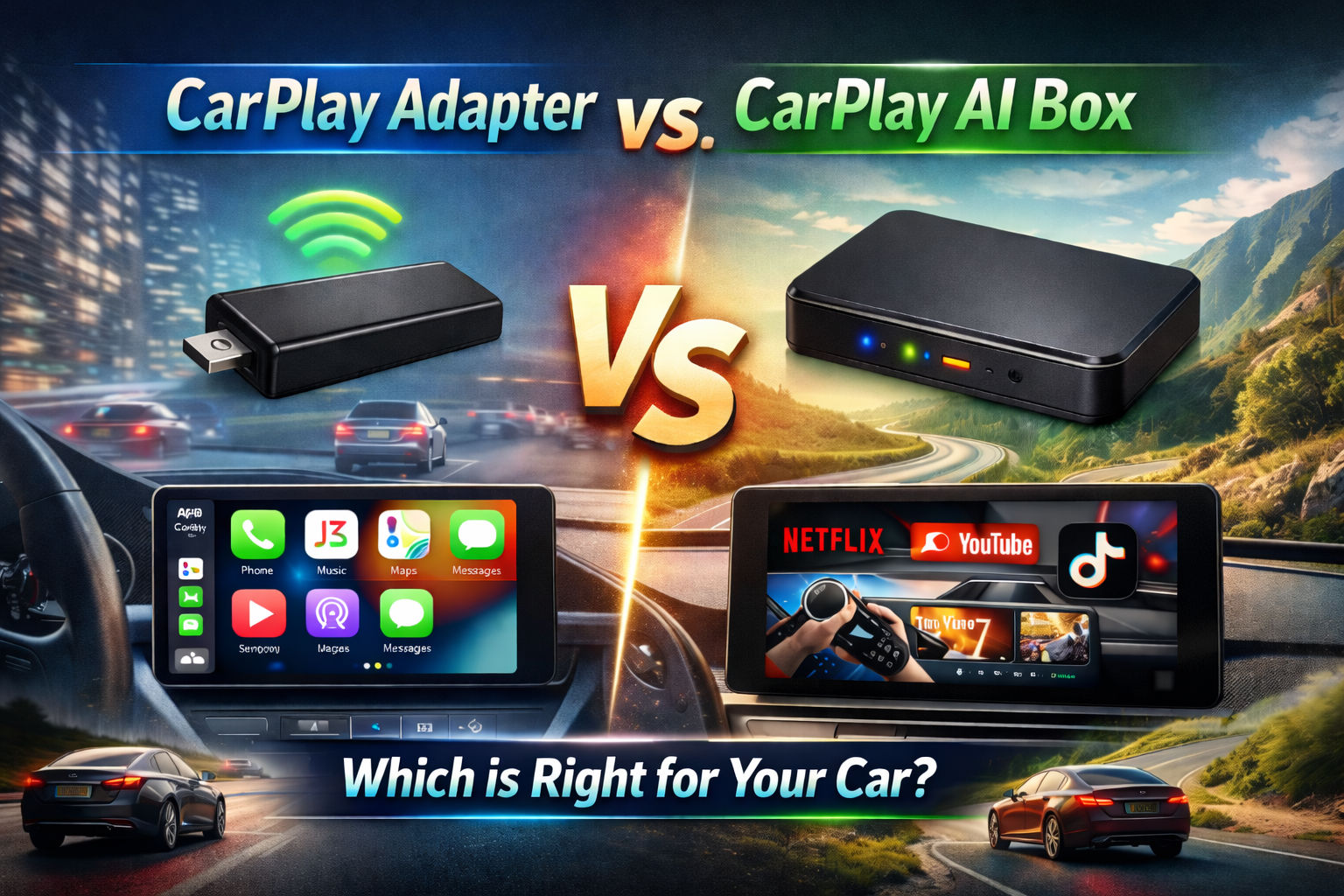
It unlocks video streaming apps like Netflix, YouTube, TikTok, Prime Video
It turns your car screen into in-car entertainment / in-car cinema
Think of it less like a cable replacement and more like a tiny Android brain for your dashboard.
⚠️ Important Clarification About RC23
The RC23 is sometimes referred to in the market as an “AI box,” but we want to be very clear:
RC23 does NOT have artificial intelligence (AI) functions.
RC23 does not perform AI tasks, learning, voice intelligence, or smart decision-making.
Instead, it is a video-enabled CarPlay adapter with a built-in Android system, designed solely to run media apps and enable wireless CarPlay / Android Auto.
Using the correct definition helps avoid misunderstanding and ensures you know exactly what RC23 is designed to do — in-car entertainment, not AI features.
⚠️ First Things First: What Cars Can Use RC23?
This is the MOST IMPORTANT PART, and also where most confusion happens.
✅ Your car MUST support:
Wired Apple CarPlay OR Wired Android Auto
❌ Your car CANNOT be:
Wireless-only CarPlay
Wireless-only Android Auto
A car with no CarPlay or Android Auto at all
👉 RC23 plugs into your car, not directly into your phone.
So the car’s system matters more than your phone type.
This is where many users get confused — and we’ll fix that below.
Understanding the RC23 System (No Tech Degree Required)
RC23 Uses a Closed Android System
That means:
You do not install apps freely like on a phone
The system is optimized for stability, video playback, and car compatibility
Built-in video apps are already included
This is intentional — fewer crashes, fewer headaches, fewer “why is my screen frozen” moments.
Two Modes. Two Colors. Zero Guesswork.
The RC23 has two operating modes, and an LED indicator that tells you exactly what’s happening.
| Mode | LED Color | For Which Car System |
|---|---|---|
| CarPlay Mode | 🟢 Green | Wired Apple CarPlay cars |
| AA Mode | 🔵 Blue | Wired Android Auto cars |
Factory Default Mode: 🟢 CarPlay Mode (Green)
Yes — this matters a lot.
Scenario 1: Your Car Has Wired Apple CarPlay 🍏
Good news — life is easy.
How it works:
- Plug RC23 into your car’s USB port
- It connects immediately
- Your car screen shows the RC23 Android system
From there, you can:
Use wireless CarPlay
Use wireless Android Auto
Open built-in video apps (Netflix, YouTube, etc.)
Want to watch videos? You’ll need:
Internet connection (phone hotspot or nearby Wi-Fi)
Log into your own streaming accounts
That’s it. No reset. No rituals. No prayers.
Scenario 2: Your Car Has Wired Android Auto (AA) 🤖
(This is where most mistakes happen)
If you just plug it in and it doesn’t work — don’t panic.
Your RC23 is simply still in CarPlay mode.
You MUST switch it to AA mode first:
How to switch modes:
- Use the PIN tool included in the box
- Insert it into the reset hole
- Hold for 3–5 seconds
- Release
- LED changes from 🟢 Green → 🔵 Blue
🎉 Now you’re in AA mode.
Then:
1. Plug RC23 into your wired Android Auto car
2. The Android system interface appears
3. Enjoy:
Wireless CarPlay
Wireless Android Auto
Video streaming apps
🚨 Big Education Moment
Car system ≠ phone type
iPhone + Wired Android Auto car → still needs AA mode
Android phone + Wired CarPlay car → still uses CarPlay mode
The adapter talks to your car first, not your phone.
This misunderstanding is the #1 reason customers think a product is “not working.”
Now you know better 😎
Why Is RC23 More Expensive Than Regular Adapters?
You may notice the RC23 costs $20–$30 more than standard wireless CarPlay adapters.
That’s not an accident.
Regular adapters:
Only convert wired → wireless
No video
No Android system
No streaming apps
RC23:
Built-in Android system
Pre-installed video apps
Dual-mode CarPlay + AA
Designed for in-car entertainment
In short: This is not just connectivity — it’s content.
LAMTTO positions RC23 as a car entertainment device, not just a cable replacement.
🧠 What Makes RC23 Different?
It’s an Adapter with a Built-In Android System
RC23 is not just a wireless connector.
It is a CarPlay box with a closed Android system, which means:
Built-in video apps (Netflix, YouTube, etc.)
Car screen becomes a real entertainment system
Supports wireless CarPlay & wireless Android Auto
That’s also why RC23 costs $20–30 more than basic adapters — you’re paying for in-car entertainment, not just convenience.
🎬 Think of it as a car cinema, not a cable replacement.
🍎 If Your Car Has Wired Apple CarPlay
Good news — setup is easy ✅
- Plug RC23 into your car
- It connects immediately
- Your car screen shows RC23’s Android interface
You can now:
Use wireless CarPlay or wireless Android Auto
Watch videos using built-in apps 🎥
⚠️ To watch videos, you must:
Connect to a phone hotspot or nearby Wi-Fi
Log in with your own video app accounts
🤖 If Your Car Has Wired Android Auto – One Extra Step Is Required
RC23 will not connect directly at first — this is normal.
Why? Because RC23 ships in CarPlay mode by default.
How to switch to Android Auto mode:
- Plug in RC23 → green light appears
- Use the pin tool included in the box
- Insert it into the reset hole
- Press and hold for 3–5 seconds
- Release and wait
- Light turns blue 🔵
Now RC23 can connect to your wired Android Auto car successfully.
🚨 The Biggest Mistake Buyers Make
Many users confuse:
Car system 🚘 with Phone type 📱
👉 Always remember:
Choose adapters based on what your car supports, not what phone you use.
RC23 is a “translator.”
It must speak the same system language as your car.
Why Products Like RC23 Are Trending Now
According to the National Highway Traffic Safety Administration (NHTSA), driver distraction is a serious issue — which is why modern systems restrict video while driving.
At the same time:
Families spend more time in cars
Kids expect screens everywhere
Streaming is now the default media format
RC23 fills a very real gap:
Entertainment while parked
Road-trip convenience
Waiting-in-car sanity preservation
Because sometimes you’re not driving — you’re just waiting… and waiting… and waiting.
Final Verdict: Who Is RC23 For?
✔ Families with kids
✔ Road-trip lovers
✔ People tired of wires
✔ Anyone who thinks their car screen should do more
❌ People whose cars don’t support wired CarPlay or AA
❌ People expecting a fully open Android tablet experience
Ready to Unlock Your Car’s Entertainment?
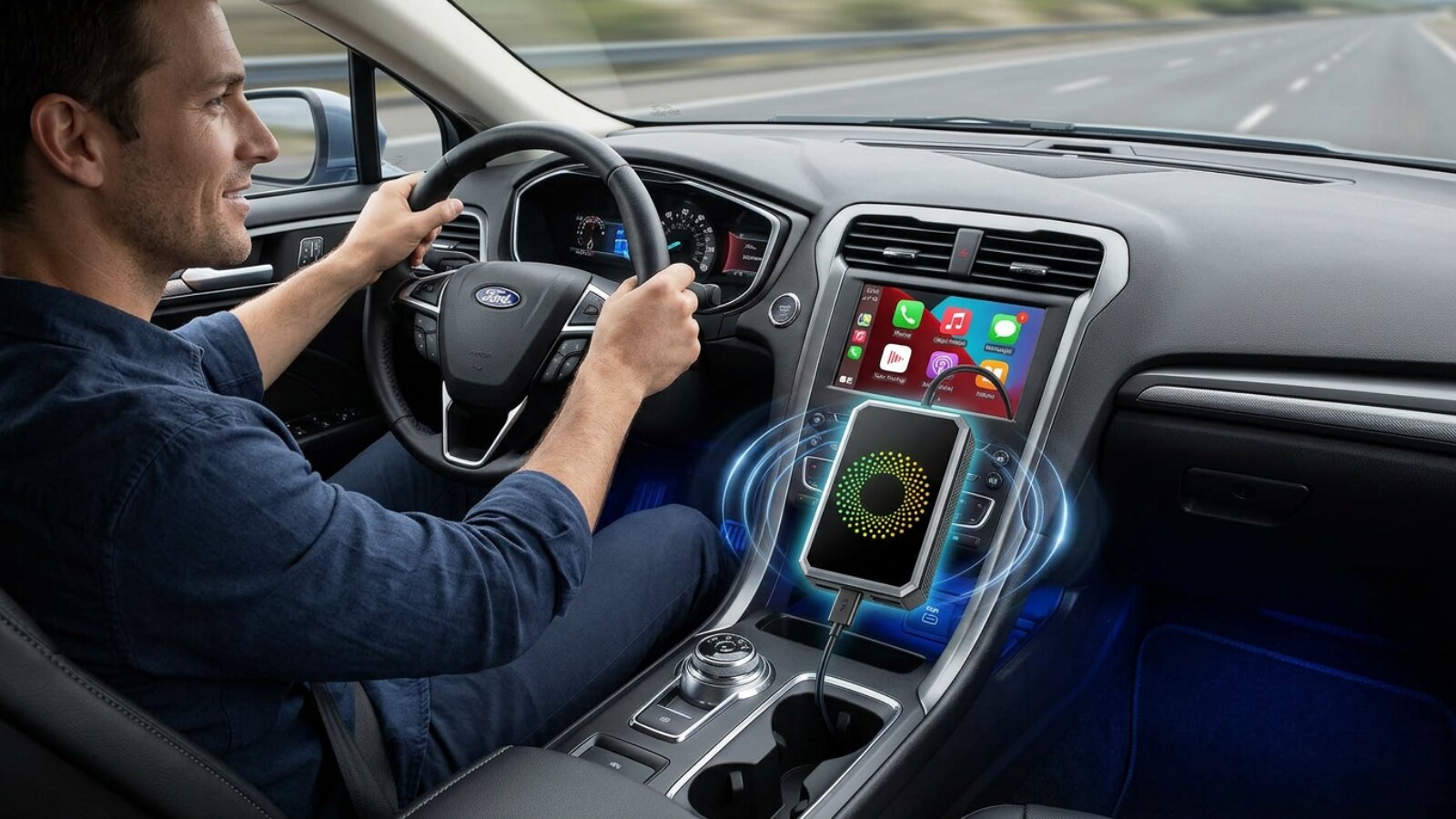
The LAMTTO RC23 transforms your car’s factory screen from a simple display into a full entertainment hub. Whether you’re waiting in the school pickup line, taking a long road trip, or just want wireless freedom, RC23 delivers.

Leave a comment
All comments are moderated before being published.
This site is protected by hCaptcha and the hCaptcha Privacy Policy and Terms of Service apply.