





If you're shopping for a smarter in-car experience, you've probably come across two names again and again: Apple CarPlay and Android Auto.
Both bring familiar smartphone features to your car's display, including navigation, music, calls, messages, and voice assistance. At first glance, they seem very similar.
But there is one important difference:
Apple CarPlay is built around the iPhone ecosystem, while Android Auto is designed for Android phones.
And when you're shopping for a wireless adapter, AI Box, portable display, or other smart-car accessory, that difference can affect compatibility.
Even more importantly, not every product supports both systems in the same way.
Let's break down what you actually need to know.
What Is Apple CarPlay?
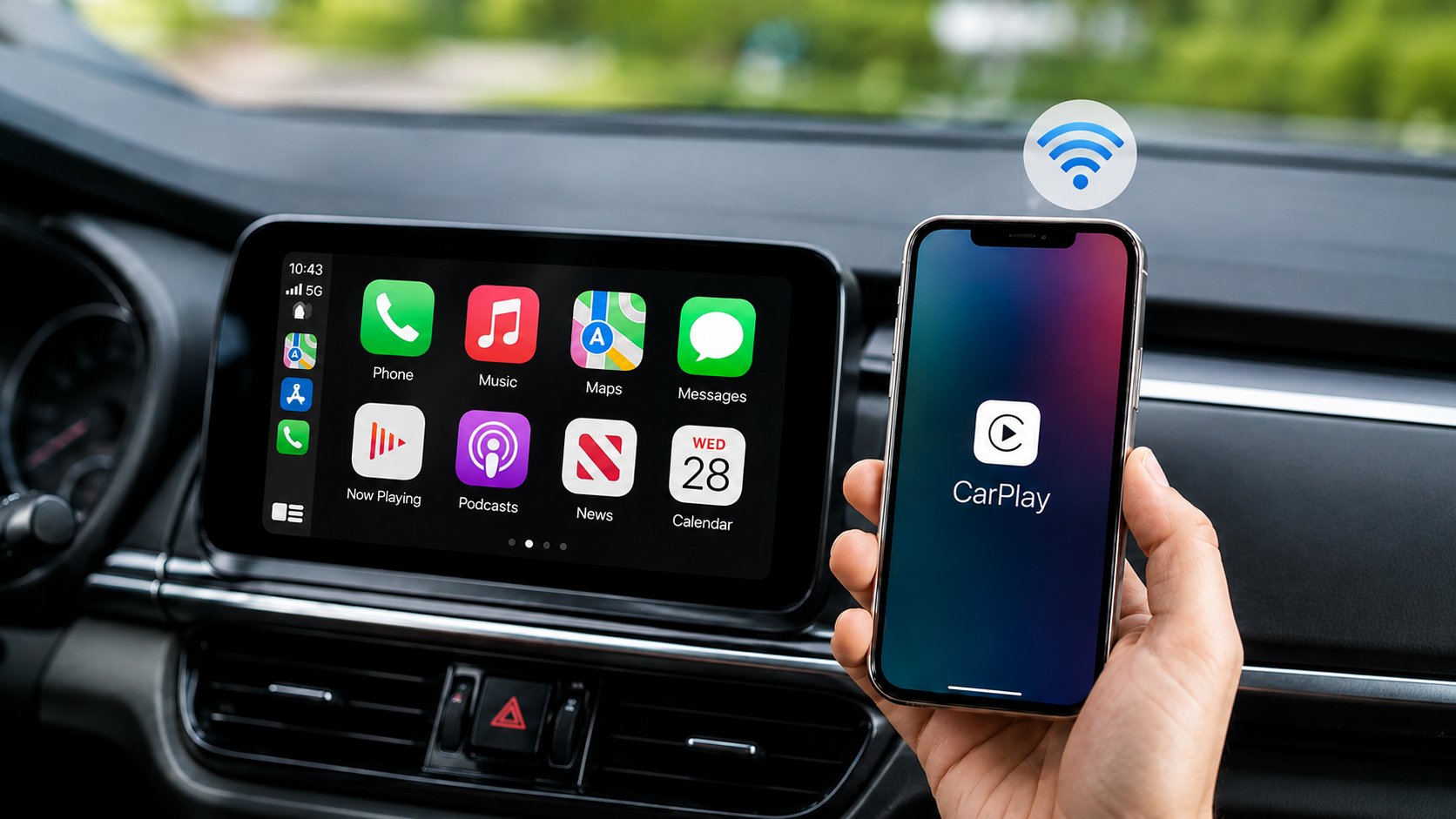
Apple CarPlay allows an iPhone to work with a compatible vehicle or external display through a simplified, driving-friendly interface.
Depending on the vehicle, CarPlay can work through a wired USB connection or wirelessly.
Common CarPlay features include:
- Apple Maps
- Google Maps and Waze
- Apple Music and Spotify
- Calls and messages
- Siri
- Podcasts
- Compatible third-party apps
For iPhone users, CarPlay provides an easy way to access frequently used phone functions without constantly picking up the phone.
What Is Android Auto?
Android Auto serves a similar purpose for Android smartphone users.
It connects a compatible Android phone to the vehicle's infotainment system or another supported display and provides access to navigation, communication, music, and other compatible apps.
Common Android Auto features include:
- Google Maps
- Waze
- Spotify and other music apps
- Calls and messaging
- Voice assistance
- Compatible Android apps
Like CarPlay, Android Auto can be wired or wireless depending on the vehicle and system.

Apple CarPlay vs Android Auto: Quick Comparison
| Feature | Apple CarPlay | Android Auto |
|---|---|---|
| Designed for | iPhone | Android phones |
| Apple Maps | Yes | No |
| Google Maps | Yes | Yes |
| Waze | Yes | Yes |
| Siri | Yes | No |
| Google Services | Supported apps | Deeper integration |
| Calls & Messages | Yes | Yes |
| Music & Podcasts | Yes | Yes |
| Wired Connection | Supported on compatible vehicles | Supported on compatible vehicles |
| Wireless Connection | Supported on compatible vehicles | Supported on compatible vehicles |
For most drivers, the choice is straightforward:
Use an iPhone? → Apple CarPlay
Use an Android phone? → Android Auto
But things become more complicated when you start adding aftermarket accessories.
Does Your Car Support Both CarPlay and Android Auto?
Not necessarily.
Many newer vehicles support both Apple CarPlay and Android Auto, but this isn't universal.
Depending on the vehicle's year, trim, region, and infotainment system, it may support:
Apple CarPlay only
Android Auto only
or
both Apple CarPlay and Android Auto
You should also determine whether the connection is wired or wireless.
For example, two vehicles may both advertise Apple CarPlay, but one may offer only wired CarPlay while the other supports wireless CarPlay as well.
That distinction becomes particularly important when choosing an adapter or AI Box.
Not Every Car Adapter Supports Both
This is one of the most important things to understand before buying.
Seeing terms such as CarPlay, Android Auto, or Wireless Adapter in a product name doesn't automatically mean that the product works with every vehicle or every protocol.
Some products specifically require the vehicle to already have factory wired Apple CarPlay.
Others may work with both Apple CarPlay and Android Auto environments.
So there are actually two compatibility questions:
1. What does your car support?
Check whether your factory infotainment system has:
Apple CarPlay / Android Auto / Both
and whether the connection is:
Wired / Wireless / Both
2. What does the product require?
Check whether the adapter, AI Box, or display requires a particular factory protocol.
These are two different things—and confusing them is one of the easiest ways to buy the wrong product.

RC38 Is a Good Example of Why Protocol Matters
The LAMTTO RC38 Baby Monitor Camera is a good example.
RC38 combines multiple functions, including in-car baby monitoring and smartphone connectivity, but its vehicle-side compatibility has a specific requirement:
The vehicle must be equipped with compatible factory wired Apple CarPlay.
So if your vehicle has Android Auto only but does not have the required factory wired Apple CarPlay protocol, you shouldn't assume RC38 will work simply because you use an Android phone.
This highlights an important distinction:
Your phone's operating system and your car's factory protocol are not the same compatibility question.
That's why it's important to check both before purchasing.
What If You Don't Want to Worry About Apple vs Android?
For some drivers, all of these compatibility questions can feel unnecessarily complicated.
Maybe you use an iPhone today but could switch to Android later.
Or perhaps one person in your family uses an iPhone while another uses Android.
In that case, choosing a solution designed to accommodate both CarPlay and Android Auto can make things much easier.
This is where products such as the LAMTTO RC31 AI Box and RC32 AI CarPlay Display become more interesting.
Rather than forcing you to choose a product solely around one phone ecosystem, they provide broader Apple and Android connectivity within their respective compatible setups.

RC31: A More Flexible AI Box Option
The LAMTTO RC31 5G AI Box is designed for drivers who want to expand the capabilities of a compatible existing infotainment system.
It supports CarPlay and Android Auto connectivity, so you're not limited to only one smartphone ecosystem.
Beyond phone connectivity, RC31 also creates a more independent smart-dashboard environment with features such as:
- Android 15
- Built-in 5G connectivity
- 8GB RAM + 128GB storage
- Google Play
- Independent GPS
- AI capabilities
- Wireless CarPlay
- Android Auto
- App downloads
This makes RC31 particularly useful for drivers who want more than simply converting a wired connection into a wireless one.
Instead of constantly thinking:
“Do I have an iPhone or Android?”
the bigger question becomes:
“Is my vehicle compatible with the AI Box?”
Once that requirement is confirmed, you have much more flexibility on the phone side.
RC32: When You Want a New Screen Too
RC32 takes a completely different approach.
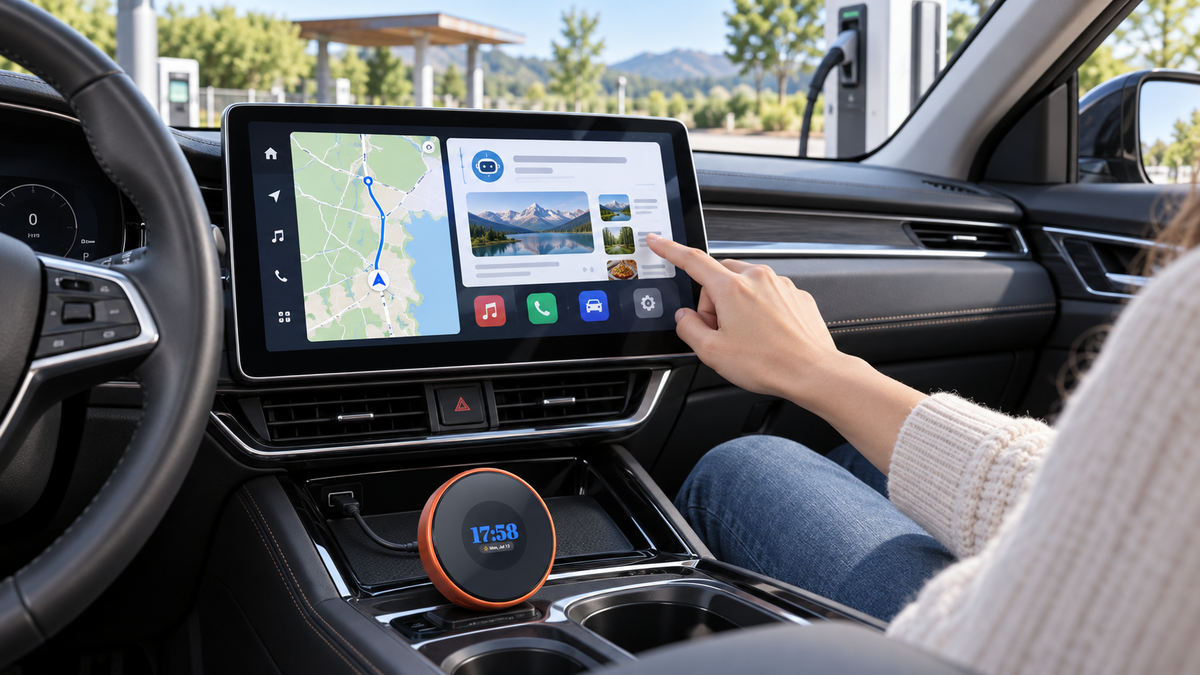
Instead of relying entirely on your factory display, the LAMTTO RC32 adds its own 11-inch smart display to the vehicle.
It supports both wireless Apple CarPlay and Android Auto, making it a convenient option for households that use different smartphone ecosystems.
This type of solution can make more sense when:
- Your existing display is too small.
- Your infotainment system feels outdated.
- You want a larger modern touchscreen.
- You want both CarPlay and Android Auto.
- You don't want to replace the factory stereo.
Because RC32 provides its own display, the decision is less dependent on what your original dashboard screen can do.

RC31 vs RC32: Which Approach Makes More Sense?
Although both provide broader smartphone connectivity, they solve different problems.
| RC31 AI Box | RC32 AI Display | |
|---|---|---|
| Apple CarPlay | Yes* | Yes* |
| Android Auto | Yes* | Yes* |
| Uses Existing Factory Screen | Yes | No |
| Adds a New Display | No | Yes |
| Built-in Smart System | Yes | Yes |
| Best For | Drivers happy with their existing compatible screen | Drivers who want a larger/newer screen |
| Main Idea | Make your existing system smarter | Add a smarter display |
*Compatibility requirements still apply. Always check the specific vehicle and product requirements before purchasing.
A simple way to think about it is:
Already have a good compatible factory screen? → Consider RC31
Want to upgrade the screen itself? → Consider RC32
How to Check What Your Car Supports
Before buying any CarPlay or Android Auto product, spend a few minutes checking your vehicle.
Step 1: Check the infotainment menu
Look for:
Apple CarPlay
Android Auto
Smartphone Integration
or
Phone Projection
Step 2: Test the USB connection
Connect your phone to the vehicle's data-enabled USB port.
See whether CarPlay or Android Auto launches.
Step 3: Test wireless connectivity
Disconnect the cable and check whether the system can establish CarPlay or Android Auto wirelessly.
Step 4: Check your owner's manual
Search for your exact:
Year + Make + Model + Trim
Different trims can have different infotainment systems, even within the same model year.
Which Should You Choose: CarPlay or Android Auto?
You don't necessarily need to “choose.”
If you only use an iPhone, Apple CarPlay will naturally be your primary system.
If you only use Android phones, Android Auto makes more sense.
But if you're buying a new car accessory, it can be worth considering what happens in the future.
You may switch phones.
Your partner may use a different phone.
Another family member may regularly drive the same vehicle.
In those situations, a device supporting both CarPlay and Android Auto can provide more flexibility.
Before Buying Any CarPlay or Android Auto Upgrade
Use this quick checklist:
Your Car
- Does it have Apple CarPlay?
- Does it have Android Auto?
- Does it support both?
- Is the connection wired or wireless?
- Does the factory display support touch control?
Your Phone
- iPhone or Android?
- Will multiple people use the vehicle?
The Product
- Does it require factory CarPlay?
- Does it require factory Android Auto?
- Does it support both phone ecosystems?
- Are there any vehicle-specific restrictions?
Taking two minutes to answer these questions can prevent compatibility problems later.
Final Thoughts
Apple CarPlay and Android Auto are similar in purpose but built around different smartphone ecosystems.
At the simplest level:
Apple CarPlay → iPhone
Android Auto → Android
But when choosing an adapter, AI Box, or smart display, don't stop there.
Not every product supports both protocols, and some devices have very specific vehicle-side requirements. RC38, for example, requires compatible factory wired Apple CarPlay on the vehicle side.
If you want more flexibility and don't want your upgrade choice to depend as heavily on whether you use an iPhone or Android phone, products such as RC31 and RC32 provide broader CarPlay and Android Auto options within their compatible use cases.
RC31 makes more sense when you want to keep a compatible existing screen and make the system smarter.
RC32 makes more sense when you want to add a new, larger smart display while gaining CarPlay and Android Auto connectivity.
Ultimately, don't ask only:
“Do I use Apple or Android?”
Ask:
“What does my car support, and what kind of upgrade do I actually want?”
Once you know those two things, choosing the right solution becomes much easier.

Leave a comment
All comments are moderated before being published.
This site is protected by hCaptcha and the hCaptcha Privacy Policy and Terms of Service apply.