





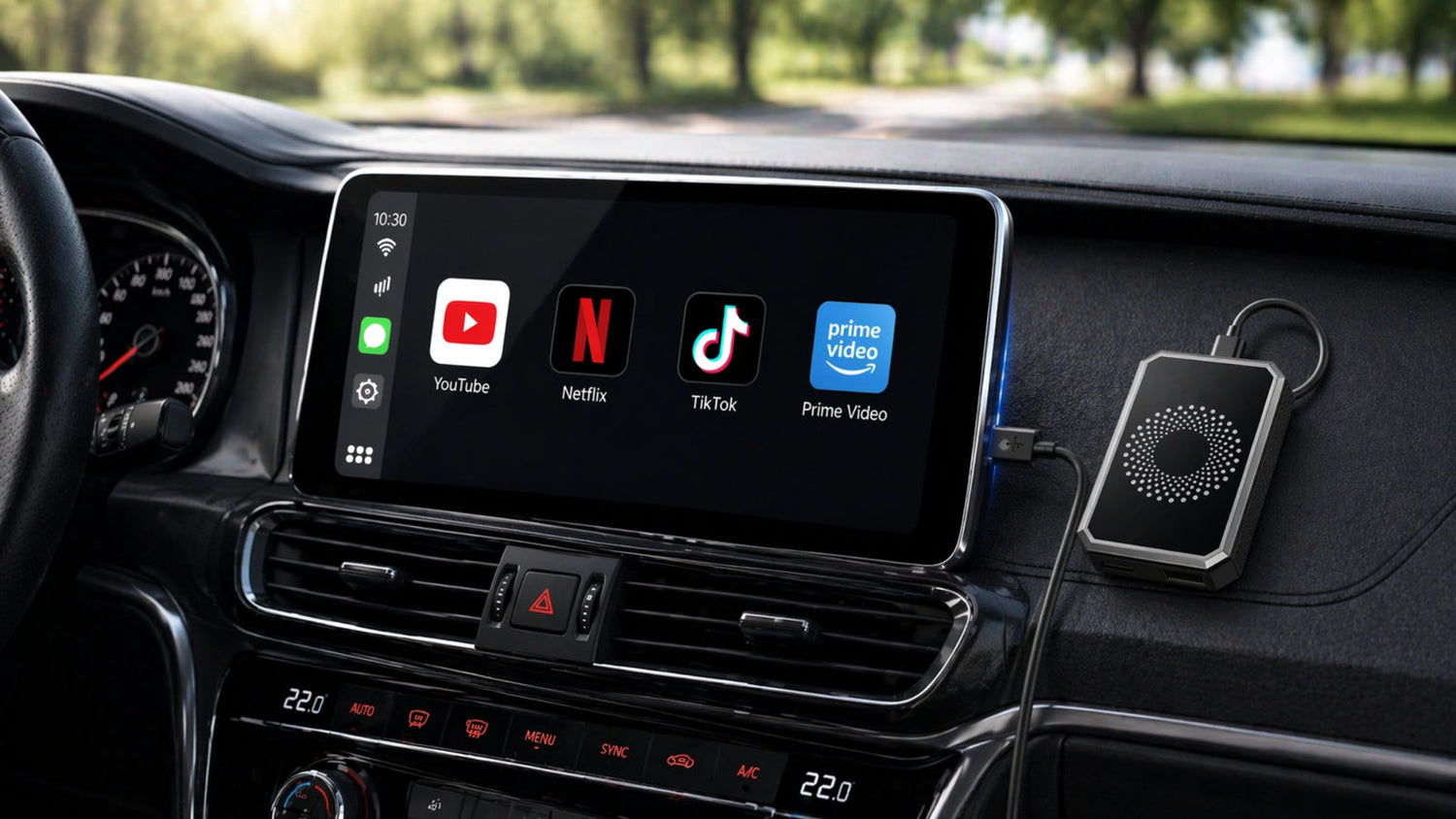
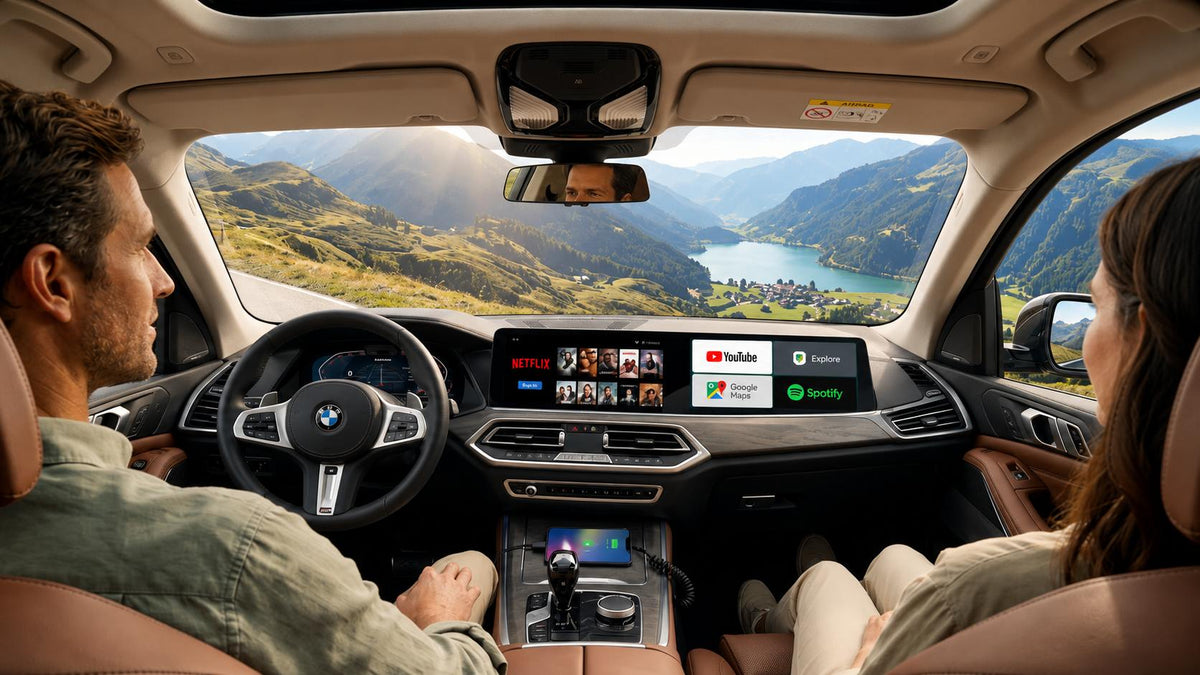
Using a smart adapter like the Lamtto RC23 can make everyday driving more convenient by bringing commonly used functions—such as navigation, music, and video apps—into one screen. It allows you to access content more easily without switching between devices, which is especially useful during breaks, waiting time, or long trips.
In actual use, however, some users may encounter issues when using video apps such as YouTube, Netflix, or TikTok, including videos not playing, apps not loading, or features not appearing as expected.
In most cases, these issues are not caused by hardware faults. They are usually related to network connection, app settings, or system configuration.
This guide provides step-by-step solutions to help you resolve common video-related issues.
📺 Why Videos Are Not Playing on Lamtto RC23
Video playback depends on several factors:
- Internet connection stability
- App version and updates
- Compatibility with your car’s display system
👉 Most issues can be resolved with a few simple checks.
🔧 How to Fix Lamtto RC23 Video Issues
1. YouTube Not Working
Issue:
YouTube cannot open or play videos.
Solution:
- Turn on your car and ensure RC23 is connected
- Tap Settings on the RC23 screen
- Select Version
- Tap System Upgrade
- Install any available update
- Restart the device
- Open YouTube again
2. Netflix Not Working
Issue:
Netflix cannot log in or play content.
Solution:
- Turn on your phone hotspot or connect to WiFi
- On RC23, go to Settings → WiFi
- Select your network and connect
- If already connected: Unplug RC23, Wait 5–10 seconds, Plug it back in.
- Reopen Netflix
💡 A stable connection is required for streaming.
3. Netflix Not Full Screen
Issue:
Netflix does not display in full screen.
Explanation:
The display is adaptive, depending on your car screen ratio.
Check:
- Play a video
- Tap the screen
- If playback controls extend across the screen → working normally
4. TikTok Not Working
Issue:
TikTok does not load or shows a black screen.
Solution:
- Open Settings
- Go to Apps / App Management
- Select TikTok Lite
- Tap Storage
- Tap Clear Cache
- Restart the app
5. TikTok Missing in App List
Issue:
TikTok is not visible in “All Apps”.
Solution:
- Open App Store
- Search for TikTok Lite
- Install and log in
If still not available:
- Go to Settings → More → System
- Tap Reset Option
- Restart device
- Reinstall TikTok Lite
6. Apps Require Update
Issue:
Apps show “Update Required”.
Solution:
- Go to Settings
- Tap Sign in to Google
- Log in your account
- Open App Store / Play Store
- Update apps
7. Video Quality Is Blurry
Issue:
Video playback appears unclear.
Explanation:
Video quality is automatically adjusted based on:
- Network speed
- Screen resolution
- System compatibility
❓ FAQ
Why can’t I play videos on my RC23?
Usually due to network or app issues. Updating the system and checking connection often resolves it.
Why is Netflix not working?
Netflix requires a stable internet connection. Reconnecting the device can help.
Why is TikTok missing?
You may need to install TikTok Lite from the App Store.
✅ Final Thoughts
Most video-related issues on the Lamtto RC23 are caused by configuration or connection conditions, rather than hardware problems.
Following the steps above should help restore normal usage in most situations.
📩 Need Help?
If you have any questions or need further assistance, please feel free to contact us:
We’re here to help.

Leave a comment
All comments are moderated before being published.
This site is protected by hCaptcha and the hCaptcha Privacy Policy and Terms of Service apply.