





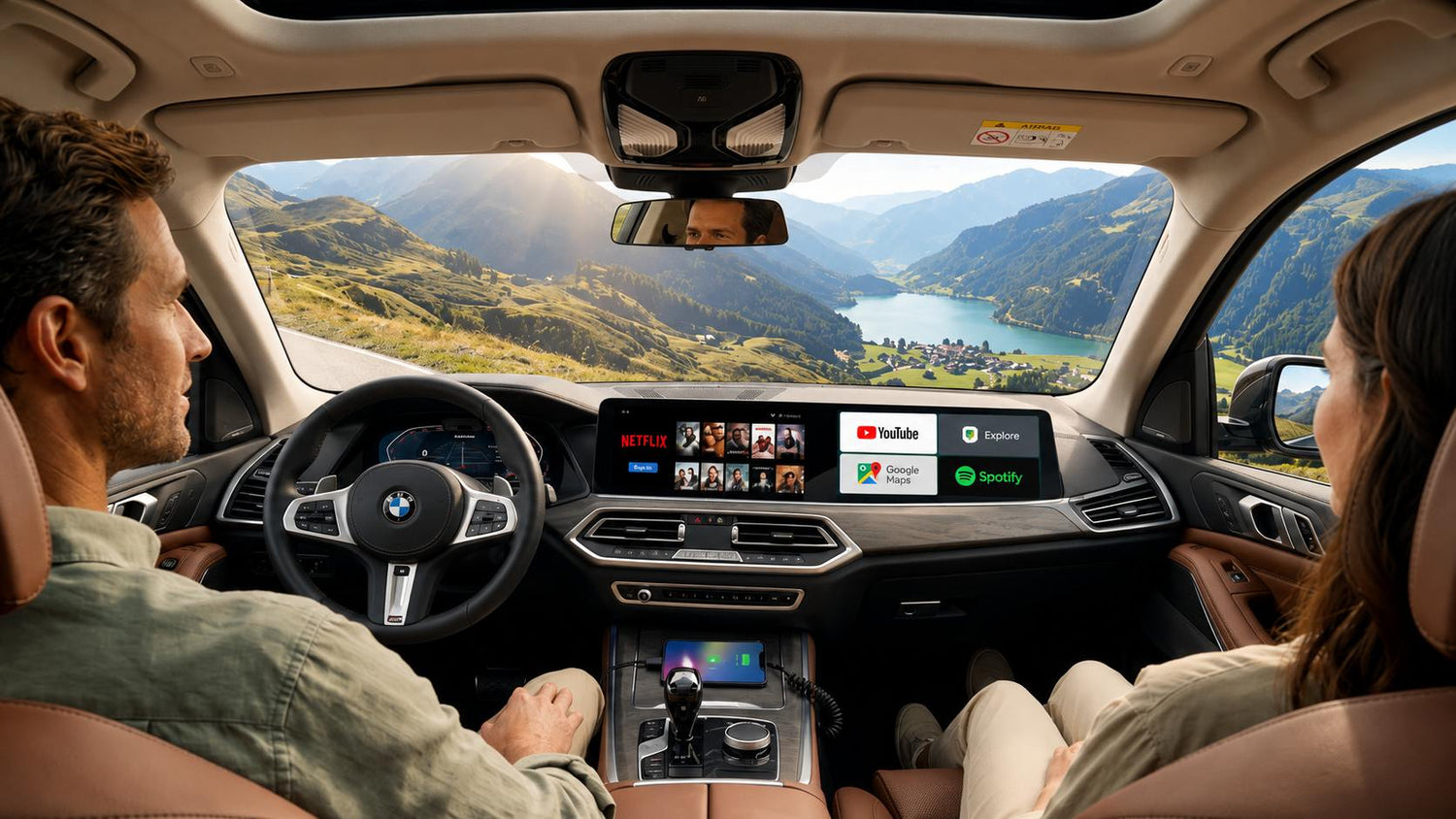
Streaming movies and TV shows has become part of everyday life, and many drivers wonder whether it's possible to enjoy Netflix on their vehicle's infotainment screen.
The answer is yes—but only under the right circumstances.
Watching Netflix in your car can make road trips, camping, charging stops, and family travel more enjoyable. However, it's important to understand when it's appropriate to watch and when it isn't.
This guide explains the safest ways to use streaming apps in your vehicle while keeping yourself, your passengers, and everyone else on the road safe.
Is It Legal to Watch Netflix on a Car Screen?
The legality depends on who is watching and when.
In many regions, video content that is visible to the driver while the vehicle is moving is restricted or prohibited because it can distract the driver. Laws vary by country and state, so always follow the regulations where you drive.
As a general rule:
✅ Safe and Appropriate
- Passengers watching during a road trip
- Watching while the vehicle is safely parked
- Entertainment during charging stops (EVs)
- Camping or tailgating
- Waiting to pick someone up
❌ Never Recommended
- The driver watching while driving
- Playing movies where they distract the driver
- Using streaming apps instead of paying attention to traffic
- Looking away from the road to watch videos
The driver's attention should always remain on driving.

When Watching Netflix Makes Sense
There are plenty of situations where in-car entertainment can improve the travel experience without compromising safety.
During Rest Stops
Long road trips are more enjoyable when you take regular breaks. Instead of sitting in silence, passengers can relax with an episode of their favorite show while everyone stretches, eats, or recharges before continuing the journey.
While Waiting in the Car
Parents often spend time waiting outside schools, sports practices, or appointments. Streaming a movie or TV episode can make these waiting periods much more enjoyable.
During EV Charging
Charging sessions can take anywhere from several minutes to longer depending on the charger and vehicle.
Many EV owners use this time to:
- Watch Netflix
- Catch up on YouTube
- Listen to podcasts
- Browse the web
Camping and Outdoor Adventures
Whether you're camping in a national park or relaxing after a day of hiking, your vehicle can become part of your entertainment space.
Watching a movie after sunset is a popular way to unwind before heading to sleep.
Family Road Trips
Keeping passengers entertained can make long journeys feel much shorter.
Children can enjoy age-appropriate movies while adults focus on driving, helping create a calmer and more enjoyable travel experience.
Ways to Watch Netflix in Your Vehicle
There are several ways to bring streaming entertainment to your car.
1. Smartphone Screen Mirroring
Many drivers mirror their phone to the infotainment display using supported wireless or wired technologies.
Advantages
- Simple setup
- Uses your existing phone
- No additional subscriptions
Limitations
- Consumes phone battery
- Phone may become warm during extended use
- Requires your phone to remain connected
2. Built-In Vehicle Entertainment Systems
Some newer vehicles include native entertainment platforms that support streaming services.
Benefits include:
- Factory integration
- Large display
- Smooth user experience
Availability varies by vehicle manufacturer and market.
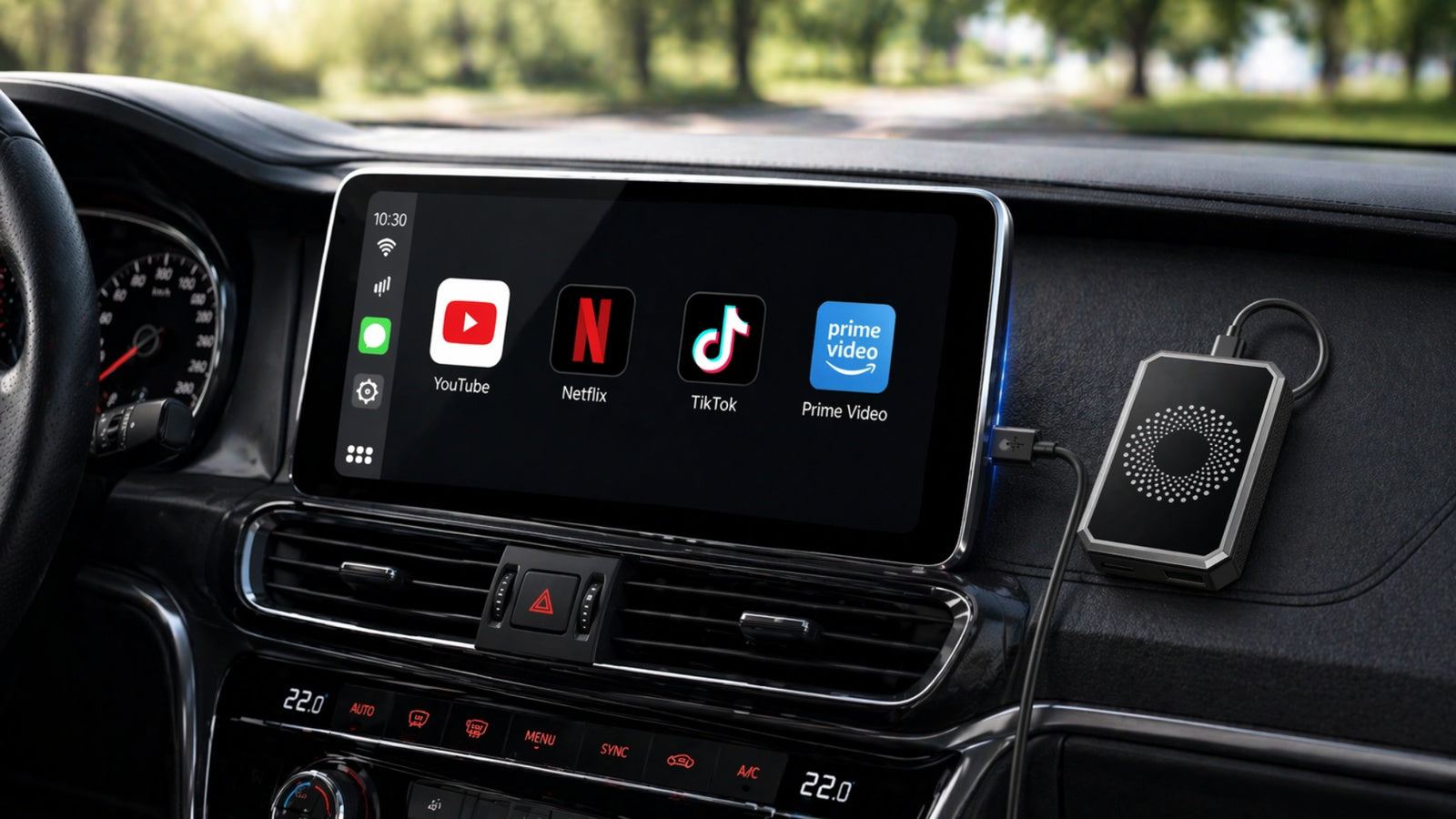
3. Android-Based AI Boxes
Android-based multimedia devices can expand compatible factory infotainment systems by providing access to Android apps through Google Play.
Depending on the device, users can install supported streaming services, navigation apps, music platforms, and productivity tools.
This approach can provide a more flexible entertainment experience than relying solely on a smartphone.

Tips for a Better Streaming Experience
To enjoy smoother playback:
- Connect to a stable internet connection.
- Download content in advance if supported.
- Keep your apps updated.
- Use high-quality USB cables and accessories.
- Adjust screen brightness for daytime visibility.
If you're traveling through remote areas, downloading movies before departure can help avoid interruptions caused by weak mobile coverage.
Safety Tips Every Driver Should Remember
Entertainment should never come at the expense of safety.
Follow these simple guidelines:
- Let passengers control playback whenever possible.
- Start your movie before the journey begins or after you've parked.
- Avoid interacting with streaming apps while driving.
- Keep navigation visible when you're actively driving.
- Pull over safely if you need to change settings.
The safest trip is always one where the driver stays fully focused on the road.
Enjoy Streaming Without Constantly Relying on Your Phone
Many drivers use their smartphones for navigation, music, streaming, and internet sharing during every trip. While convenient, keeping a phone connected for hours can drain the battery, generate heat, and occupy the device when you may need it for other tasks.
For drivers looking for a more integrated solution, the LAMTTO RC31 5G LTE AI Box adds Android functionality to compatible factory infotainment systems. With Android 15, Google Play access, built-in 5G LTE connectivity, and support for popular apps such as Netflix, Disney+, Prime Video, YouTube, Spotify, Google Maps, and Gemini AI, it allows compatible streaming and navigation apps to run directly from the vehicle display.
For safety, video content should only be enjoyed when the vehicle is parked or by passengers while the vehicle is in motion. The driver should never watch videos while driving.
Frequently Asked Questions
Can I legally watch Netflix while driving?
Drivers should not watch Netflix while driving. In many places, displaying video content to the driver while the vehicle is moving is restricted or prohibited. Passengers, however, may be able to watch depending on the vehicle setup and local laws.
Can passengers watch Netflix during a road trip?
Yes. Passengers can enjoy streaming entertainment during long journeys, provided it does not distract the driver.
Do I need an internet connection?
Yes. Streaming Netflix requires an internet connection unless the content has been downloaded for offline viewing through the Netflix app.
Can I use Google Play to install Netflix?
On compatible Android-based in-car systems that include Google Play, supported apps such as Netflix, YouTube, Spotify, and Disney+ can typically be installed directly from the store.
Is using my phone as a hotspot the only option?
No. Some in-car Android devices support independent mobile connectivity, reducing the need to rely on a phone for internet access.
Final Thoughts
Watching Netflix in your car can make road trips, family vacations, camping adventures, and charging stops more enjoyable—when used responsibly.
The key is simple: keep entertainment for passengers or times when the vehicle is safely parked. By combining good judgment with the right in-car technology, you can enjoy your favorite shows without compromising safety.
Whether you're planning your next cross-country road trip or simply waiting to pick up your family, a well-designed in-car entertainment setup can make every journey more comfortable while keeping your attention where it belongs—on the road.


Leave a comment
All comments are moderated before being published.
This site is protected by hCaptcha and the hCaptcha Privacy Policy and Terms of Service apply.