





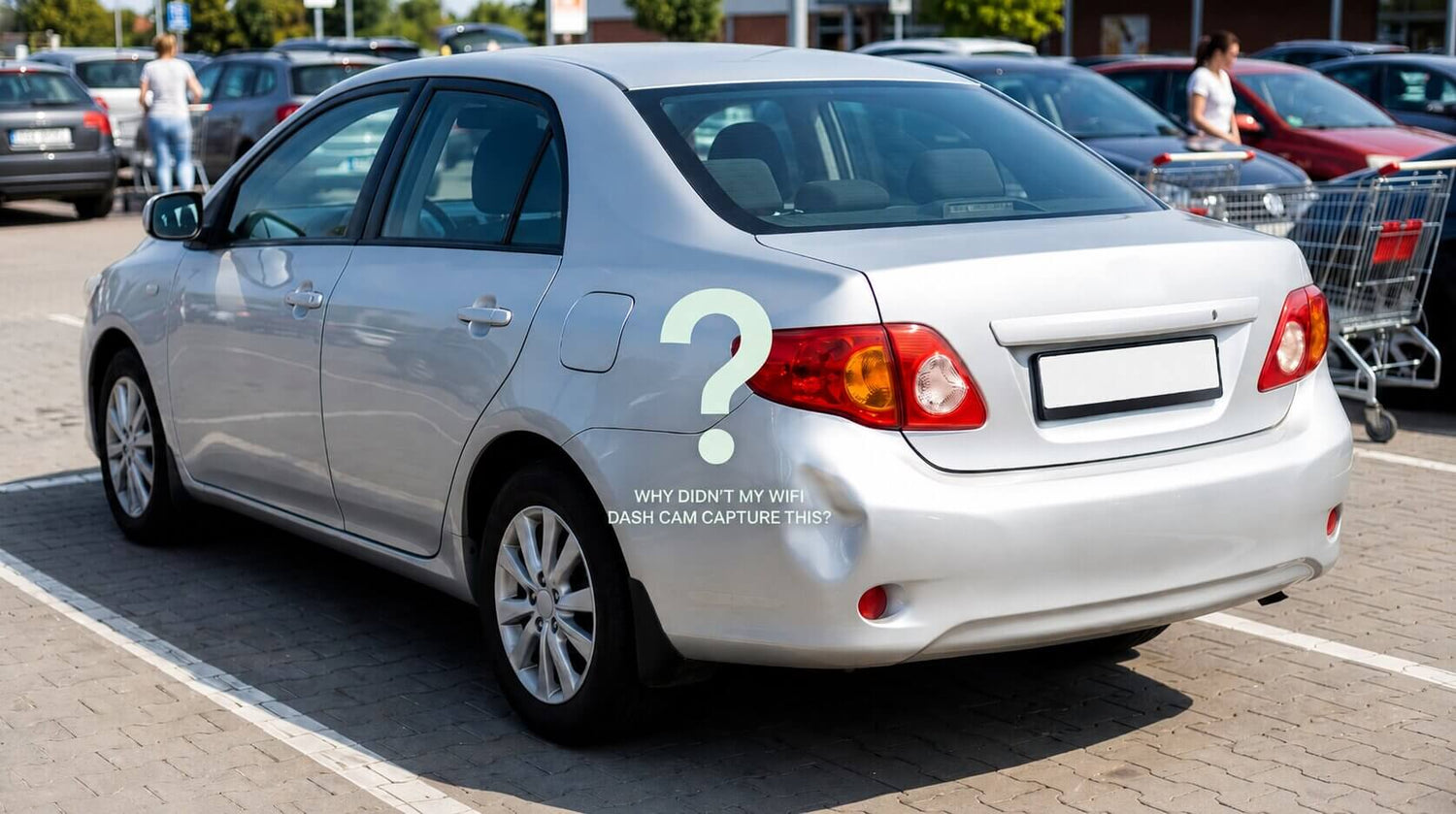
You bought a dash cam. You installed it. You feel safer.
Then you walk out of a grocery store to find a fresh dent on your bumper. No note. No witnesses. You rush to check your dash cam footage — and realize it wasn't recording. Or worse, it recorded, but the impact file got overwritten during the drive home.
This happens more often than you think. And the reason isn't that your dash cam is broken. It's that WiFi dash cams were designed for driving — not for parking.
The Parking Problem Nobody Talks About
of all vehicle damage claims happen when the car is parked — not on highways, not at intersections. In parking lots, driveways, and street spots.
Yet most dash cam buyers focus entirely on driving scenarios:
- "Does it record in 4K?"
- "What's the field of view?"
- "Does it have night vision?"
All important questions. But none of them matter if your car gets hit while you're inside a restaurant eating dinner.

How WiFi Dash Cams (Try to) Handle Parking
Most modern dash cams offer "Parking Mode." It sounds great in the description — the camera stays on to monitor your car while it's parked.
The reality is more complicated:
Problem 1: Hardwiring Required
To use parking mode, you typically need to hardwire the camera to your car's fuse box. If you're comfortable doing that — great. If not, you're paying a professional installer another $50–100.
Plug-in (cigarette lighter) installations usually don't support parking mode at all.
Problem 2: Battery Anxiety
Even with voltage cut-off protection, many drivers worry about draining their car battery. This leads people to:
- Set parking mode to turn off after a few hours
- Turn parking mode off entirely
- Disconnect the camera on cold nights
Every hour parking mode is off is an hour your car is unprotected.
Problem 3: The Notification Void
This is the biggest one. Even if your WiFi dash cam successfully records a parking incident — you won't know until you physically check the footage.
Someone hits your car at 11 AM. You get back at 3 PM. Four hours have passed. The offending car is long gone. And if your camera has loop recording enabled with a small SD card, that clip might already be overwritten.
No alert. No notification. No cloud backup. You're essentially hoping the evidence survives long enough for you to find it.
Why This Happens: WiFi ≠ Always Connected
A WiFi dash cam's "wireless" connection only works within a short range (usually around 30 feet). When you walk away from the car, the connection breaks. The camera is now an island — recording to an SD card with no way to reach you.
A 4G LTE dash cam works differently. The camera has its own cellular connection — a SIM card with a data plan, just like your phone. It's always online, whether the car is running or parked, allowing it to connect to the cloud and your smartphone anywhere on earth.

What a 4G LTE Dash Cam Does Differently
🚨 Instant Crash Detection + Push Alert
When the G-sensor or millimeter-wave radar detects impact or motion:
- Camera auto-starts recording (even from low-power standby)
- Push notification hits your phone within seconds
- Clip auto-uploads to the cloud
You open the app. You see what happened. You walk back to your car with evidence in hand — while the person who hit you is still maybe in the parking lot.
📍 GPS Location, Always Live
Your car's location is tracked in real time and viewable in the app. This is useful beyond theft scenarios:
- Teen driver just got their license? You know where the car is.
- Sharing a vehicle with your spouse? See who has it without texting.
- Vacation rental car? Track usage and location.
☁️ Cloud Backup — Not SD Card Roulette
The auto-upload feature means important clips don't live (and die) on a single vulnerable SD card. Even if someone steals the camera, the cloud footage remains accessible.


Real Scenarios: WiFi vs 4G LTE
| Scenario | WiFi Dash Cam | 4G LTE Dash Cam |
|---|---|---|
| Door ding at Target | Hope you notice and check the footage | Alert on your phone as it happens |
| Key scratch in apartment lot | Footage might be overwritten by morning | Cloud clip saved, reviewable now |
| Tow truck damages bumper | Zero notification | Instant alert + GPS location |
| Break-in attempt overnight | Camera may be stolen with the SD card | Footage already in the cloud |
| Car borrowed by family member | No idea how it was driven | GPS track + live view anytime |
"But I Already Have a Dash Cam..."
If you already own a WiFi dash cam, here's how to get the most out of it:
- ✅ Do: Use the highest-capacity SD card your camera supports (256GB+)
- ✅ Do: Enable the most sensitive G-sensor setting
- ✅ Do: Periodically check footage, especially after parking in busy lots
- ❌ Consider upgrading if: You park on streets, in apartment lots, or travel frequently
If you're buying new, weigh the cost of a decent WiFi dash cam ($80–150) against a 4G LTE model ($140–180). The price gap has narrowed significantly, and a $40 difference buys you:
- Real-time alerts (priceless after one incident)
- Cloud backup
- GPS tracking
- True remote live view
For many drivers, parking protection is becoming just as important as recording while driving — especially in apartment complexes, public parking lots, or busy city areas where incidents often happen when nobody is around.
A standard WiFi dash cam can still be useful for saving footage locally, but it usually depends on you being near the vehicle to access recordings or receive updates. For drivers who want to stay connected to their car while away from it, a 4G LTE setup offers a more active form of monitoring.
That’s one reason why some drivers are turning to cellular-connected models like the LAMTTO DC22, which supports features such as remote access, parking alerts, GPS tracking, and cloud-based monitoring for added visibility when the car is parked.


Leave a comment
All comments are moderated before being published.
This site is protected by hCaptcha and the hCaptcha Privacy Policy and Terms of Service apply.