

Daily commute
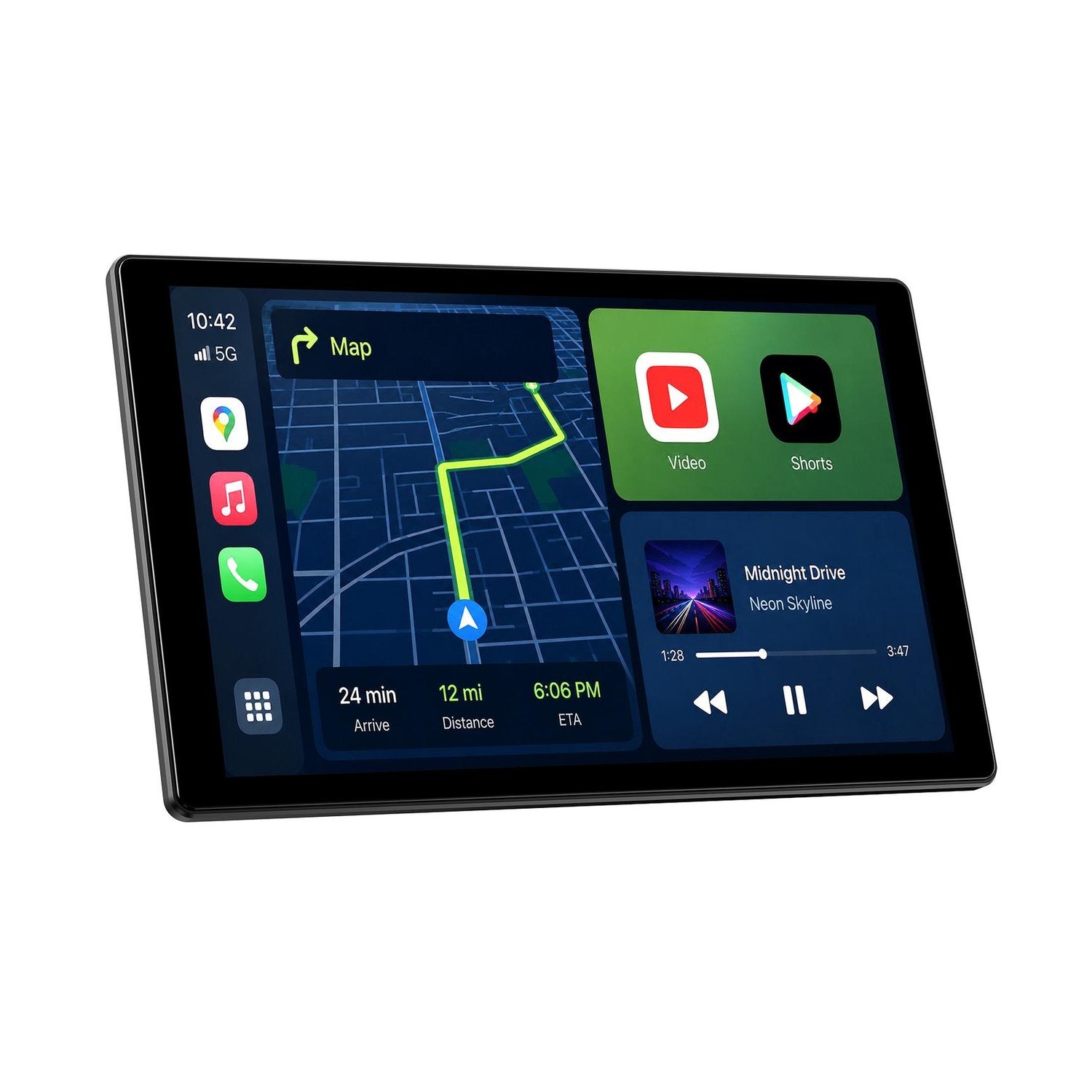
Keep navigation, calls and music controls in one familiar interface.

2 in 1 AI box Adapter

Wireless Adapter



Cellular Dash Cam

4 Channel Dash Cam

KEY FEATURES
Wait less, Protect more:Enjoy fast, free shipping worldwide on all Lamttto Product.
Instock item delivery Time :3-7 business days
All of Lamtto's in-stock Carplay are prioritized for shipment from the local warehouse closest to you in the US, UK, CA, JP,EU, and AU.

Plug and play to save on installation costs. All Lamtto Carplay have Guide video for you .
All Lamtto CarPlay products come with a 12-month guarantee.
Everything you need, nothing complicated
RC37 turns the phone features you use every day into a clearer, driver-friendly experience—navigation, music, calls, messages and voice assistance, all on one responsive display.
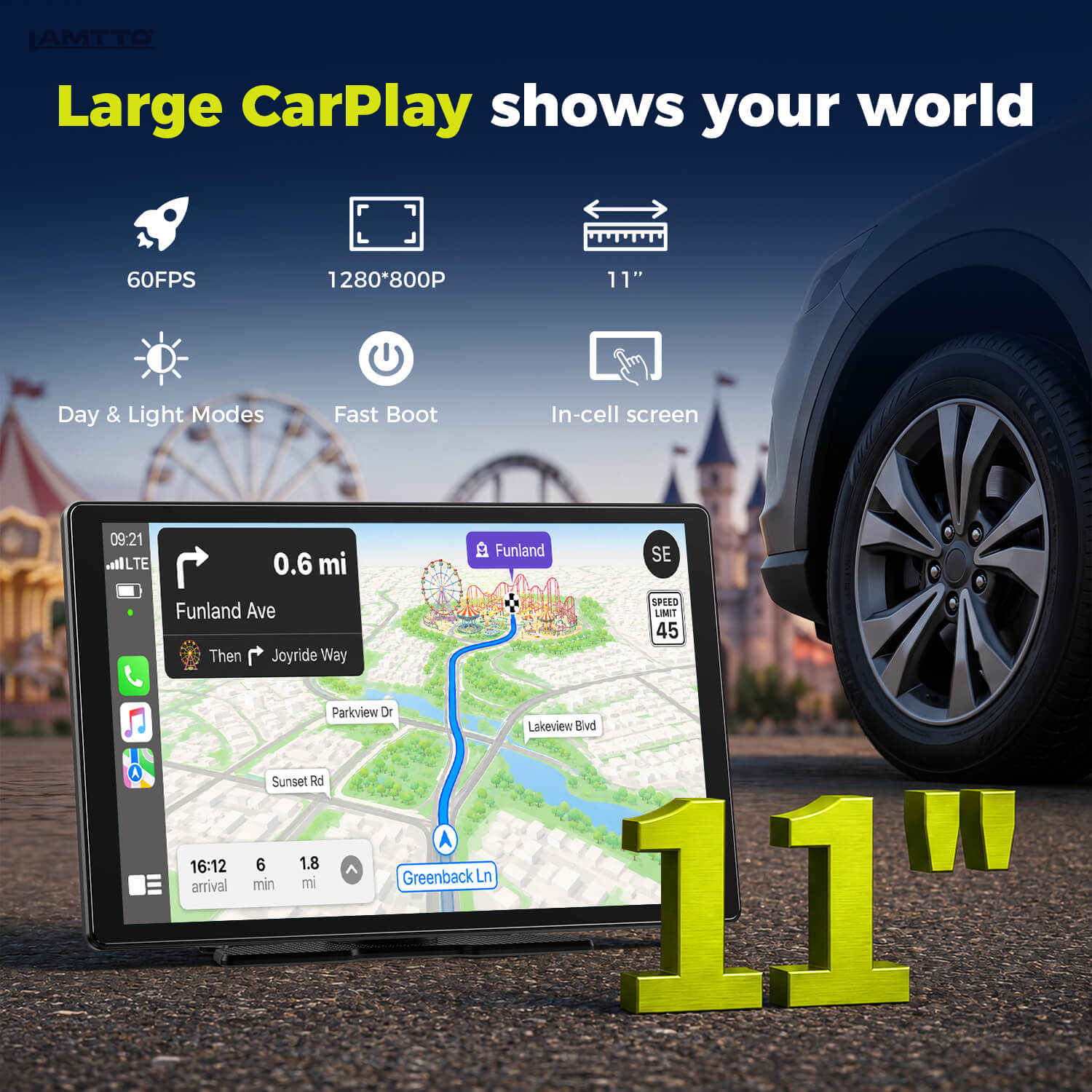
Premium In-Cell display
The wide 11-inch In-Cell touchscreen gives maps, album art and driving information more room to breathe. Its laminated construction improves clarity and keeps touch controls feeling direct.
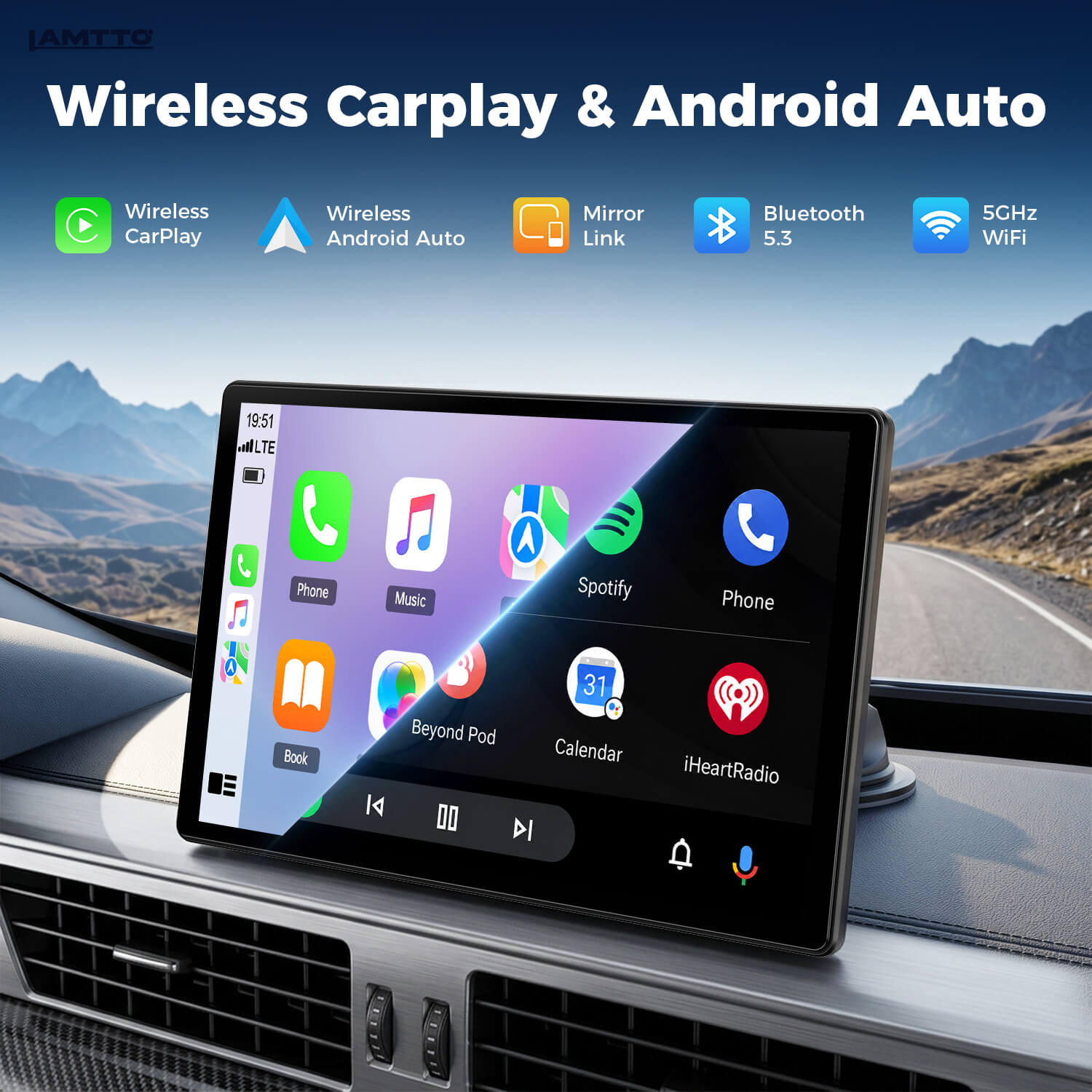
Wireless CarPlay & Android Auto
Connect a compatible iPhone or Android phone to access navigation, music, calls, messages and supported voice controls from the RC37 screen.
Designed for real drives
A larger display gives maps, calls, music and trip information a clear home—without forcing you to rebuild the dashboard.
Keep navigation, calls and music controls in one familiar interface.
See the route at a glance while supported voice controls reduce phone handling.
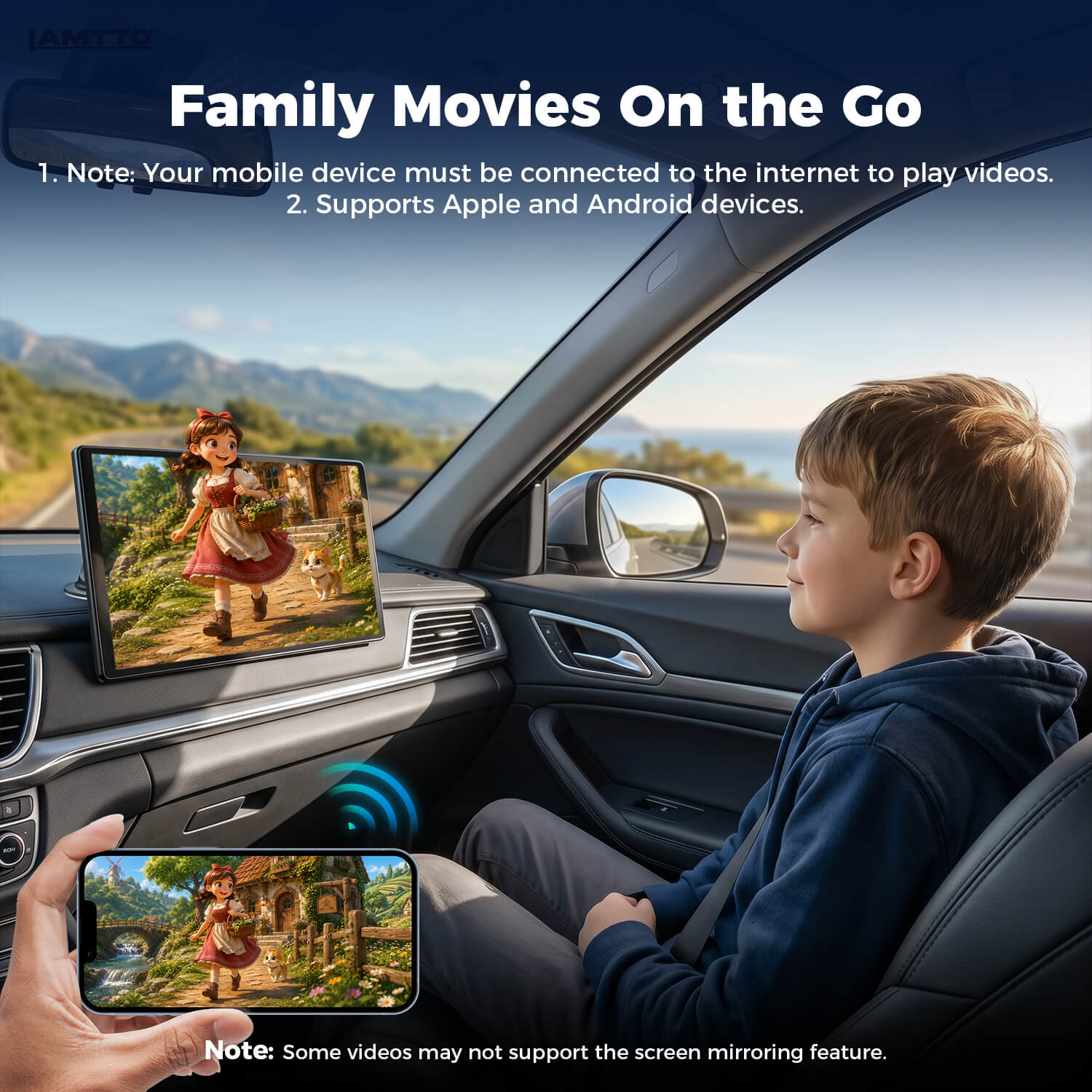
Use the 11-inch display for easier map reading and passenger-friendly parked entertainment.
Keep supported calls and directions visible for deliveries, client visits and long driving days.
Your phone, your favorite apps
Use supported driving apps through wireless CarPlay or Android Auto. For compatible phone-screen content, switch to Super Link mirroring while safely parked.
App availability and behavior depend on your phone, operating system, region and each app's CarPlay, Android Auto or mirroring policy. Video content is for parked use only; some DRM-protected services may restrict mirrored playback.
Wireless AirPlay Mirror Link
CarPlay and Android Auto provide a driver-focused interface for supported apps. Super Link is the separate mirroring mode: it shows compatible phone-screen content on RC37 for trip planning, photos and passenger-friendly viewing while parked.
First-time wireless connection
Turn on both Bluetooth and Wi-Fi before setup. Select the matching mode on RC37, pair the Bluetooth name shown on screen, then approve the requested phone permissions.
For a compatible iPhone, choose CarPlay mode, pair Bluetooth and accept the contacts and permission prompts.
For a compatible Android phone, choose Android Auto mode, then pair and approve the requested permissions.
Voice, navigation and communication
Siri and Google Assistant run through the connected phone. Ask for a route, play supported music, send a supported message or make a call while keeping your phone down.
Use supported voice commands for navigation, calls and music without reaching for the phone.
Keep directions and supported calls in one clear view for deliveries, client visits and long driving days.
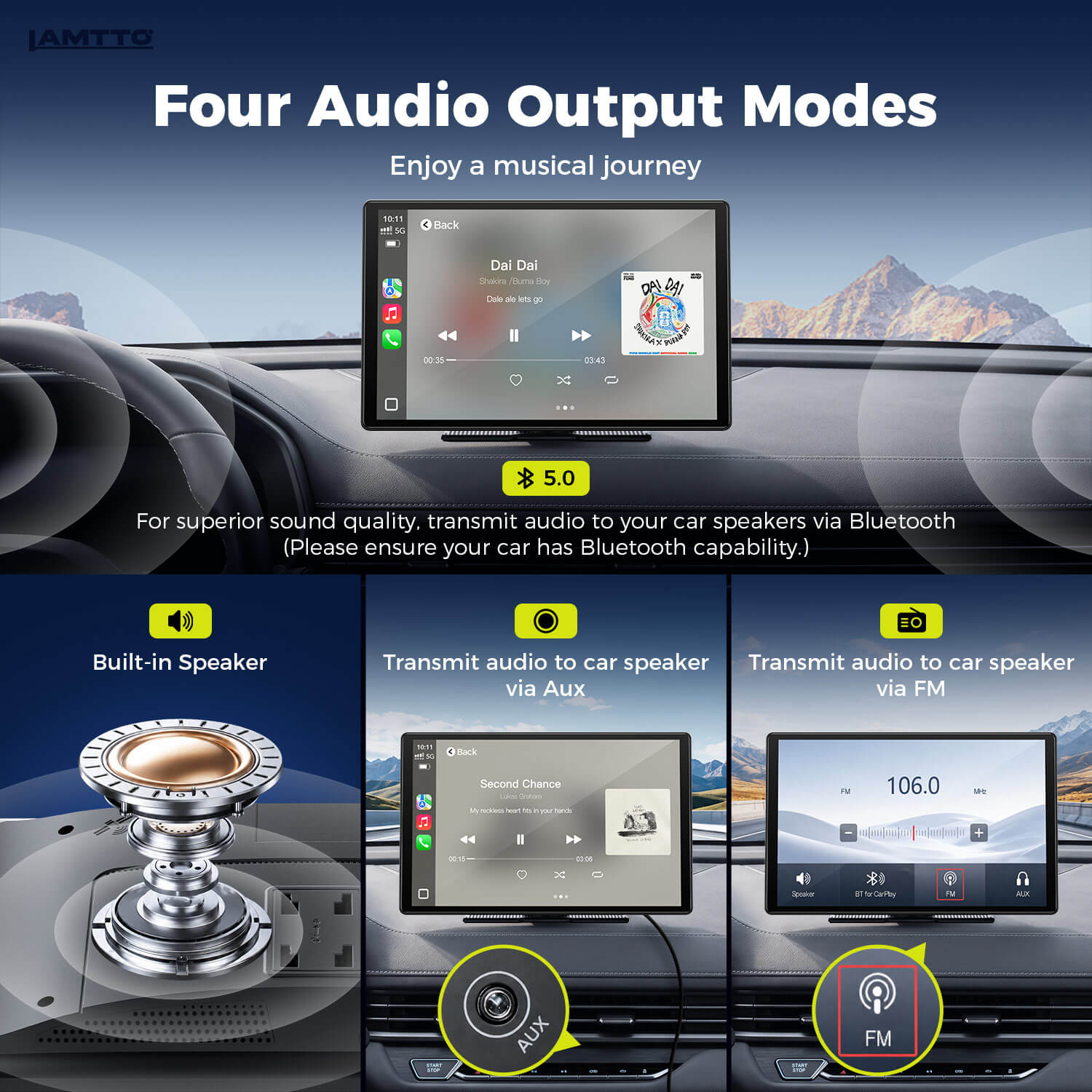
Clear audio, your way
Use RC37's speaker for a quick setup, or route sound through compatible vehicle audio for a fuller in-car experience.
Readable through changing conditions
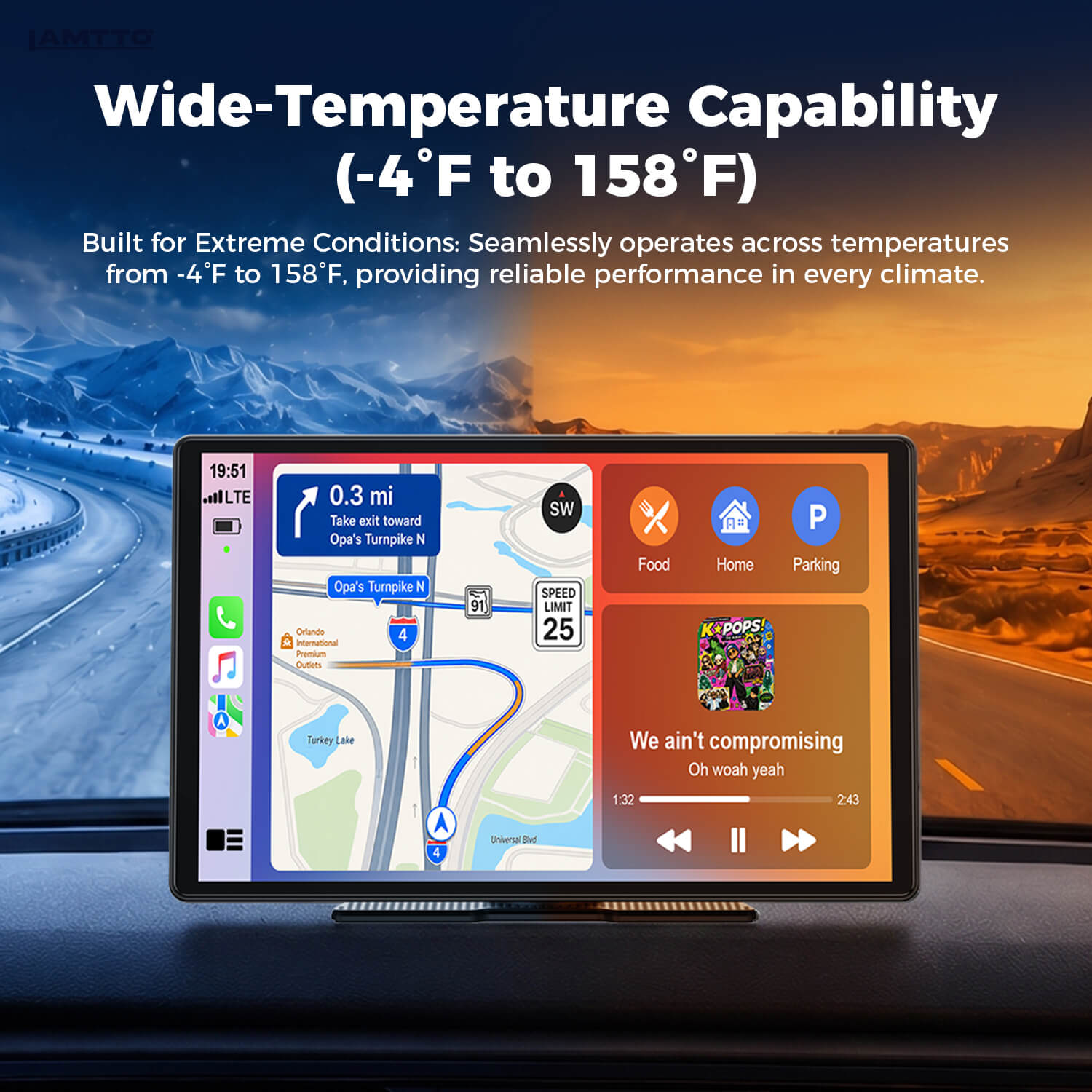
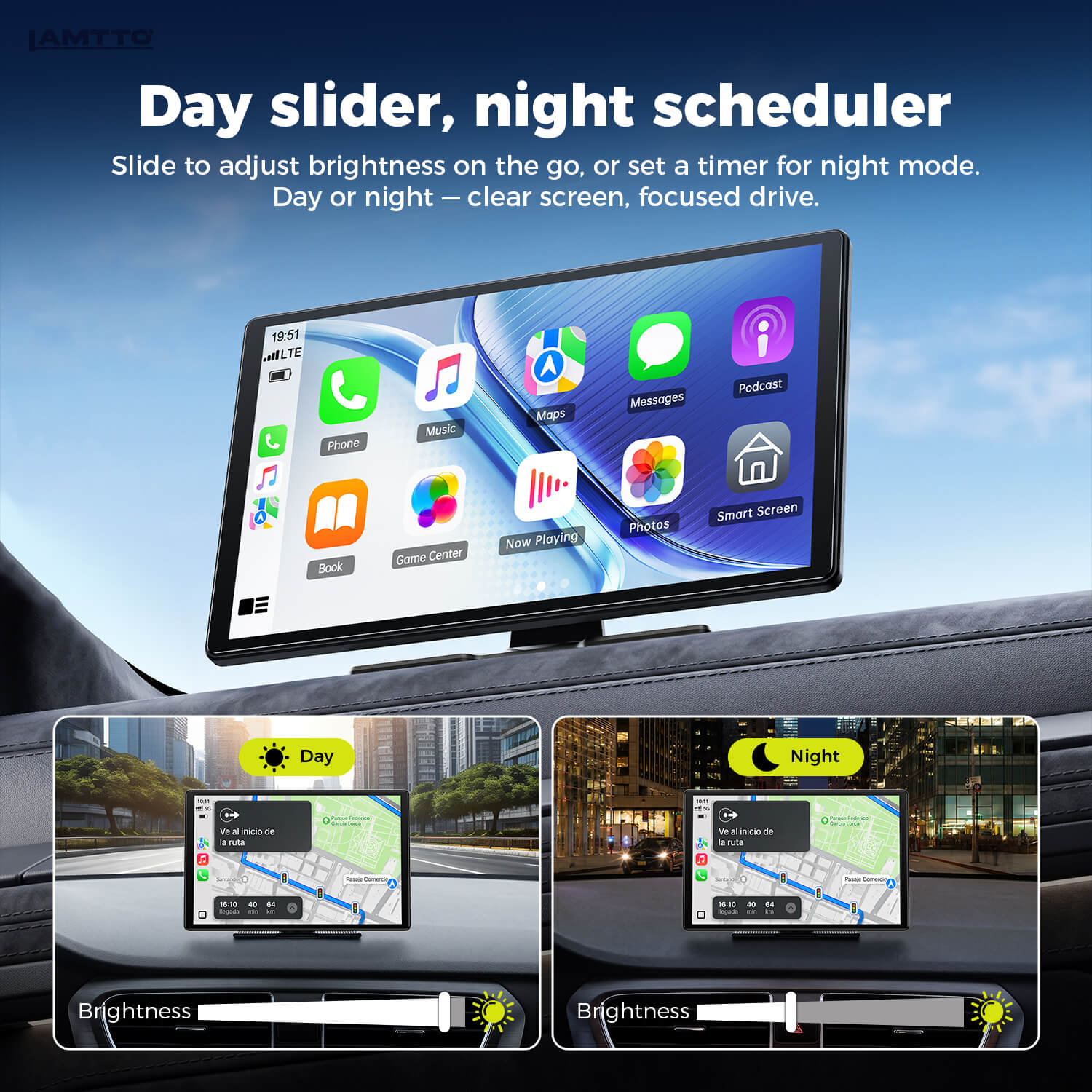
Adjust brightness manually for the road around you, or schedule night mode for a softer screen after dark. The specified operating range helps prepare RC37 for seasonal temperature changes.
Manual brightness and scheduled night mode help match the screen to changing light.
Designed for changing seasons. Follow the manual and avoid unnecessary prolonged direct-sun exposure.
Wi-Fi OTA updates
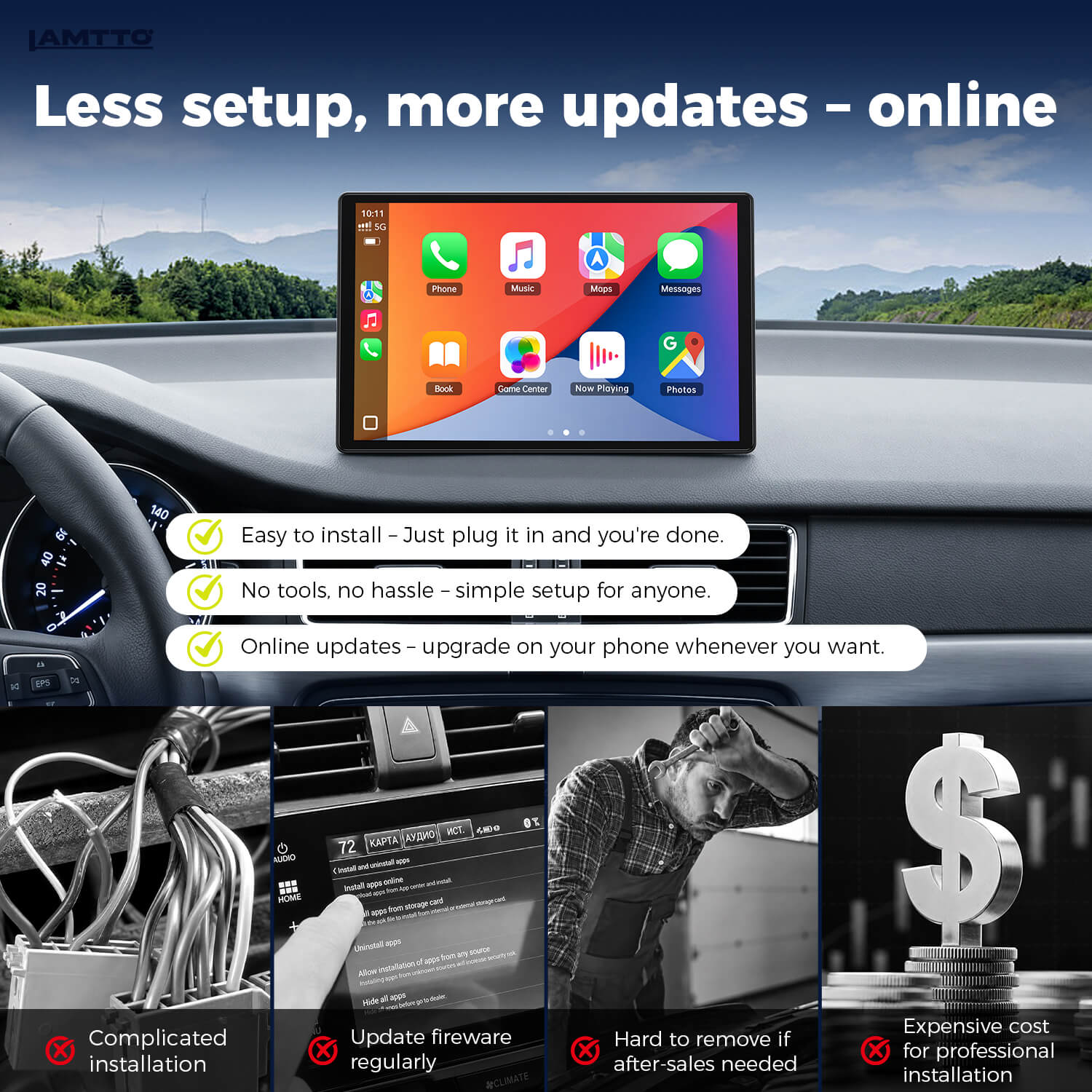
When supported firmware is available, connect RC37 to Wi-Fi or a phone hotspot and follow the update prompts directly on screen.
No stereo replacement required
RC37 is a portable display, so you can add a modern interface without removing the original radio or changing the factory system.
The supplied package includes the 11-inch display, mounting hardware, power adapter, AUX cable, cable clips, adhesive pads and user manual. Confirm the exact contents of your regional package before ordering.
Technical specifications
The essential display, connection, audio and installation details—clearly organized before you order.
Phone, app and mirroring availability can vary by operating system, region, app policy and DRM restrictions. Video content should only be used while the vehicle is safely parked.
Before you order
RC37 does not require factory CarPlay. It is designed as a portable standalone display for vehicles with a suitable power source and enough dashboard or windshield mounting space.
Use an iPhone that supports Apple CarPlay or an Android phone that supports Android Auto.
Confirm that your vehicle has the correct power connection for the included RC37 power cable.
Choose a secure position that does not obstruct the driver's view, airbags or essential controls.
Questions & answers
No. RC37 is a portable standalone screen and does not require factory CarPlay. Your vehicle needs a compatible power source and a safe location for the display.
Yes. It supports wireless Apple CarPlay for compatible iPhones and Android Auto for compatible Android phones.
Examples include Phone, WhatsApp, Spotify and Apple Music through supported CarPlay or Android Auto functions. Compatible content from YouTube, Disney+, Hulu, Prime Video, Apple TV+ and Vimeo may be viewed through Super Link mirroring while parked, subject to the phone, operating system, region, app policy and DRM restrictions.
CarPlay and Android Auto provide a driver-focused interface for supported apps. Super Link mirrors compatible phone-screen content. Mirroring does not convert every phone app into a CarPlay or Android Auto app.
Navigation is provided through compatible phone apps such as Apple Maps, Google Maps or Waze. The phone supplies the navigation data and may require an active mobile-data connection.
No. RC37 does not provide a split-screen mode. Use the selected CarPlay, Android Auto or Super Link interface one mode at a time.
RC37 provides four audio options: its built-in speaker, AUX output, Bluetooth connection to compatible car audio and FM transmission. Available sound quality can vary by vehicle setup.
Connect RC37 to Wi-Fi or a mobile hotspot, open the update option on the screen and follow the prompts when a supported firmware update is available.
RC37 supports compatible phone-mirroring functions. Availability varies by phone and app, and DRM-protected streaming services may restrict playback. Video should only be used while safely parked.
Yes. RC37 supports manual brightness control and a scheduled night mode, allowing you to choose a more comfortable display level after dark.
It fits many cars, trucks and SUVs, but dashboard shape and available mounting space vary. Check the screen dimensions and make sure the chosen position will not block your view or interfere with airbags and controls.
Easy Installation: Upgrade in Minutes
Watch our step-by-step guide to see how easily you can transform your dashboard—no tools or wire-cutting required.